

Torii Open Platform: Panorays, Ramp, Jamf Plugins and the API
 John Baker
•
Sep 12, 2023
•
5 min read
•
Updated October 12, 2026
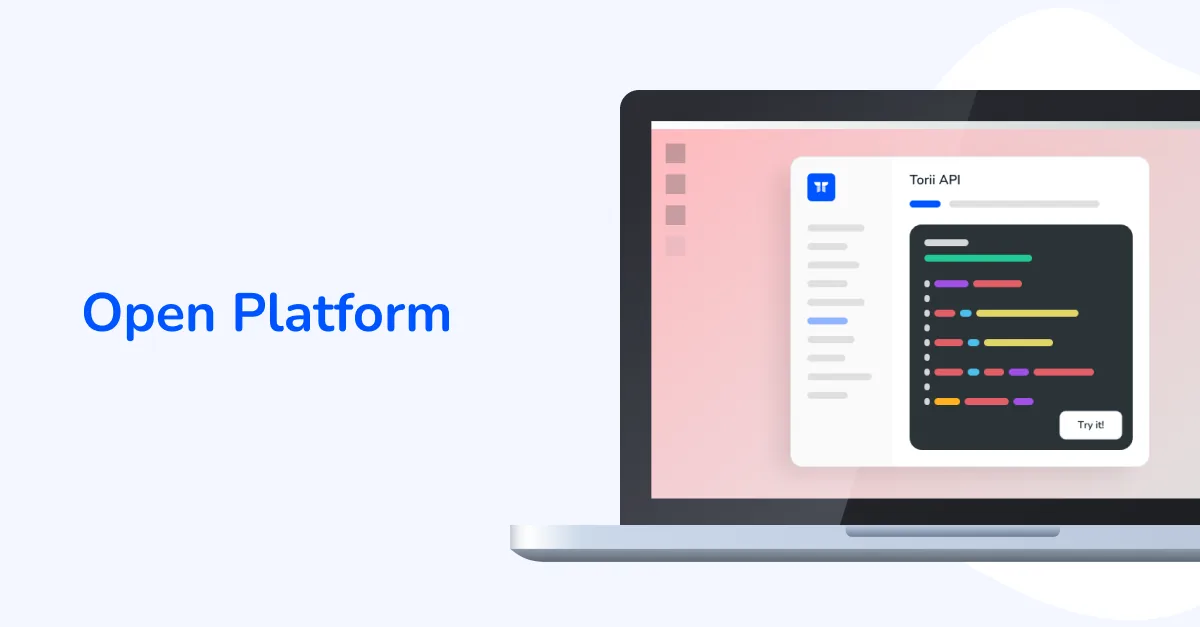
See how Torii's open platform brings Panorays, Ramp and Jamf data into each app through plugins, and where the Panorays and Torii API documentation lives.
Ask about this article
Opens Claude in a new tab to answer, using this article as the source.
Sick of platforms that aren't really platforms? With Torii, you get a SaaS Management Platform that lets you connect with external systems, pull critical insights, and build new capabilities.
Note: September 2023 Launch
This post covers the September 2023 launch of Torii's Open Platform, including third-party plugins and the developer community. Learn more in Torii's webinars.
Plugin Marketplace and Widgets: Ramp, Panorays and Jamf
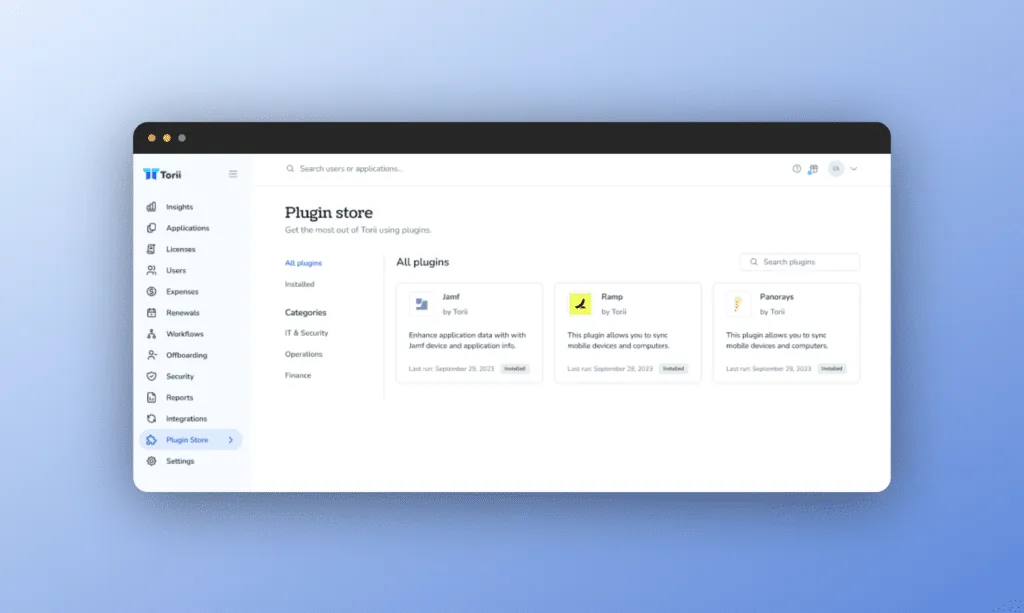
Torii's Plugin Marketplace revolutionizes SaaS management by centralizing insights from your external systems, including initial offerings like Ramp, Panorays, and Jamf. The ability to send Audit Logs via email is also available. But the marketplace isn't static. Rather, it's designed to evolve with your help. As it grows, developers can build, install, and share custom plugins through the marketplace. Best of all, you can view data from these plugins directly within Torii, erasing the need to switch between multiple tools. Pair this with Torii’s Open Platform, and you have a SaaS management environment that's as flexible as you need it to be.
Mold the future of your SaaS operations in a way that propels your organization forward:
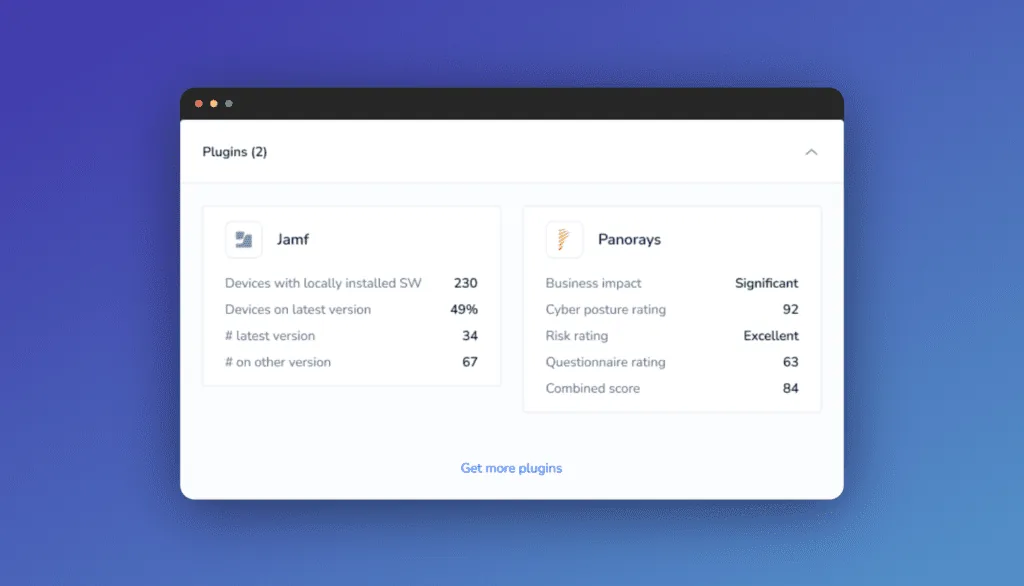
- Unified Insights: Directly pull data from specialized tools like Ramp, Panorays, and Jamf into Torii, viewing them as integrated widgets for a consolidated perspective.
- Plug and Play: Adding a new plugin is as simple as selecting it from the Plugin Marketplace. The data from the added tool will automatically be integrated into Torii.
- Expandable Ecosystem: The open architecture allows you to build your own custom plugins or use those designed by our developer community, allowing you to tailor Torii to your evolving needs.
- Inform Your Workflows: Take fast action based on insights by creating workflows in Torii.
How the Panorays Plugin Works in Torii
Panorays is a third-party (vendor) security risk management platform. The Panorays plugin brings that vendor risk context into Torii, so it sits next to everything Torii already knows about each app.
- What it does: Install the plugin from the Plugin Marketplace, and its data lands on the matching app as app fields. Because the plugin includes a widget, that data shows on the Overview tab when you view the application, as key-value pairs: a field label and its value.
- Use cases: See a vendor's security risk context from Panorays alongside who uses the app, who owns it, and what it costs, all in one place. That context is useful during access reviews, renewals, and vendor assessments, without switching tools. When something needs attention, Torii workflows can act on it.
- Where the API docs live: The Panorays API itself is documented by Panorays. The Torii side (plugins, app fields, API keys, the API explorer, and code samples) is documented in the Torii developer docs. Torii's API includes endpoints to create a plugin, generate an API key for a private plugin, publish a new plugin version, and list plugin fields.
- See it in action: To see Panorays, Ramp, and Jamf plugins working inside Torii, request a demo and the team will walk you through it.
Developer Community and Torii API Documentation
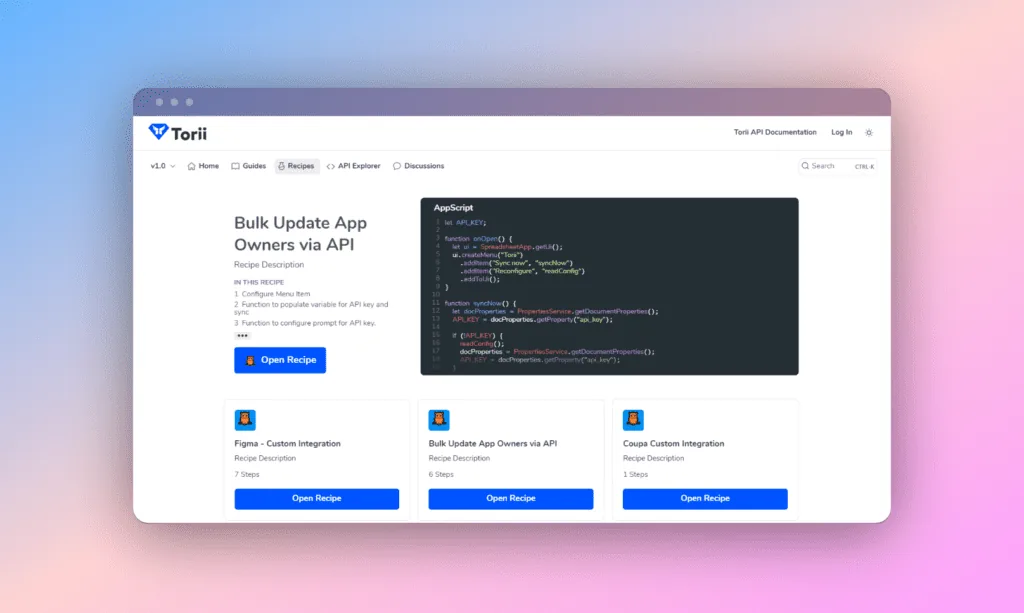
We're doubling down on our commitment to an open platform by creating a developer community. The community includes guides, recipes, API explorer, discussion forums, and documentation to help you build, share, and benefit alongside others.
- Build the Future of SaaS Management: Do you have strong opinions and a penchant for building? Torii's developer community offers all the tools to tailor your IT experience within the Torii platform and build upon it.
- Unparalleled API Access: Make real-time API calls to Torii and see request and response data immediately. Check out our API documentation and generate code samples in different programming languages for each API endpoint. Prefer the terminal? The Torii CLI is a command line tool built on the Torii API.
- Join a Quality IT Community: Find a group of like-minded pros, developers, and Torii SMEs. Collaborate, test, iterate, and share innovative ideas within the discussion forums.
Cover Your SaaS with Torii's Open Platform
SaaS is ever-evolving, and as your needs and use cases evolve, trust the only SaaS Management Platform that lets you build and adapt. With Torii, you get a Platform, not another closed system.
Transform your relationship with SaaS and join a growing community of experts building the future of SaaS Management.
Ready to cut costs, reduce risk, and drive consistent outcomes? Request a demo of Torii to see for yourself.