

6 Tools to Track Cursor Usage and Spend Across Your Team (2026)
 Chris Shuptrine
•
Jun 15, 2026
•
12 min read
Chris Shuptrine
•
Jun 15, 2026
•
12 min read

Compare six tools to track Cursor usage and spend across your team, from shadow AI discovery to per-developer cost visibility.
Ask about this article
Opens Claude in a new tab to answer, using this article as the source.
In February 2026, as TechCrunch reported, “Cursor reached $2 billion in annualized revenue” (source), and the seats spread through engineering orgs faster than finance could track them. Tracking that spend is only half the job; the other half is managing Cursor Business and Enterprise plans so idle seats get reclaimed before they renew. The pricing is the hard part. Since the June 2025 move to a credit-pool model that Cursor describes as “a usage credit pool for the month,” what a seat costs depends on which model each developer picks, so a 25-person Teams plan can swing between $1,200 and $1,800 a month before overages.
Cursor’s own Teams analytics caps history at 30 days and can’t segment by department. It also ignores the personal accounts people sign up for on the side, so a setup with 200 licenses and 40 daily actives is common, and most of that gap stays invisible until the renewal quote lands.
The six tools below each track Cursor usage and spend from a different angle, from shadow-AI discovery to per-developer cost telemetry. Pick the one that matches where your Cursor spend is actually hiding.
Engineering spend on AI coding tools more than tripled in 14 months by one industry benchmark, and Cursor's native Teams analytics only keeps 30 days of history with no department breakdown. On a typical team, roughly 200 paid seats back just 40 daily active users, so most of the spend stays invisible until the renewal quote arrives.
★ = low · ★★ = medium · ★★★ = high
| Tool | Ease | Cost | Usage & Spend Tracking | Reviews |
|---|---|---|---|---|
| Torii | ★★★ | ★★ | ★★★ | ★★★ |
| Vantage | ★★★ | ★ | ★★★ | ★ |
| Zylo | ★★ | ★ | ★★★ | ★★ |
| Productiv | ★★ | ★ | ★★ | ★★ |
| Cledara | ★★★ | ★★ | ★ | ★★ |
| Spendflo | ★★ | ★★ | ★ | ★★ |
Table of Contents
Torii
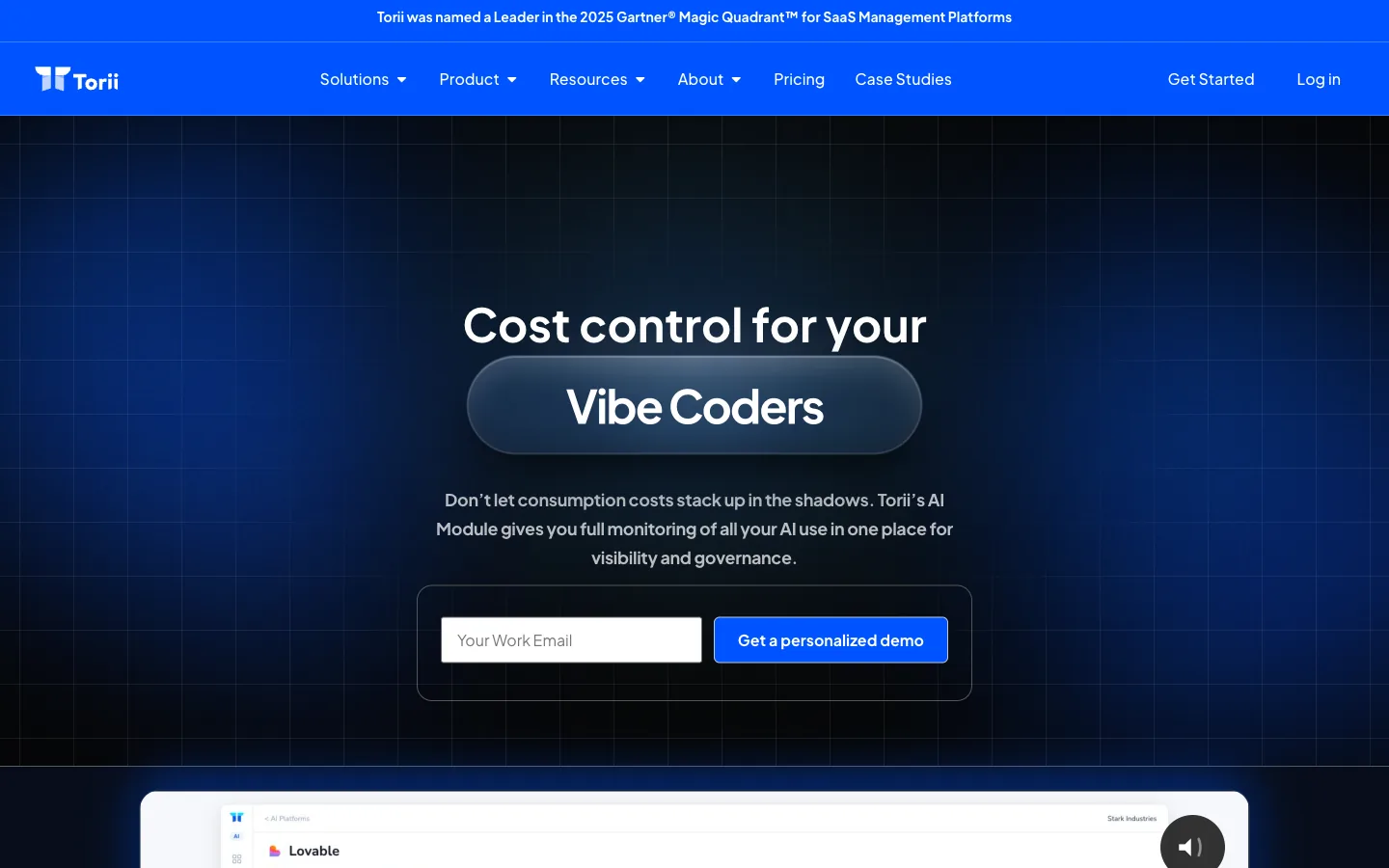
Torii treats Cursor as a discoverable asset before the bill ever lands. The platform finds every Cursor seat across the company by pulling signals from browser activity, SSO logs, HRIS, and finance and expense data, so it catches the seats bought on personal cards or set up outside IT entirely.
The Torii AI Dashboard launched in May 2026 and pulls AI usage, spend, and security risk into one view, slicing Cursor usage by employee, model, and time window while naming Cursor directly alongside Claude Code and ChatGPT. It flags when a team pays for Cursor, Copilot, and Claude at the same time, attaches a dollar figure to each overlap, and marks seats idle for 90 days or more for reclamation. Torii says that idle-seat cleanup cuts AI tool costs by 20 to 35%.
What Torii surfaces that pure cost trackers miss:
- Cursor seats bought on personal cards or outside SSO
- Per-employee usage and spend across every AI tool
- Overlap when teams run Cursor, Copilot, and Claude together
- Renewal exposure before an enterprise true-up
Beyond visibility, it closes the governance loop with renewal alerts, access-request intake, and offboarding that pulls people from shadow apps.
Pros:
- Finds shadow Cursor signups other tools never see
- Ties Cursor spend to specific people and teams
- Flags duplicate AI coding subscriptions inside one team
- Reclaims idle seats automatically before renewal
Cons:
- Pricing reflects enterprise coverage, not entry-level point pricing
- Built for SaaS and shadow-IT discovery, with no on-premise option
| G2: 4.5/5 (303 reviews) | Capterra: 4.9/5 (26 reviews) |
Vantage
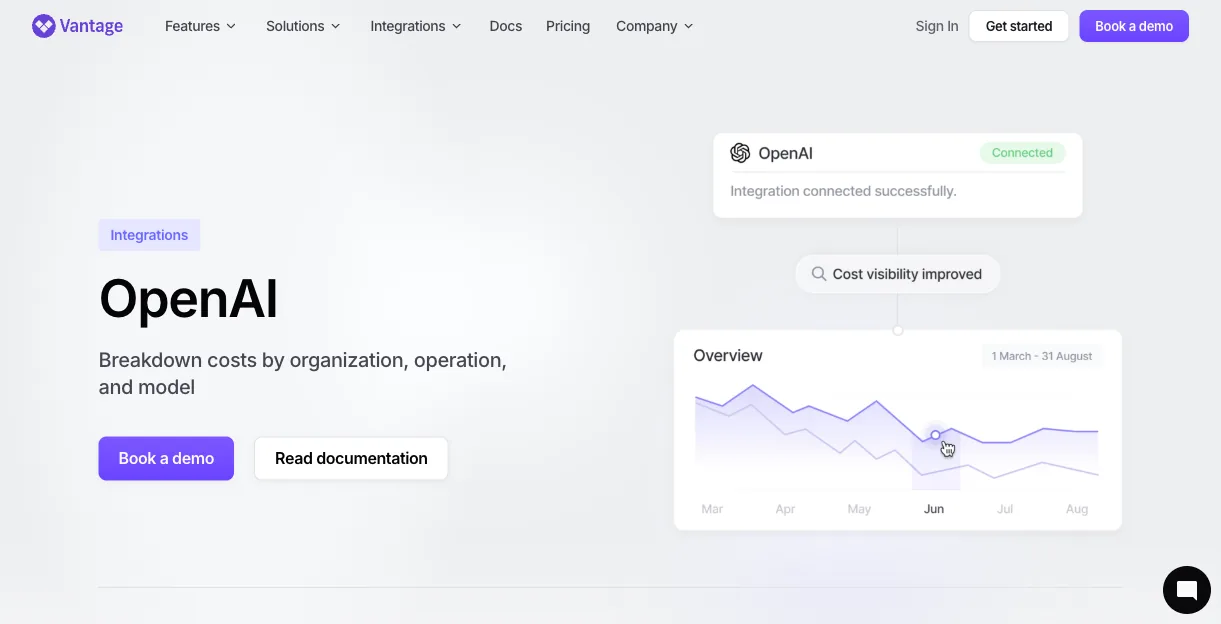
Vantage is the only tool here that plugs straight into Cursor’s Admin API, set up in about five minutes with an API key. It pulls Cursor cost data and breaks it down by developer email, model such as Opus High Thinking, token type, and request type, with a daily refresh.
That level of detail matters under Cursor’s credit-pool model, where the same plan costs wildly different amounts per person. One developer on Auto mode might run $20 a month while a teammate on manual Opus clears $80. Vantage anomaly alerts fire when spend drifts from the norm, and its Virtual Tags route Cursor costs to specific teams or cost centers. A Max Mode filter isolates the expensive max-context requests that quietly drive overages.
Because Vantage already tracks AWS, OpenAI, Anthropic, and 20-plus providers, Cursor spend sits inside full cloud and AI cost context rather than off on its own island.
Where Vantage goes deepest:
- Per-developer, per-model Cursor cost from the Admin API
- Token-type splits across input, output, and cache
- Anomaly alerts when daily spend jumps
- Cursor cost lined up next to AWS and other AI providers
Pros:
- Native Cursor Admin API with no proxy in the request path
- Token-level detail down to the individual developer
- Shows Cursor spend in full cloud cost context
Cons:
- Needs Cursor Enterprise, since the Admin API isn’t on Teams
- Refreshes daily rather than in real time
G2: 4.7/5 (70 reviews)
Zylo
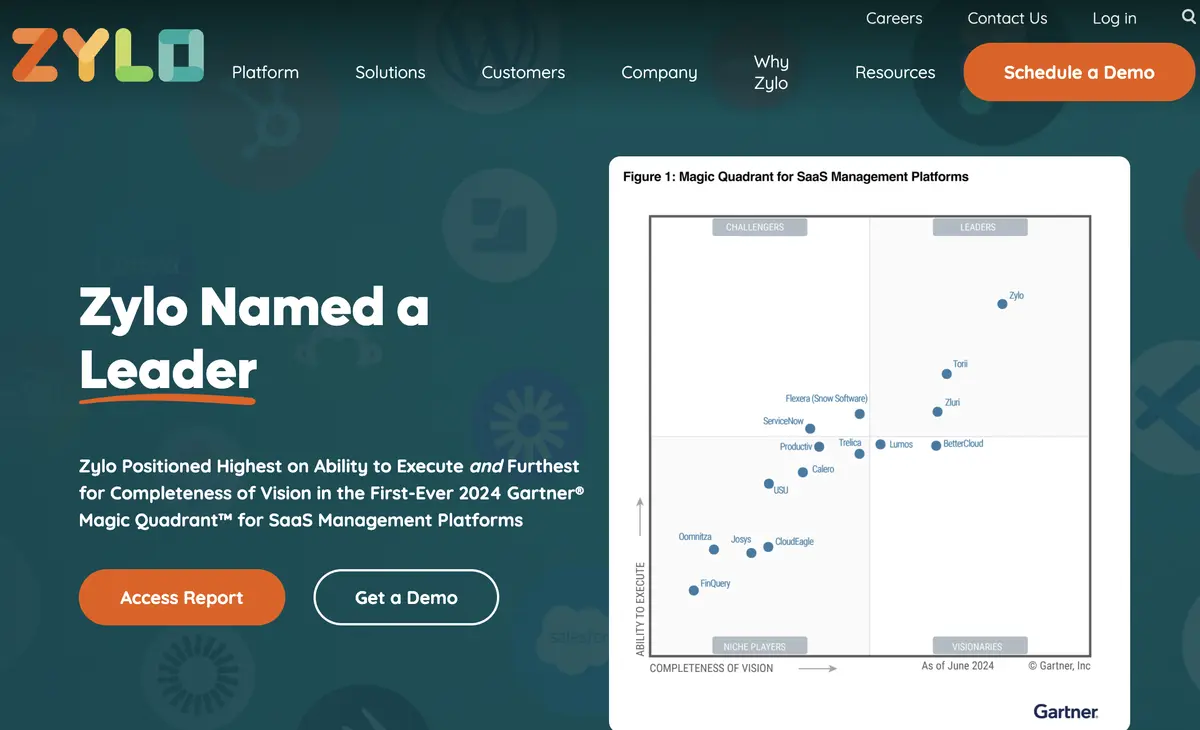
Zylo is an enterprise SaaS spend platform whose discovery engine is trained on more than $75B in invoices. It reads AP and expense data to find the Cursor seats that were bought outside procurement and never logged with IT.
Its 2025 Consumption Cost Management product unifies seat-based SaaS spend with consumption-based AI spend, tracking tokens and credits across OpenAI, Anthropic, Vertex, Databricks, and Snowflake. Each cost ties back to a team or project. For developer tools, a direct GitHub integration surfaces active versus dormant seats, and Zylo’s own data pegs roughly 32% of GitHub licenses as unused, which kicks off reclamation workflows. The same logic carries over to Cursor seats that sit paid but quiet.
The Zylo consumption product also overlays spend against committed contract amounts, so teams watch their burn rate before they trip an overage.
Where Zylo goes deepest:
- Cursor seats found through AP and expense feeds
- Token and credit tracking across major AI providers
- Active versus dormant seat data from developer tools
- Spend velocity measured against contract commitments
Pros:
- Discovery trained on a huge invoice dataset
- Unifies seat spend and token spend in one place
- Native license data for developer tools
Cons:
- Built for enterprise budgets and procurement teams
- No direct Cursor API, so spend arrives via expense data
| G2: 4.8/5 (51 reviews) | Capterra: 4.5/5 (4 reviews) |
Most cost tools only track the Cursor seats IT already knows about. Torii discovers every Cursor account across the company, including the ones bought on personal cards, ties usage and spend back to individual people and models, and flags seats sitting idle for 90 days or more. See the Torii AI Dashboard.
Productiv

Productiv leans on visibility and policy rather than raw financial telemetry, positioning itself as AI portfolio governance. Its standout is feature-level usage analytics across 50-plus engagement dimensions, which goes past logins to show who actually works inside a Cursor seat versus who just holds one.
That depth feeds its license-optimization play, pointing out paid Cursor seats with little real activity so you can pull them back. Productiv detects shadow AI through SSO, expense, CASB, and network data within a day or two, and it scans apps you already own to flag when a vendor quietly bolts on AI, including whether that feature trains on your data. Its AI Compliance Agent enforces policy automatically and extracts AI-specific clauses like training rights and retention from contracts.
There’s no native Cursor or token-level hook in Productiv, so spend visibility arrives through expense and SSO signals rather than direct API data.
Where Productiv earns its spot:
- Feature-level engagement scoring inside each Cursor seat
- Shadow AI detection from SSO, expense, and network data
- Alerts when owned apps quietly add AI features
- Contract clause extraction for training and retention terms
Pros:
- Deepest usage analytics of any tool here
- Catches AI features creeping into existing apps
- Automated policy enforcement for AI tools
Cons:
- No direct Cursor or token-level integration
- Heavier governance focus than per-model cost detail
G2: 4.6/5 (75 reviews)
Cledara
Cledara is built for finance teams and captures AI tool spend at the transaction layer through virtual cards. A Cursor renewal or on-demand overage flows through a Cledara card with its own spend limit, so the charge gets logged the moment it hits the statement.
That real-time capture pairs with an app directory, renewal reminders, cancellation workflows, and accounting syncs to QuickBooks, Xero, and NetSuite for clean reconciliation. Cledara’s market-data arm publishes benchmarks across more than 1,000 customers, and its figures put Cursor at 30.5% adoption while showing AI coding spend roughly tripling in 14 months. As Cledara reports it, “monthly spending on coding tools grew from roughly $217,000 in January 2025 to $670,000 in March 2026. That’s an increase of more than 200%. In 14 months. For a single category.” That gives finance real negotiation context heading into a renewal.
The tradeoff is plain in how Cledara reports: it tracks what was spent on Cursor, not who used which model, so it answers how much rather than who or how.
What Cledara handles well:
- Real-time Cursor charges captured on virtual cards
- Per-software spend limits set on each card
- Renewal reminders and quick cancellation
- Cross-customer benchmarks on Cursor adoption and spend
Pros:
- Transaction-level spend capture as charges happen
- Strong renewal and cancellation controls for finance
- Benchmark data that helps in negotiations
Cons:
- No per-developer or per-model usage detail
- Aimed at finance teams, not engineering analytics
| G2: 4.6/5 (235 reviews) | Capterra: 4.5/5 (11 reviews) |
Spendflo
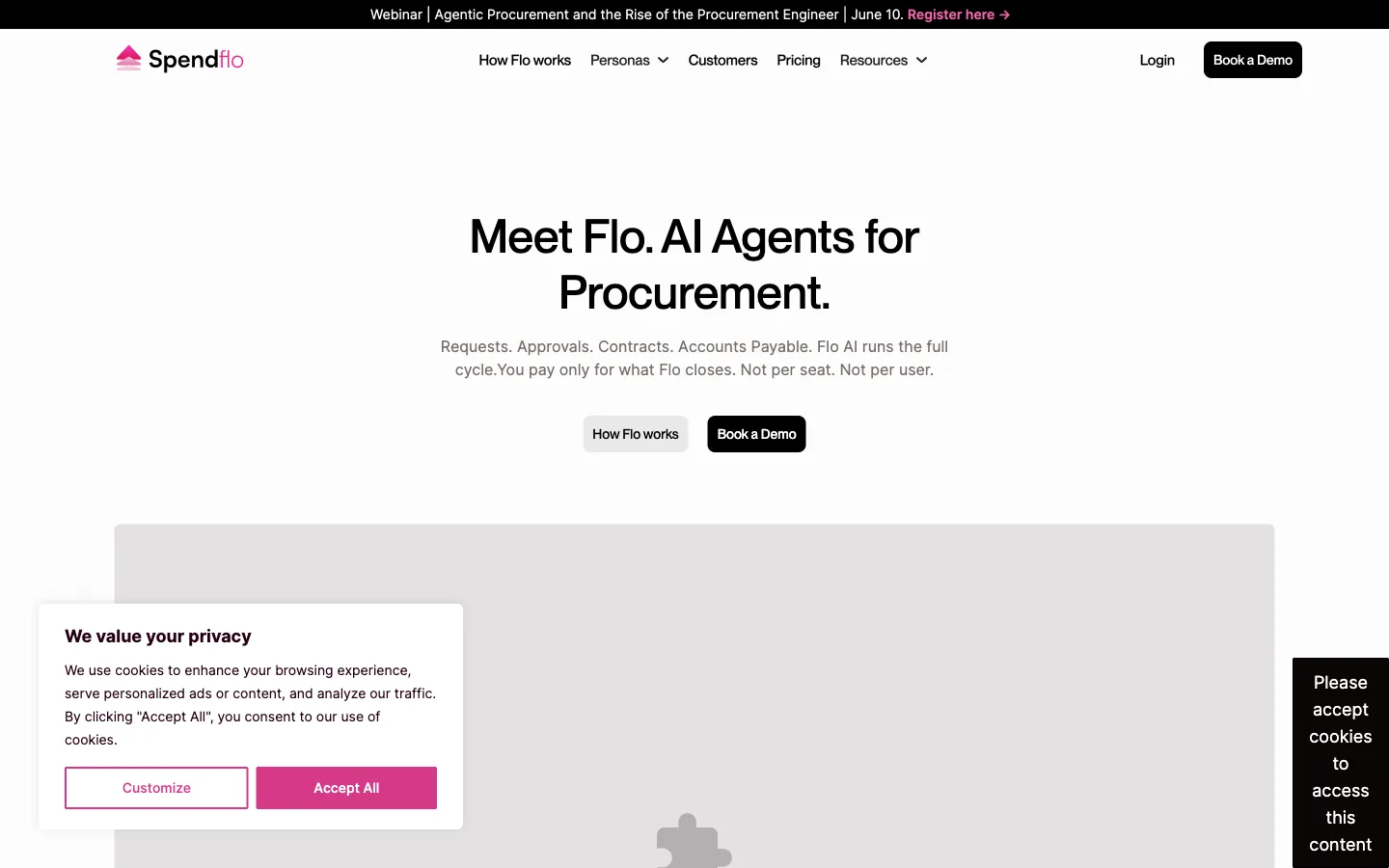
Spendflo works on the front end of Cursor spend, controlling it before a charge ever lands. Its Flo Procure agent routes purchase requests from Slack, email, or a form through budget checks, policy rules, and approvals, which the company says cuts buying cycles in half.
On the renewal side, the Flo Contracts agent flags auto-renew clauses 60 to 90 days out and benchmarks terms against thousands of deals. That way, a Cursor contract doesn’t quietly roll over before anyone reviews it. A separate Usage Analytics product ties actual usage back to contract spend, surfacing waste and shadow IT to inform the next renewal decision. Having processed more than $3.2B in SaaS spend, Spendflo’s strength is procurement governance rather than developer-level token math.
For teams that want a gate in front of Cursor purchases instead of a report after the fact, the Spendflo intake-to-pay workflow is the draw.
What Spendflo controls:
- Purchase requests routed through automated approvals
- Auto-renewal alerts 60 to 90 days ahead
- Contract terms benchmarked against thousands of deals
- Usage data tied back to contract spend
Pros:
- Stops unplanned Cursor spend before approval
- Strong auto-renewal detection and benchmarking
- Connects real usage to contract value
Cons:
- Procurement focus, light on token-level usage
- Best fit for teams with formal buying processes
| G2: 4.6/5 (139 reviews) | Capterra: 4.7/5 (55 reviews) |
How to Choose a Cursor Tracking Tool
The right Cursor tracking tool depends on who’s asking and what they need to control. Teams on Cursor Enterprise get the sharpest per-developer detail from Vantage, while finance leans on Cledara and Spendflo for transaction capture and renewal control. Zylo and Productiv suit enterprises standardizing AI spend across many tools at once, and broader AI management platforms handle governance well past coding tools. If Cursor is only half your stack, a separate set of Claude Code usage dashboards covers the other side.
Torii sits a layer above the others, finding the Cursor seats no one logged and tying that spend to the people and models behind it. For IT and finance leaders chasing idle seats and shadow signups across the whole AI stack, that wider view is where the savings actually show up.
Torii pulls SSO, browser, HRIS, and expense signals to surface every Cursor account in your company, then ties seat and token spend to the people using it and the other AI tools running alongside it. Pair it with a per-token monitor for coverage from seat down to model. See the Torii AI Dashboard.
Frequently Asked Questions
Cursor spend hides because Teams analytics keeps only 30 days of history, personal or off-SSO seats go untracked, and credit-pool pricing makes per-developer cost vary widely. That combination leaves many paid seats idle or invisible until renewal.
Torii pulls browser activity, SSO, HRIS, finance and expense signals to find Cursor accounts purchased outside IT or on personal cards. It ties seats to employees, models, and idle time, enabling reclamation and renewal alerts before charges hit.
Vantage uses Cursor's Admin API to report per-developer, per-model costs with token-type splits and daily refreshes. It surfaces anomaly alerts, Max Mode filters for expensive requests, and integrates Cursor spend into wider cloud and AI cost context.
Cledara captures real-time Cursor charges via virtual cards and syncs transactions to accounting, focusing on how much was spent. Spendflo gates purchases and flags auto-renewals, tying usage to contracts to prevent unapproved or rolling charges before they occur.
Choose Zylo if procurement and invoice-driven discovery matter: it maps AP and expense feeds, token consumption, and contract commitments across suppliers. Pick Productiv when feature-level engagement, policy enforcement, and developer tool activity are priorities for license optimization.
Combine discovery, per-developer telemetry, and procurement controls: use tools that find off-SSO and personal-card seats, monitor per-model token spending, reclaim idle licenses, and route purchases through approval workflows or virtual cards to capture charges in real time.