

Custom Actions: Custom SaaS Automation for Any App with an API
 Chris Shuptrine
•
Apr 5, 2021
•
3 min read
•
Updated October 5, 2026
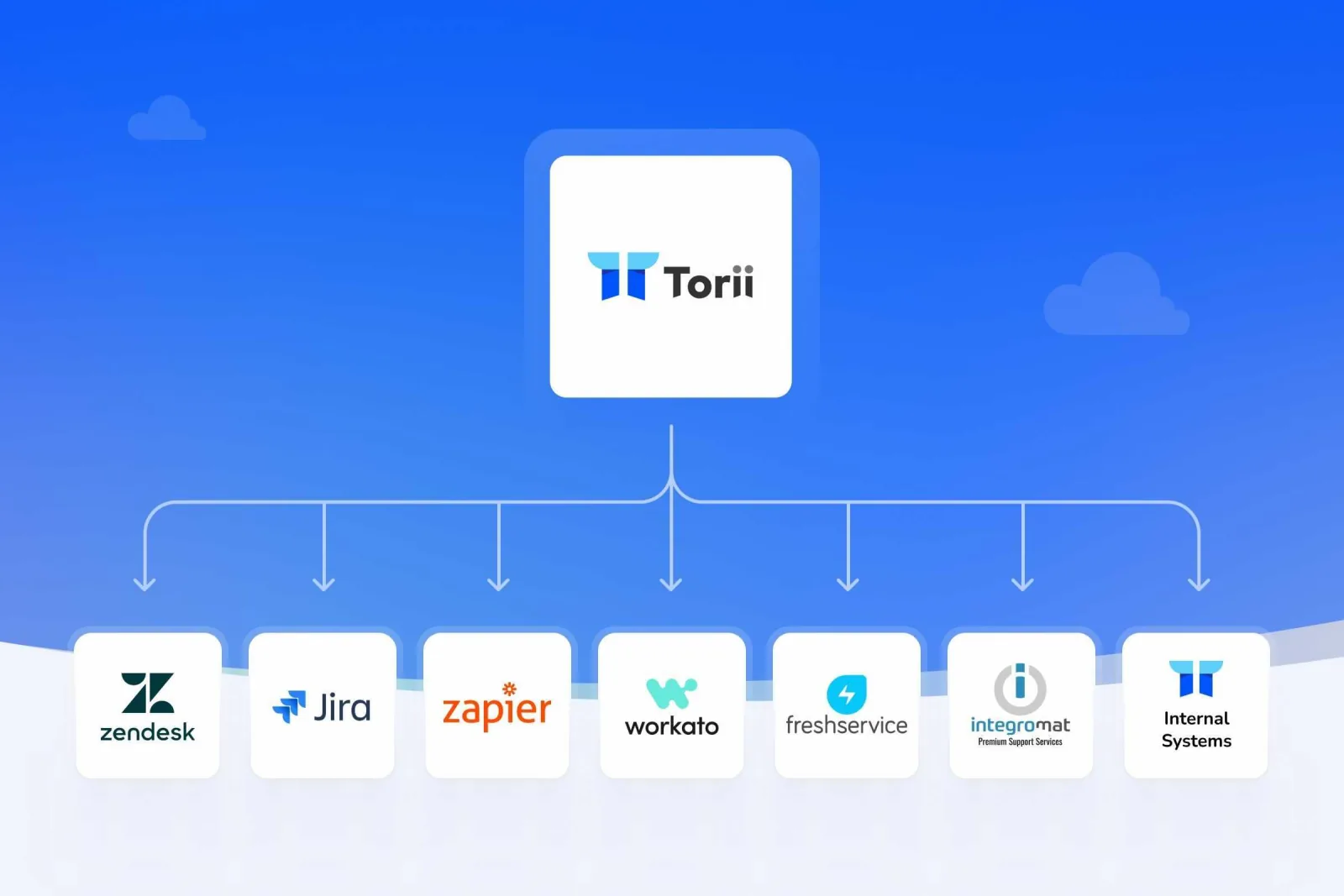
Custom Actions let Torii workflows send HTTP requests and webhooks to any SaaS app with an API, for custom SaaS automation or to trigger Zapier and Workato.
Ask about this article
Opens Claude in a new tab to answer, using this article as the source.
With Torii's workflows you can automate countless IT processes without using a single line of code, saving you as much as one day per week.
Today, for those more advanced IT teams, we are launching Custom Actions that extend the ways in which you can use our SaaS management platform even further.
With Custom Actions you can connect Torii to any SaaS application with API access, to enrich your automated workflows, or initiate workflows on your other automation systems such as Zapier or Workato.
The complexity of these workflows will only be limited by your creativity and innovation! For instance, Torii can create a ticket in Zendesk for your procurement team before a renewal.
How Custom Actions power custom SaaS automation
Native integrations cover the most common workflow steps, such as creating or removing a user account. Custom Actions cover everything else. Inside any Torii workflow, a Custom Action sends an HTTP request or webhook to a third-party system, so one workflow can reach apps that have an API but no native Torii integration, including homegrown tools.
Teams typically use them in three ways:
- Extend lifecycle workflows. Add steps to onboarding and offboarding for apps outside the integration catalog, such as removing a departing employee from an internal tool that exposes an API.
- Hand off to other automation platforms. Start a Zapier zap or a Workato recipe from a Torii workflow, so automations you already run can act on events Torii detects.
- Bring other teams in at the right moment. Open a Zendesk ticket for procurement ahead of a contract renewal, so the review starts before the deadline instead of after it.
Custom Actions work outbound. For the other direction, Torii's Custom (Webhook) Trigger starts a workflow when an external system sends an event, such as a new hire ticket in your ITSM tool. Together they put Torii in the middle of your SaaS operations: it receives events from other systems, applies your rules, and pushes the next step wherever it needs to go. The Automation Center overview walks through setting up the webhook trigger, and five essential workflows for IT operations is a good place to decide what to automate first.
Learn how to send custom HTTP requests and webhooks to any third party software with Torii.
Related reading: