

7 Tools to Manage Microsoft 365 Copilot Licenses and Spend in 2026
 Chris Shuptrine
•
Jun 23, 2026
•
13 min read
Chris Shuptrine
•
Jun 23, 2026
•
13 min read

Compare 7 tools to manage Microsoft 365 Copilot licenses and spend in 2026: reclaim idle seats and track adoption and ROI.
Ask about this article
Opens Claude in a new tab to answer, using this article as the source.
Microsoft 365 Copilot seats cost real money in 2026, and plenty of them sit idle while the invoice stays the same. After Microsoft introduced a lower-cost Copilot Business tier last December, pitched as bringing AI to Microsoft 365 apps “for just USD21 per user per month” alongside the $30 enterprise seat, the harder problem shifted from price to proof. Companies are paying for licenses nobody opens.
Adoption numbers tell the real story behind all that idle Copilot spend. Sustained weekly use tends to trail the seats a company pays for, which pushes the real cost per active user well past list price. A 2025 Gartner survey found that of organizations finishing a Copilot pilot, “five percent said their organisations were moving to larger deployment in 2025.”
The native Copilot Dashboard shows who holds a seat, but it never shows what you spend or which licenses to pull back. These seven tools each take a different angle on Copilot license and spend management in 2026, from idle-seat reclamation to adoption tracking and renewal negotiation.
Sustained weekly Copilot use often trails the seats a company pays for, and a 2025 Gartner survey found only 5% of pilot-completers moved to broader deployment. At $21 to $30 a seat, idle licenses add up fast.
★ = low · ★★ = medium · ★★★ = high
| Tool | Copilot Usage Visibility | Idle-Seat Reclamation | Spend & ROI Reporting | Ease of Deployment |
|---|---|---|---|---|
| Torii | ★★★ | ★★★ | ★★★ | ★★ |
| Microsoft Copilot Dashboard | ★★★ | ★ | ★ | ★★★ |
| CoreView | ★★ | ★★★ | ★★ | ★ |
| Syskit Point | ★★ | ★★ | ★ | ★★★ |
| AvePoint | ★★ | ★★★ | ★★ | ★ |
| Productiv | ★★★ | ★★ | ★★ | ★ |
| Zylo | ★★ | ★★ | ★★★ | ★ |
Table of Contents
Torii
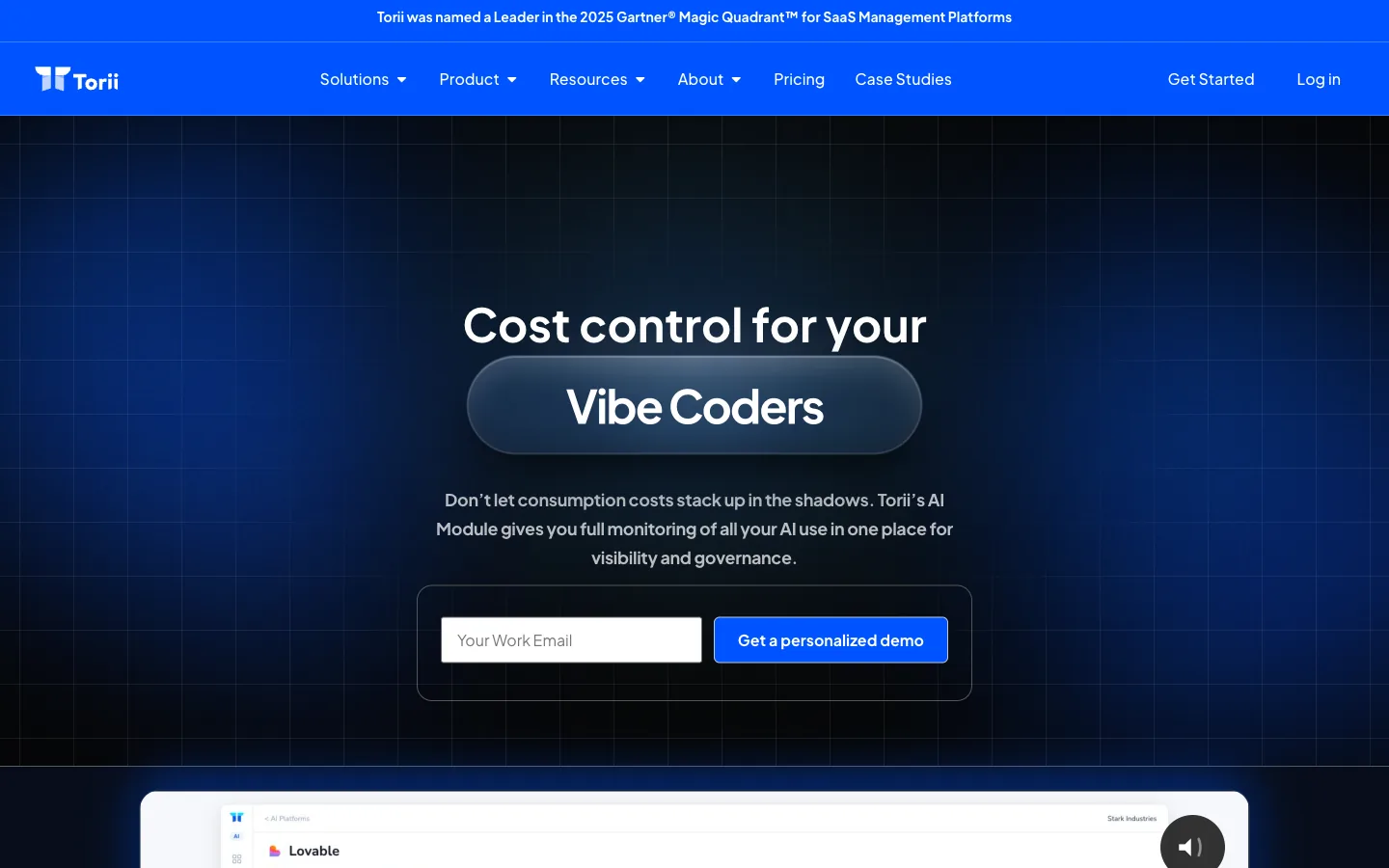
Torii is an AI management platform that finds every app a company runs and ties it to live usage and spend, Copilot included. Where the native dashboard stops at who logged in, Torii pulls Microsoft 365 license assignments, seat types, and usage history into a single view. Then it puts a dollar figure next to the seats nobody opens.
Its AI Apps Spend dashboard reports total spend, active-user counts, and utilization rates for each tool side by side. So finance can spot the 50 Copilot seats with 20 active users sitting on the same bill. When a user crosses an inactivity threshold, which defaults to 90 days for AI tools, no-code workflows reclaim the seat on their own and route the approval through Slack.
Overlapping-tool detection flags the teams paying for Copilot, Claude, and Gemini at the same time, with the combined cost attached. Torii points to customers cutting SaaS spend by 25% and trimming unused seats 26% within three months, and it was named a Leader in the 2026 Gartner Magic Quadrant for SaaS Management Platforms. You can see the full approach on the Torii AI management page.
Where Torii fits Copilot license and spend management:
- Ties every Copilot seat to live usage and real cost
- Reclaims idle licenses automatically through no-code workflows
- Flags overlapping AI tools that pay twice for one job
- Spans the whole SaaS and AI estate, not just Microsoft
Pros:
- Connects each Copilot seat to actual usage and spend
- Reclaims dormant licenses without manual cleanup
- Surfaces duplicate AI tools across teams with costs attached
- Governs the full app portfolio, not a single vendor
Cons:
- Built for enterprise breadth, so it isn’t the cheapest pick
- Focused on SaaS and shadow IT, without on-premise deployment
| G2: 4.5/5 (302 reviews) | Capterra: 4.9/5 (26 reviews) |
Microsoft Copilot Dashboard (Viva Insights)
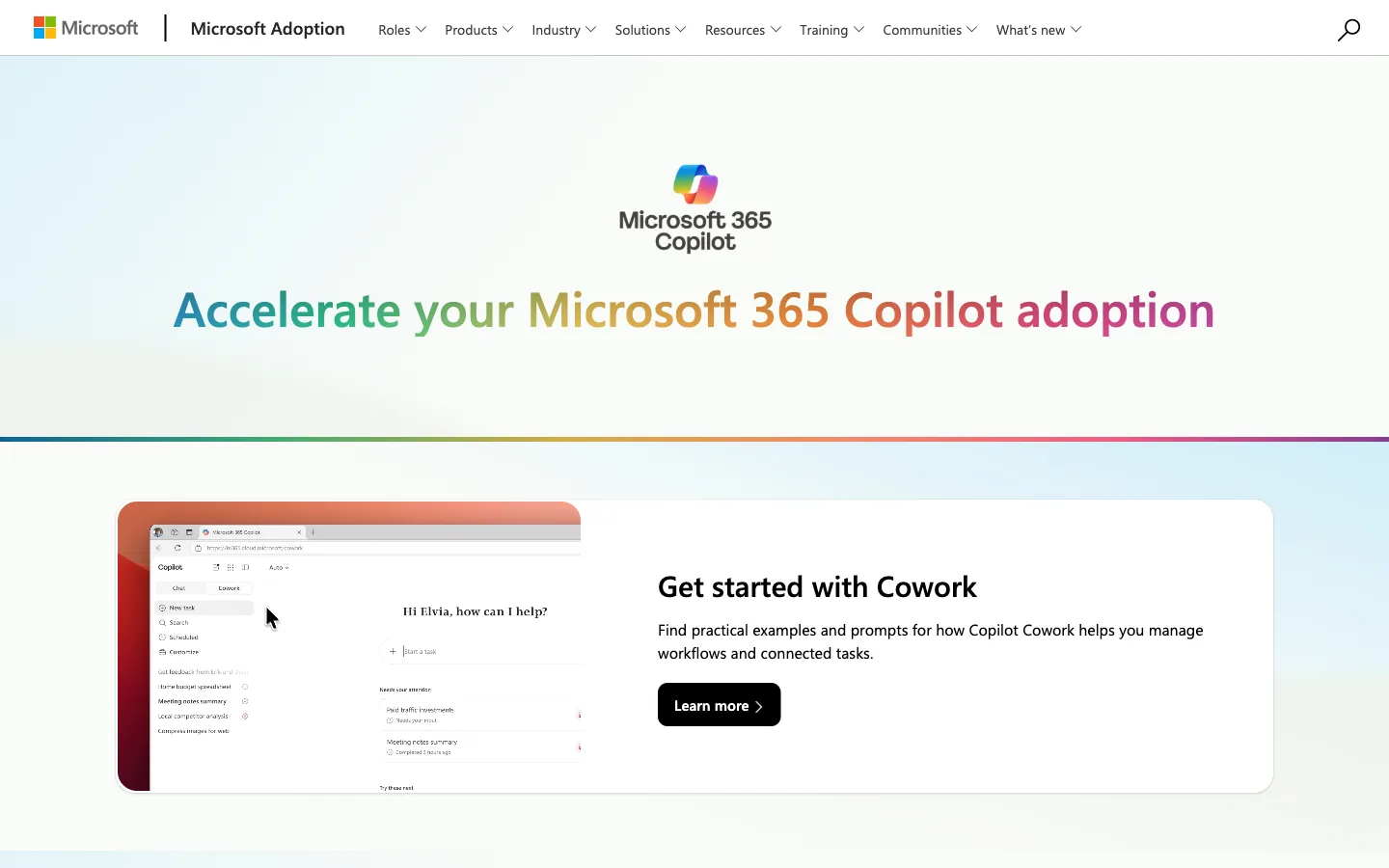
The Microsoft Copilot Dashboard ships through Viva Insights and is the baseline most companies already own. It is the natural starting point for seeing who holds a license and who actually uses it.
The dashboard reports across four pillars, covering Readiness, Adoption, Impact, and Sentiment. Readiness shows prerequisite licenses plus assigned versus available seats, while Adoption breaks active use down by app across 7, 30, 90, and 180-day windows. New cohort benchmarking, generally available in January 2026, compares adoption by manager type, region, and job function.
The gap shows up the moment you start asking about cost rather than usage. It surfaces unassigned seats but never unit price, contract cost, idle-seat alerts, or automated reclamation, and it sees only Microsoft 365. Every paid tool below exists to fill that gap.
What the native dashboard does and doesn’t do:
- Tracks adoption by app over four time windows
- Benchmarks cohorts by manager, region, and role
- Shows no spend, unit price, or idle-seat alerts
Pros:
- Already included with eligible Microsoft 365 plans
- Solid adoption and readiness data out of the box
Cons:
- No cost, spend, or license-reclamation features
- Limited to Microsoft 365, blind to other AI tools
- A metric-undercount bug ran from June 2025 to February 2026
CoreView
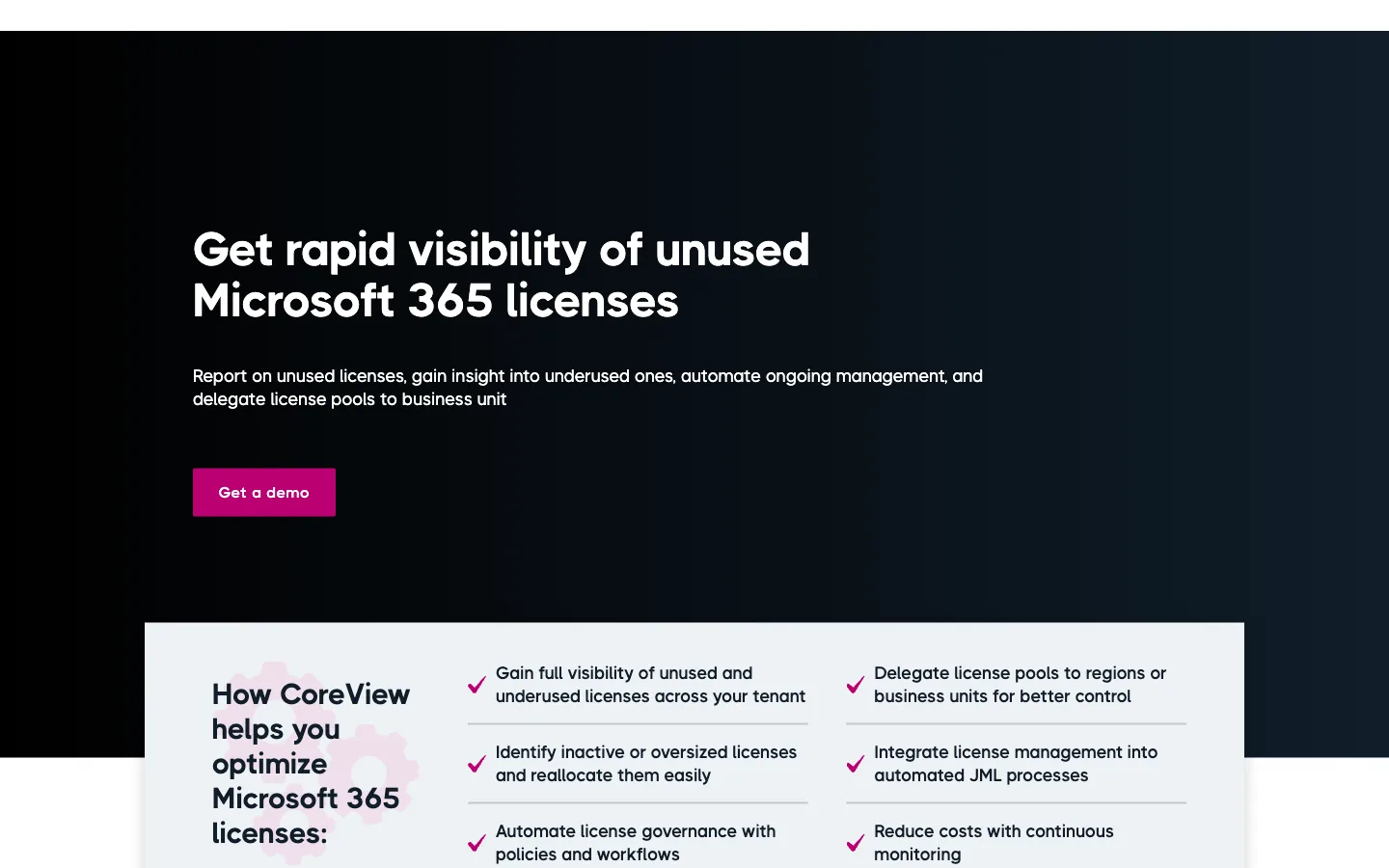
CoreView is a Microsoft 365 management platform that treats Copilot as a license to police, not just deploy. Its Optimization Center adds a Copilot last action column drawn from M365 audit logs, so dormant seats are easy to spot at a glance.
Two predefined reports do most of the heavy lifting here. Copilot Eligible Users lists active staff who would put a license to work, while Copilot Usage shows how each licensed person does or doesn’t engage with the tool. A dedicated Copilot Management playbook then automates the cleanup.
That playbook runs three policies that map straight to per-seat cost. It flags licensed users with zero Copilot activity, spots eligible non-adopters, and catches low usage across 30, 60, and 90-day thresholds to trigger removal or reassignment. CoreView frames the whole thing as cost control against the price you already committed to. The reallocation workflow lives on the CoreView license management page.
Where CoreView focuses for Copilot:
- Audit-log column showing each user’s last Copilot action
- Eligible-user and usage reports built in
- Policies that remove or reassign idle seats on a schedule
Pros:
- Clear policies tie reclamation to real per-seat cost
- Reports separate eligible candidates from idle holders
- Runs inside the M365 admin operations teams know
Cons:
- Scope stays inside Microsoft 365
- Heavier setup aimed at larger M365 estates
| G2: 4.4/5 | Capterra: 4.5/5 |
Syskit Point
Syskit Point comes at Copilot spend from the readiness side, making sure seats are safe to turn on first. Its Copilot Readiness Dashboard scans for overshared links, oversized workspace membership, shadow users, and missing sensitivity labels before anyone gets a license.
On the license side, the Inactive Licenses Report singles out unused add-ons, Copilot among them. It identifies over-provisioned users with overlapping seats and lets you remove or reassign them straight from the report, with no PowerShell required.
Deployment doesn’t have to be guesswork with the suggested candidates feature. It surfaces the top 25% most active Microsoft 365 users who lack a Copilot seat, so licenses go where engagement already lives, and it compares purchased against assigned licenses for capacity planning. The readiness checklist sits on the Syskit Point Copilot readiness page.
Where Syskit Point leads:
- Pre-rollout scan for oversharing and permission gaps
- Inactive-license report that flags idle Copilot seats
- Suggested candidates drawn from your most active users
Pros:
- Strong data-oversharing checks before seats go live
- Reassign or remove licenses without scripting
- Targets deployment at users already engaged
Cons:
- Centered on the Microsoft 365 environment
- Readiness focus means lighter spend analytics
| G2: 4.7/5 | Capterra: 4.8/5 |
AvePoint
AvePoint handles Copilot licenses through Cense, a product built specifically for granting and pulling seats. It grants, removes, or converts Copilot and Teams Premium licenses from one dashboard, using engagement data fed by its tyGraph analytics.
As of February 2026, Cense added user-level Copilot engagement insights and AI-generated license recommendations. Those recommendations predict which users are likely to adopt and which seats should be pulled back before the next bill arrives.
What sets Cense apart is how it spreads control and models cost ahead of any change. It manages licenses across Microsoft 365, Copilot, Dynamics 365, Entra, and the Power Platform in one place, with chargeback by business unit and real-time budget modeling. Unit owners can reassign their own seats without filing an IT ticket. The product details live on the AvePoint Cense page.
Where AvePoint stands out:
- Real-time budget modeling before any license change
- Chargeback that bills seats back to each business unit
- Delegated control so unit owners manage their own seats
Pros:
- Models budget impact before you commit a change
- Pushes seat decisions out to business-unit owners
- Covers Copilot alongside Dynamics, Entra, and Power Platform
Cons:
- Broad scope can be more than small teams need
- Tied to the Microsoft ecosystem
- Full value depends on tyGraph adoption data
| G2: 4.4/5 | Capterra: 4.5/5 |
Most tools here manage licenses inside Microsoft 365. Torii works across your whole AI stack, tying every Copilot seat to live usage and spend, then reclaiming the idle ones automatically before renewal. See how Torii manages AI spend.
Productiv

Productiv brings feature-level engagement data to the Copilot seat question, not just login counts. It sees usage all the way down to which features an employee touches, which separates the people who hold a license from those who actually work in it.
That depth feeds Elastic License Management, where no-code workflows watch usage and act on it. ELM automates harvesting, reclamation, and tier downgrades through Okta or direct app integrations, so idle Copilot seats don’t quietly renew at full price.
At renewal, Productiv pairs per-team utilization with benchmark pricing drawn from what peers actually pay. That gives procurement real negotiating power instead of an automatic renewal at list price, and the company cites customers reclaiming 35% of licenses, worth $110K, and saving more than $130K a year on negotiations. The spend tools sit on the Productiv page.
Where Productiv goes deep:
- Feature-level usage that reveals true engagement
- Automated harvesting and tier downgrades via ELM
- Renewal benchmarks drawn from peer pricing
Pros:
- Granular data exposes seats that look active but aren’t
- Automated reclamation and downgrades cut quiet waste
- Benchmark pricing strengthens renewal talks
Cons:
- Best results need clean integration data
- Broader SaaS focus may exceed a Copilot-only need
G2: 4.6/5
Zylo
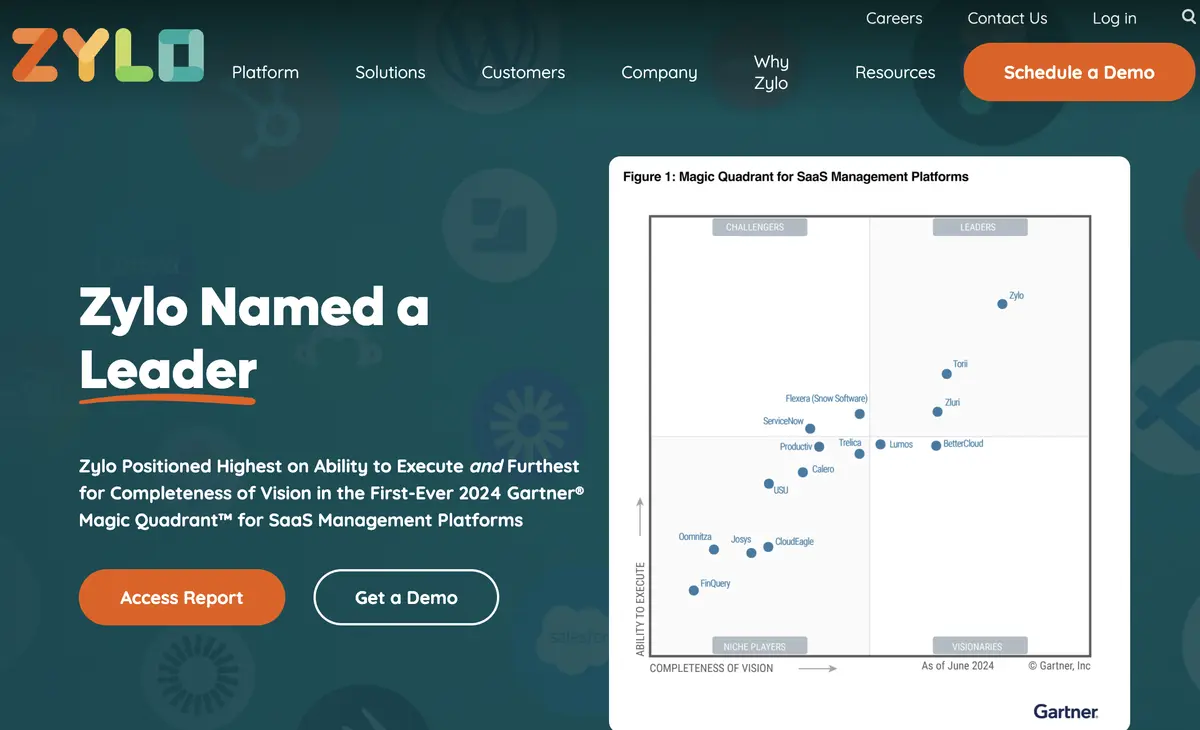
Zylo runs on one of the largest spend datasets in the category, and it uses that scale to renegotiate Microsoft renewals from evidence. Zylo describes its index as “built on analysis of more than 40 million SaaS licenses and $75 billion in spend under management,” which makes its price benchmarks hard for a vendor to argue with.
On the Copilot side, Zylo integrates with Microsoft 365 to pull live assignment and activity data. It recommends the right tier for each user and triggers automated reclamation at 30, 60, and 90-day inactivity, and one customer recovered 2,800 seats to avoid $1.4M in waste.
Zylo Clarity AI watches the variable, consumption-based pricing that tends to blindside finance. That covers the unpredictable Copilot Chat and agent charges, and Zylo’s own research pegs average Microsoft 365 utilization at 60%, leaving roughly $293K a year on the table. The platform overview is on the Zylo product page.
Where Zylo leads:
- Benchmark dataset large enough to push back on pricing
- Automated tier recommendations and idle-seat reclamation
- Consumption-spend tracking for variable AI charges
Pros:
- Huge dataset gives renewal talks real weight
- Forecasts unpredictable consumption-based AI spend
- Automated reclamation at staged inactivity windows
- Recommends the right Copilot tier per user
Cons:
- Geared toward larger SaaS portfolios
- Less granular than feature-level engagement tools
| G2: 4.6/5 | Capterra: 4.8/5 |
How to Choose a Microsoft 365 Copilot Tool
The right Copilot tool depends on where your spend is leaking. CoreView, Syskit Point, and AvePoint manage licenses inside Microsoft 365, Productiv reads feature-level engagement, and Zylo benchmarks renewals across a massive dataset, while the native dashboard covers adoption but never cost.
All of it starts with seeing every seat and every dollar in one place, including the AI tools that never ran through Microsoft. Torii ties Copilot usage to spend across your whole stack, then reclaims the idle seats on its own as people change roles and move on.
Tie each Copilot seat to live usage and real cost · Flag and reclaim idle licenses on a schedule · Report variable Copilot Chat and agent spend, not just assigned seats · Reach beyond Microsoft 365 to the rest of your AI stack.
Frequently Asked Questions
Copilot licenses go unused because pilots seldom scale and users don't adopt tools. Organizations often buy seats upfront, yet sustained weekly use runs about 30%–55% in year one. With $21–$30 per seat, uninstalled or idle licenses quickly become recurring waste.
Sustained weekly use typically lands between 30% and 55% of purchased seats during the first year. A 2025 Gartner survey found only about 5% of organizations that ran a Copilot pilot expanded it into a broader, organization-wide rollout.
The native Copilot Dashboard reports readiness and adoption by time windows and cohorts, but it doesn’t show unit price, contract cost, idle-seat alerts, or automated reclamation. It’s limited to Microsoft 365 visibility and omits cross-vendor AI spend and cost modeling.
Most tools use inactivity thresholds and automated workflows to reclaim seats: detect idle users via logs or feature-level telemetry, trigger staged removals at 30/60/90 days, reassign or downgrade licenses, and route approvals through Slack, Okta, or delegated business-unit controls.
Torii spans the entire AI and SaaS estate with spend visibility and automatic reclamation. Productiv offers feature-level engagement and renewal benchmarks. Zylo brings massive spend benchmarking and consumption forecasting. CoreView and AvePoint focus on deep Microsoft 365 license policing, automation, and delegated chargeback.
Choose based on where spend leaks: prioritize cross-vendor spend and cost visibility if you run multiple AI tools; seek feature-level telemetry for granular reclamation; prefer automated staged reclamation, chargeback, and renewal benchmarking. Confirm the tool models variable Copilot consumption and reclaims idle seats automatically.