

8 Tools to Track ChatGPT and OpenAI Token Usage in 2026
 Chris Shuptrine
•
Jun 25, 2026
•
14 min read
Chris Shuptrine
•
Jun 25, 2026
•
14 min read

Compare 8 tools to track ChatGPT and OpenAI token usage in 2026 and tie spend back to the teams and developers driving it.
Ask about this article
Opens Claude in a new tab to answer, using this article as the source.
OpenAI spend got harder to pin down in 2026, even as more of the company started running on it. The new GPT-5.x reasoning models bill their hidden thinking as output: OpenAI’s API docs note that reasoning tokens “still occupy space in the model’s context window and are billed as output tokens.” So an agent that thinks for a while quietly runs up a tab nobody was watching. One developer reported burning through thousands of dollars over a single weekend on an autonomous refactor that kept calling itself.
The OpenAI Usage API groups spend by project and model, but it only ties usage to a person when the app passes a user value. Shared keys return null, so most teams get no per-developer view by default. Meanwhile, UpGuard’s State of Shadow AI report found that “81% of employees and 88% of security leaders report using unapproved AI tools,” which means a chunk of ChatGPT spend never reaches the API at all.
The eight tools below close that gap from different angles, from SaaS seat discovery to proxy logging, gateway budget caps, and FinOps reporting. Match the one that fits where your OpenAI spend is leaking right now.
The Usage API returns a null user on shared keys, so most teams get no per-developer view by default. Layer in the 81 percent of employees who admit to using AI tools IT never approved, and a large share of ChatGPT spend never touches the API at all. Closing that gap usually takes more than one tool.
★ = low · ★★ = medium · ★★★ = high
| Tool | Per-User Attribution | Cache & Batch Visibility | Multi-Provider Support | Enterprise Governance |
|---|---|---|---|---|
| Torii | ★★★ | ★★ | ★★★ | ★★★ |
| Credal | ★★ | ★ | ★★ | ★★★ |
| Datadog | ★★ | ★★★ | ★★ | ★ |
| Helicone | ★★★ | ★★ | ★★ | ★ |
| Langfuse | ★★★ | ★★ | ★★ | ★ |
| OpenMeter | ★★★ | ★★ | ★★ | ★ |
| Portkey | ★★ | ★★ | ★★★ | ★ |
| Vantage | ★ | ★ | ★★★ | ★★ |
Table of Contents
Torii
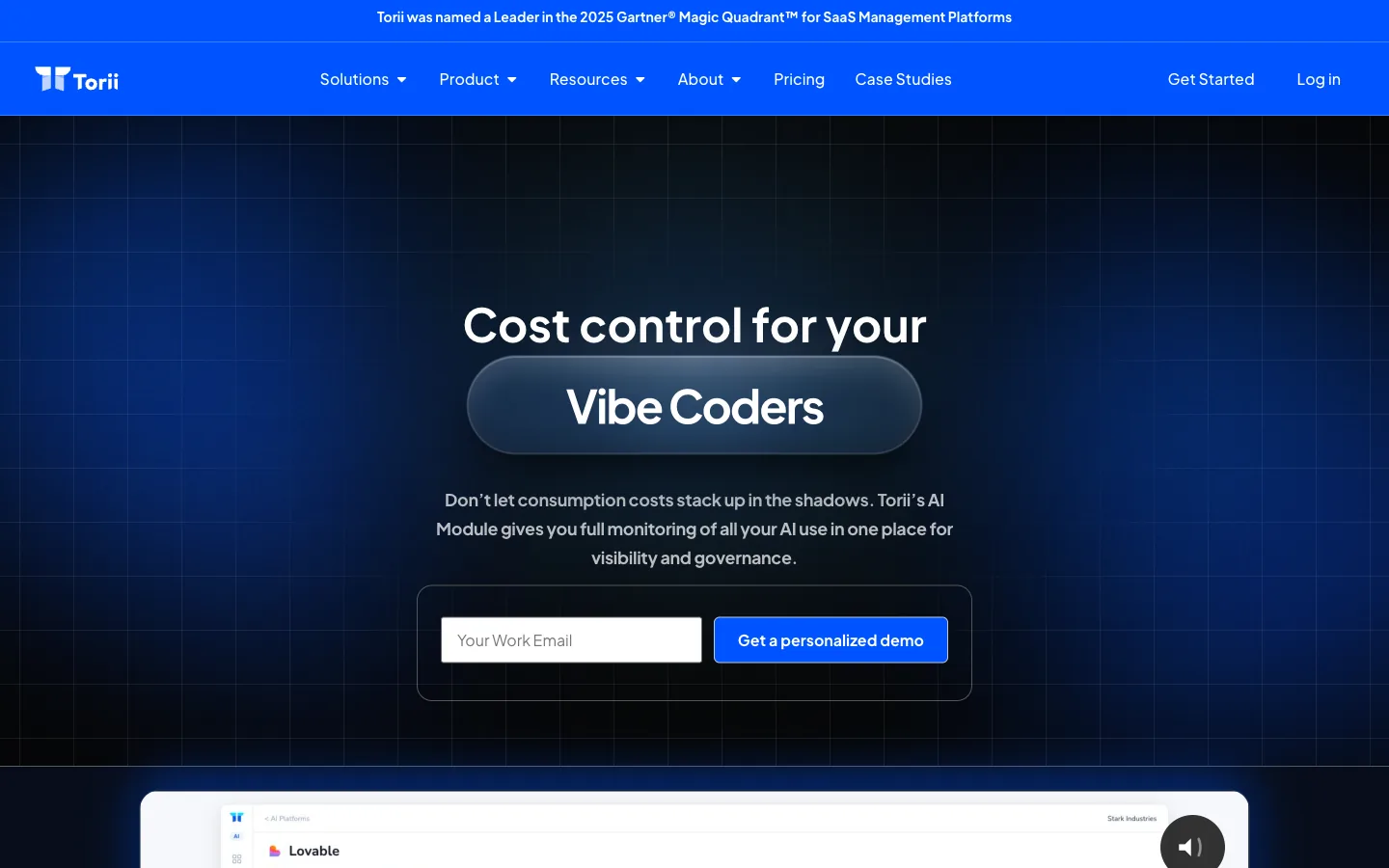
Torii tracks ChatGPT and OpenAI as a SaaS application long before it tracks them as an API line item. It pulls SSO logs, OAuth grants, browser activity, finance and expense data, and contract metadata to surface every ChatGPT and OpenAI account inside the company. That sweep includes the personal-card signups that corporate SSO and the OpenAI Usage API never record. A 2025 Torii dataset found that 26 of the top 50 unsanctioned tools were pure-play AI products.
The Torii AI Management Platform breaks seat and token spend down by employee and model, then forecasts overages before the OpenAI invoice arrives. Overlapping-tool detection flags a team paying for ChatGPT, Copilot, and Gemini at once and ties each duplicate to a dollar figure. That same seat visibility feeds OpenAI access reviews, so a license gets confirmed instead of renewed on autopilot.
What Torii catches that request-level tools tend to miss:
- ChatGPT accounts bought on personal cards, outside SSO
- Per-employee seat and token spend across OpenAI products
- Redundant ChatGPT, Copilot, and Gemini spend on one team
- Renewal exposure on OpenAI Enterprise contracts before true-up
Pros:
- Surfaces ChatGPT signups that SSO and API logs never see
- Ties OpenAI spend to specific employees and departments
- Flags overlap between ChatGPT and other AI subscriptions
- Forecasts Enterprise renewal cost ahead of true-up
Cons:
- Pricing reflects enterprise coverage, not entry-level point pricing
- Built for SaaS and shadow-IT, with no on-premise deployment
| G2: 4.5/5 (303 reviews) | Capterra: 4.9/5 (26 reviews) |
Credal
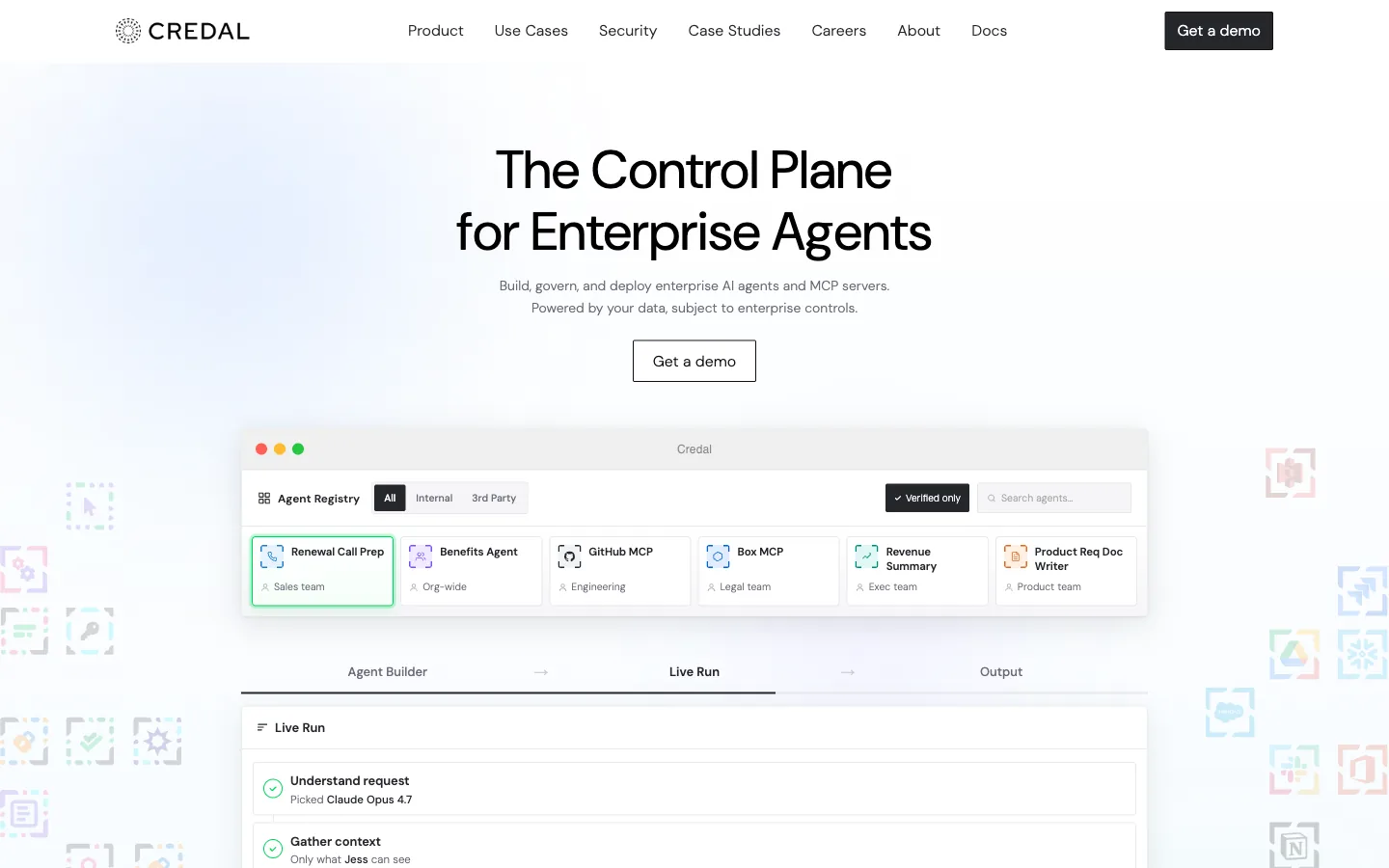
Credal logs every prompt, response, and tool call routed through it, with full traceability to the user, agent, and model behind each one. Its job is governing what ChatGPT does with company data, rather than counting how many tokens a request burns. DLP and PII redaction run before OpenAI ever sees the payload, and source-system permissions mirror across more than 50 sources.
Credal holds a zero-data-retention agreement with OpenAI on top of SOC 2, HIPAA, and GDPR coverage, which matters in regulated shops. Human-in-the-loop approval gates can stop a sensitive agent action before it fires, and audit logs export to the usual SIEM tools. The Credal security overview lays out how the redaction and permission flow works.
Where Credal fits inside a ChatGPT governance rollout:
- Per-prompt audit trails tied to a specific employee and agent
- Redaction that strips sensitive data before it reaches OpenAI
- Permission mirroring across Google Drive, Salesforce, and dozens more
- Approval gates on high-risk agent tool calls
Pros:
- Per-user audit trail on every ChatGPT prompt and response
- Strong redaction and permission controls for regulated teams
- Zero-data-retention with OpenAI out of the box
Cons:
- Built as a governance layer, not a token cost dashboard
- Heavier to roll out than a proxy-only or SDK-only option
Datadog
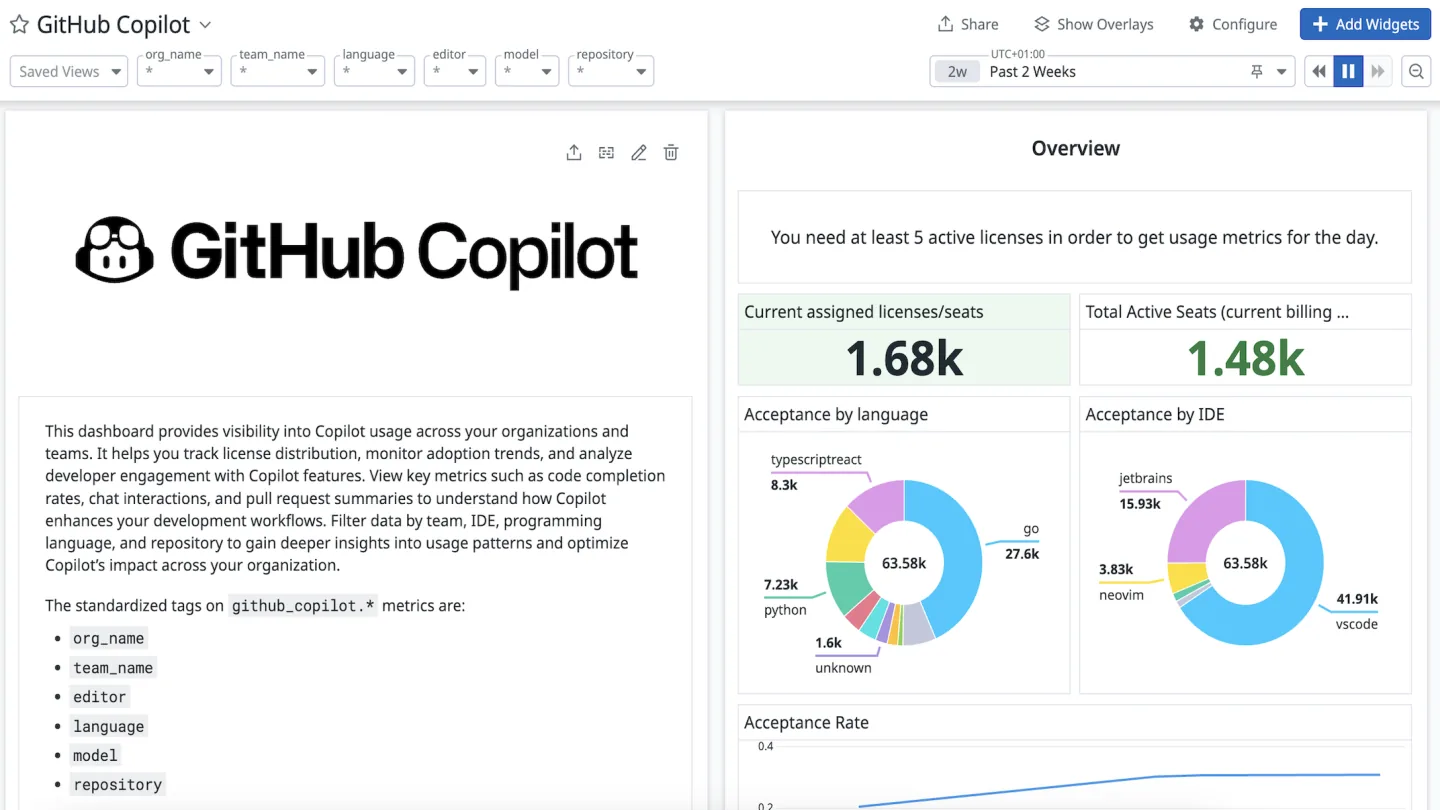
Datadog auto-instruments OpenAI calls as spans inside a distributed trace, so each ChatGPT request lands next to the rest of your stack. LLM Observability captures token counts split into non-cached, cache-read, cache-write, and reasoning, plus latency and an estimated cost from built-in pricing for 800-plus models. Datadog’s docs state it “supports estimated costs for 800+ models, from OpenAI, Hugging Face, Gemini, Anthropic to models served by OpenRouter.” Tags like model, service, and a custom team label make those numbers filterable for chargeback.
Cloud Cost Management pulls the actual OpenAI Costs API invoice in alongside those estimates, so finance sees billed dollars next to live traces. The real payoff shows up during an incident, when you can drill from a cost or latency spike straight to the prompt that caused it. Datadog’s LLM cost docs cover how estimated and actual spend line up.
What Datadog connects that standalone trackers leave separate:
- OpenAI token spend sitting next to app latency and errors
- Reasoning tokens broken out from standard output tokens
- Estimated request cost reconciled against the billed invoice
- A path from a spend spike to the prompt and trace behind it
Pros:
- OpenAI cost tied to production traces, not a separate dashboard
- Reasoning and cache token detail on every request
- Estimated spend reconciled against actual billed cost
Cons:
- Full value assumes you already run Datadog
- Pricing climbs fast as trace and log volume grows
Helicone
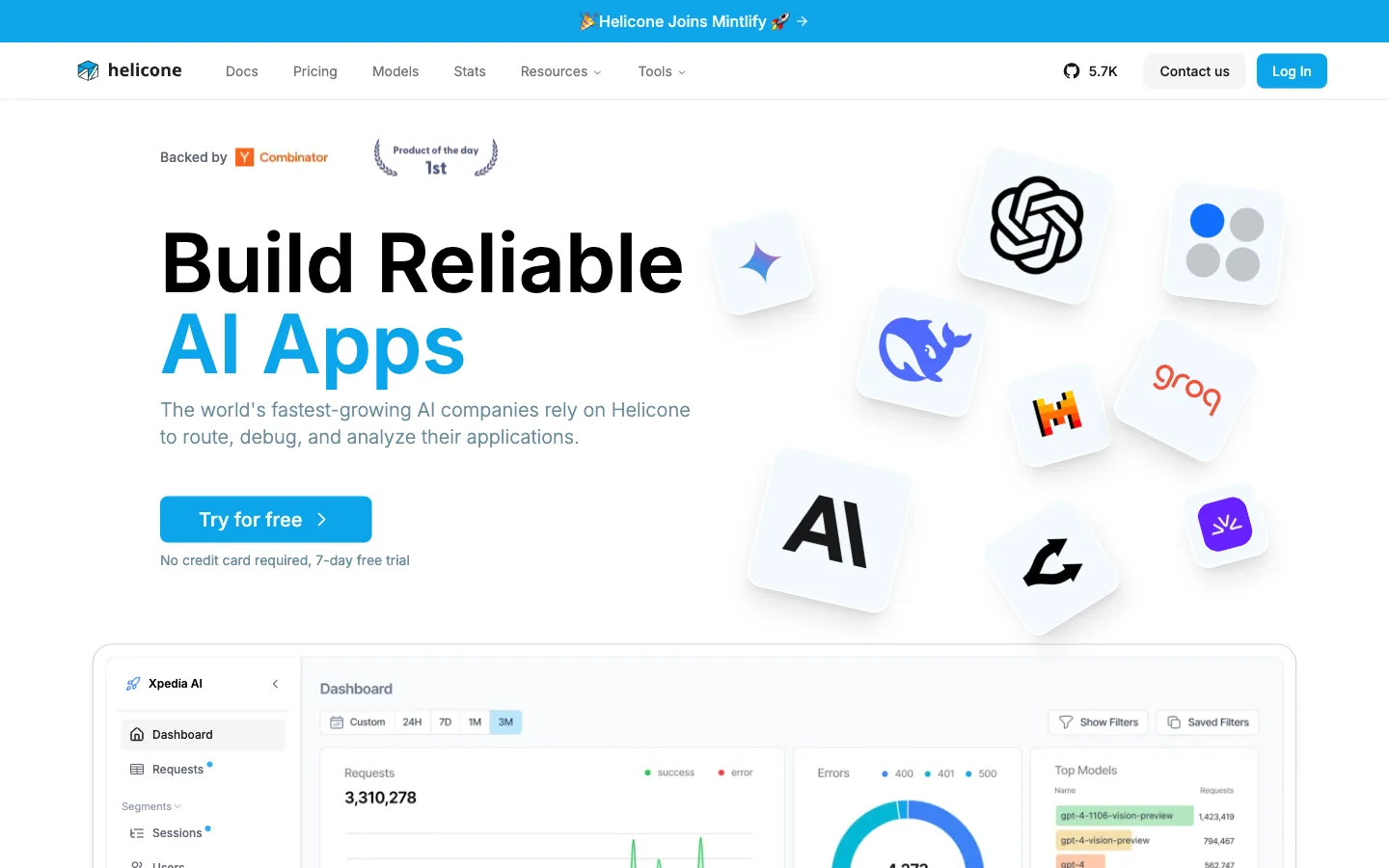
Helicone sits in front of OpenAI as an open-source proxy you point your traffic at. Swap the base URL to the Helicone endpoint, add one auth header, and every ChatGPT request logs cost, latency, and input and output tokens with no SDK rewrite. A Helicone-User-Id header adds per-user attribution, and Helicone-Property headers slice spend by feature, customer, or environment.
Proxy-level rate-limit policies cap how much any key or user can spend, though enforcement stays lighter than a dedicated gateway. The whole thing self-hosts, so ChatGPT prompts and responses can stay inside your own infrastructure when compliance demands it. One caveat worth knowing is that the cache savings Helicone reports come from its own gateway cache, not OpenAI’s native cached_tokens. The Helicone OpenAI guide walks through the base-URL swap.
What Helicone surfaces without touching your code:
- Per-request ChatGPT cost, tokens, and latency in real time
- User-level attribution through a single header
- Custom property breakdowns by feature or customer
- A self-host option for strict data residency
Pros:
- Drop-in proxy with no SDK changes required
- Real per-request OpenAI cost and token detail
- Self-host keeps prompts off a vendor’s servers
Cons:
- Routes all ChatGPT traffic through the proxy
- Budget enforcement is lighter than a full gateway
Proxies and SDKs only measure what your code sends to OpenAI. They miss the ChatGPT Team seats, Plus subscriptions, and console signups employees buy on their own. Torii ingests SSO, finance, browser, and contract data to surface every OpenAI account in the company, ties seat and token spend back to real people, and flags renewals before they auto-charge. See the Torii AI Management Platform.
Langfuse
Langfuse pairs token-cost tracking with structured evaluation inside one open-source platform. Change a single import line, from openai to from langfuse.openai import openai, and every ChatGPT generation gets traced with input tokens, output tokens, USD cost, and a separate cache_read_input_tokens line. It prefers the counts OpenAI returns over numbers guessed by tiktoken, so the dashboard matches the bill.
Attaching a langfuse_user_id or langfuse_session_id turns raw traces into per-user and per-session analytics. Each generation can also carry a score from an LLM-as-judge run or a human reviewer, which is where Langfuse pulls ahead for teams shipping frequent prompt changes. The Langfuse OpenAI integration shows the trace structure in full.
Where Langfuse does double duty on ChatGPT spend and quality:
- Per-generation token, cost, and latency on every call
- Cache-read tokens tracked as their own line item
- User and session attribution from a single ID
- Evaluation scores attached to the same traces
Pros:
- Token tracking and evaluation under one roof
- Trusts OpenAI’s returned token counts over estimates
- MIT-licensed with Docker self-host
Cons:
- Needs SDK instrumentation for full trace coverage
- Lighter on gateway-level budget caps
OpenMeter
OpenMeter meters ChatGPT token consumption so you can bill customers for it, not just report on it internally. Each OpenAI call emits a CloudEvents event carrying prompt_tokens, completion_tokens, the model, and a subject that identifies the end customer. Consumption attributes to that customer from the very first request, which is the part internal dashboards skip.
A SUM meter grouped by model and token type rolls those events into cost-ready buckets. A Kafka-based dedup layer keeps the counts billing-accurate. From there, a Stripe integration and quota entitlements turn metered tokens into invoice lines and usage caps. The OpenMeter guide to metering OpenAI usage covers the event schema.
Where OpenMeter fits if you resell ChatGPT-powered features:
- Per-customer token attribution from the first call
- SUM meters grouped by model and token type
- Stripe usage billing wired to metered consumption
- Quota entitlements that cap usage per plan
Pros:
- Built for usage-based billing, not just reporting
- Per-customer attribution out of the box
- Apache-2.0 and self-hostable, now under Kong
Cons:
- Overkill for pure internal cost tracking
- Assumes you actually bill customers for AI usage
Portkey
Portkey runs as a multi-provider AI gateway built to stop overspend before it happens. Each OpenAI integration carries a hard dollar or token cap that auto-expires the key the moment it trips, alongside per-minute, per-hour, and per-day rate limits admins set. Every ChatGPT request through the gateway logs tokens, including reasoning tokens, plus cost and latency.
A _user value on each request drives clean attribution by developer or team. Load balancing spreads traffic across several OpenAI keys with automatic failover. What used to be called virtual keys now lives under Model Catalog integrations, though the budgeting model behaves the same way. Portkey’s integrations docs cover how caps and rate limits attach to a key.
Where Portkey does the most work on a ChatGPT deployment:
- Hard cost and token caps that expire a key on breach
- Per-minute, per-hour, and per-day rate limits
- Load balancing across multiple OpenAI keys
- Per-user attribution through request metadata
Pros:
- Enforces budgets before spend, not after the fact
- Clean per-team and per-user attribution
- Failover absorbs rate-limit pressure
Cons:
- Adds a network hop in front of OpenAI
- Best fit for teams running ChatGPT across many services
Vantage
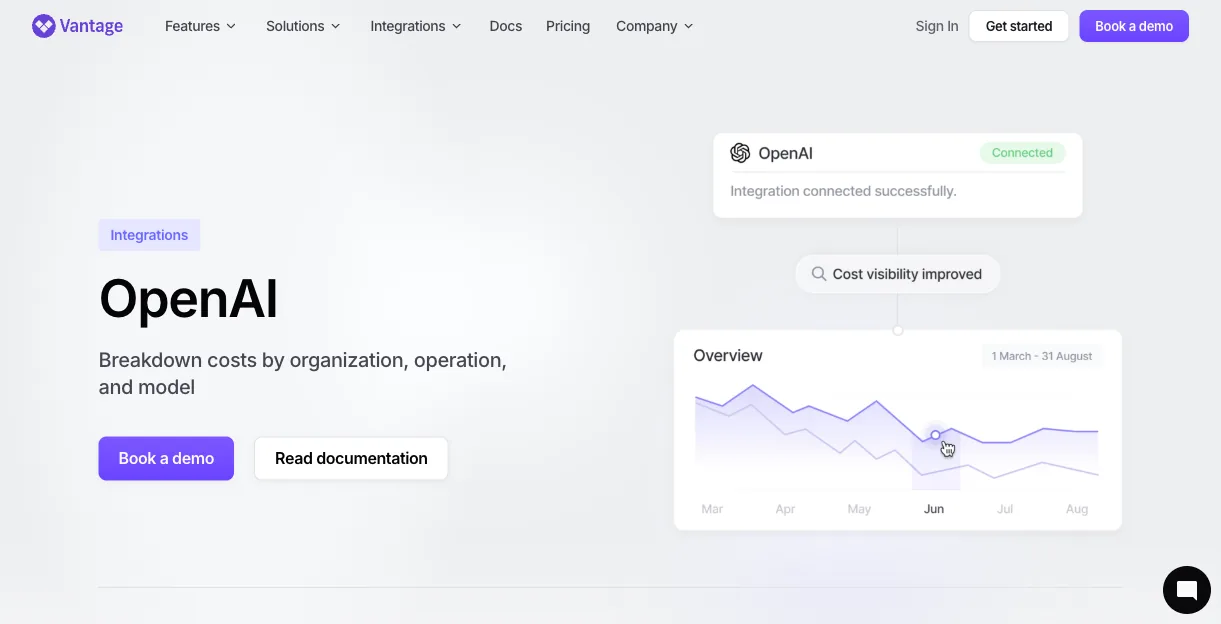
Vantage comes at OpenAI cost from the finance side rather than the engineering side. A read-only Admin key connects to the OpenAI Costs API, then billed spend flows in broken down by model, service type, and project. Those figures sit next to AWS, Azure, GCP, and Datadog inside one normalized cost explorer for chargeback and cross-provider comparison.
Because Vantage reads the actual invoice instead of estimating per request, the numbers match what OpenAI charges to the cent. Budget guardrails, anomaly alerts, and ML-based forecasting flag a spike well before the monthly bill lands. The Vantage OpenAI integration describes the cost data model.
What Vantage adds that engineering-first tools leave out:
- OpenAI spend next to AWS, Azure, and GCP in one view
- Breakdown by model, service tier, and project
- Anomaly alerts tied to historic spend patterns
- Forecasts that project spend to the end of the month
Pros:
- True cross-cloud FinOps view of OpenAI spend
- Reads billed cost, not request estimates
- Anomaly detection catches spikes before the invoice
Cons:
- Costs API data is daily and dollar-level, not per request
- No per-developer attribution without app-side tagging
How to Choose a ChatGPT Token Tracking Tool
Different OpenAI tracking gaps call for different tools, so match the tool to where your spend actually leaks. Helicone and Langfuse give you per-request and per-generation detail, Portkey caps budgets before spend happens, Datadog ties cost to production incidents, Credal governs what ChatGPT does with sensitive data, OpenMeter bills customers for it, and Vantage rolls OpenAI into the wider cloud bill.
Torii covers the layer all of those tools leave out by default. It surfaces the ChatGPT seats and OpenAI signups scattered across the company, then ties seat and token spend back to specific employees and renewal dates. Pair it with whichever tracker fits your stack for coverage from the seat down to the API call.
When your spend reaches past OpenAI, the same playbook applies elsewhere: see our guides to managing OpenAI and ChatGPT spend, tracking Claude token usage, and tracking AI tokens across every vendor.
Torii ingests SSO, finance, browser, and contract data to surface every ChatGPT and OpenAI account in your company, including the ones bought on personal cards. Pair it with the proxy, gateway, or FinOps tool that matches your stack to cover both the seat layer and the token layer. See the Torii AI Management Platform.
Frequently Asked Questions
The OpenAI Usage API returns a null user for shared keys, so teams lack per-developer visibility by default. Combined with 81% of employees using unapproved AI tools and ChatGPT seats bought on personal cards, much spend never shows up in API logs.
GPT-5.x bills reasoning tokens as output, so agents that 'think' produce billable output tokens even without visible responses. That can silently accrue large costs—developers have reported thousands of dollars in unexpected charges from looping or autonomous agents.
Use a gateway like Portkey to enforce hard token or dollar caps that expire keys on breach. Portkey supports per-minute/hour/day rate limits, per-user attribution, load balancing, and automatic key failover to stop overspend proactively.
Deploy a drop-in proxy such as Helicone and swap your base URL. Helicone logs tokens, cost, and latency per request, accepts a Helicone-User-Id header for user attribution, and offers a self-host option for compliance.
Use Datadog LLM observability to estimate request costs and trace spikes, then reconcile those estimates with the OpenAI Costs API. For finance-grade, Vantage reads the billed invoice and normalizes OpenAI spend alongside cloud costs.
Torii ingests SSO, OAuth, browser, finance, expense, and contract data to surface personal-card signups and unsanctioned ChatGPT accounts. It attributes seats and token spend to employees and forecasts renewal exposure before true-up.