

5 Best Employee Offboarding Software Tools (2026)
 John Baker
•
Oct 26, 2026
•
12 min read
•
Updated October 26, 2026
John Baker
•
Oct 26, 2026
•
12 min read
•
Updated October 26, 2026
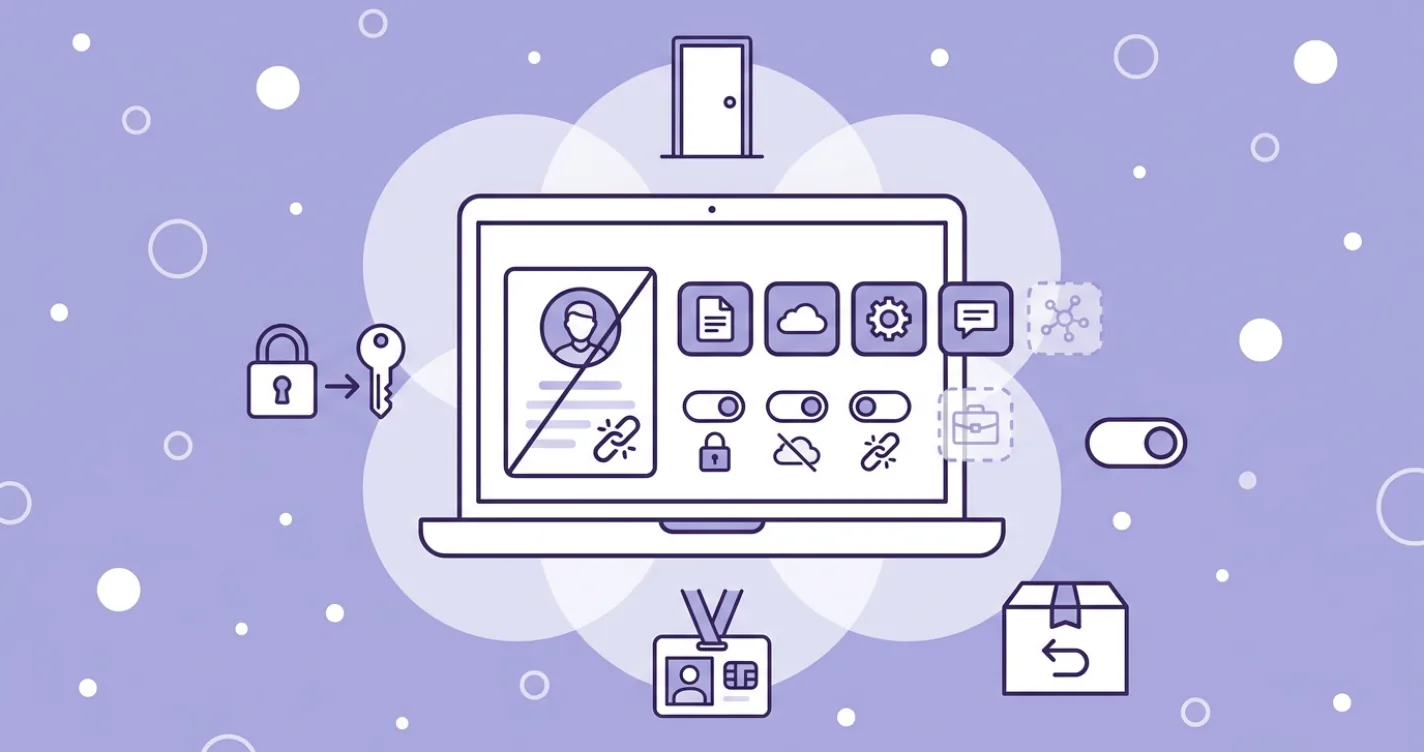
Five employee offboarding software tools for 2026, compared by what each can see, what it can revoke, and which apps outside your IdP it leaves behind.
Ask about this article
Opens Claude in a new tab to answer, using this article as the source.
Employee offboarding software can only close the accounts it knows about, and most tools learn about accounts from the identity provider (IdP), the system behind single sign-on. Companies with 2,000 or more employees average 259 apps connected through Okta (Okta, Businesses at Work 2026, Japanese release). That count covers only the apps someone wired into Okta.
Orphaned access, an account that outlives the job of the person who held it, shows up on the bill as well as in the access logs. About 2.5% of seats in paid apps are still assigned to people who have left the company, according to the Torii 2026 SaaS Benchmark (data from January to December 2025).
HR suites run the exit checklist and final pay, while the five offboarding tools below handle the access side. They split on two questions that decide how much of a leaver’s access actually closes, starting with what each one can see: apps in the IdP, apps managed from the HR information system (HRIS), or every app it can discover. Then comes what it does once someone leaves. Disabling a login is only the floor, because reclaiming the license and handing over files are separate jobs that many tools skip.
★ = low · ★★ = medium · ★★★ = high
| Tool | Beyond the IdP | Automation | Seat reclaim | Devices |
|---|---|---|---|---|
| Torii | ★★★ | ★★★ | ★★★ | ★ |
| BetterCloud | ★★ | ★★★ | ★★ | ★ |
| Okta LCM | ★ | ★★★ | ★ | ★ |
| JumpCloud | ★★ | ★★ | ★ | ★★ |
| Rippling IT | ★ | ★★ | ★★ | ★★★ |
Beyond the IdP scores apps found and offboarded outside SSO or SCIM (the standard apps use to accept account changes from an IdP). Automation is how much of the leaver run happens without a person, Seat reclaim is returning paid licenses, and Devices covers laptop lock, wipe, and return.
Torii
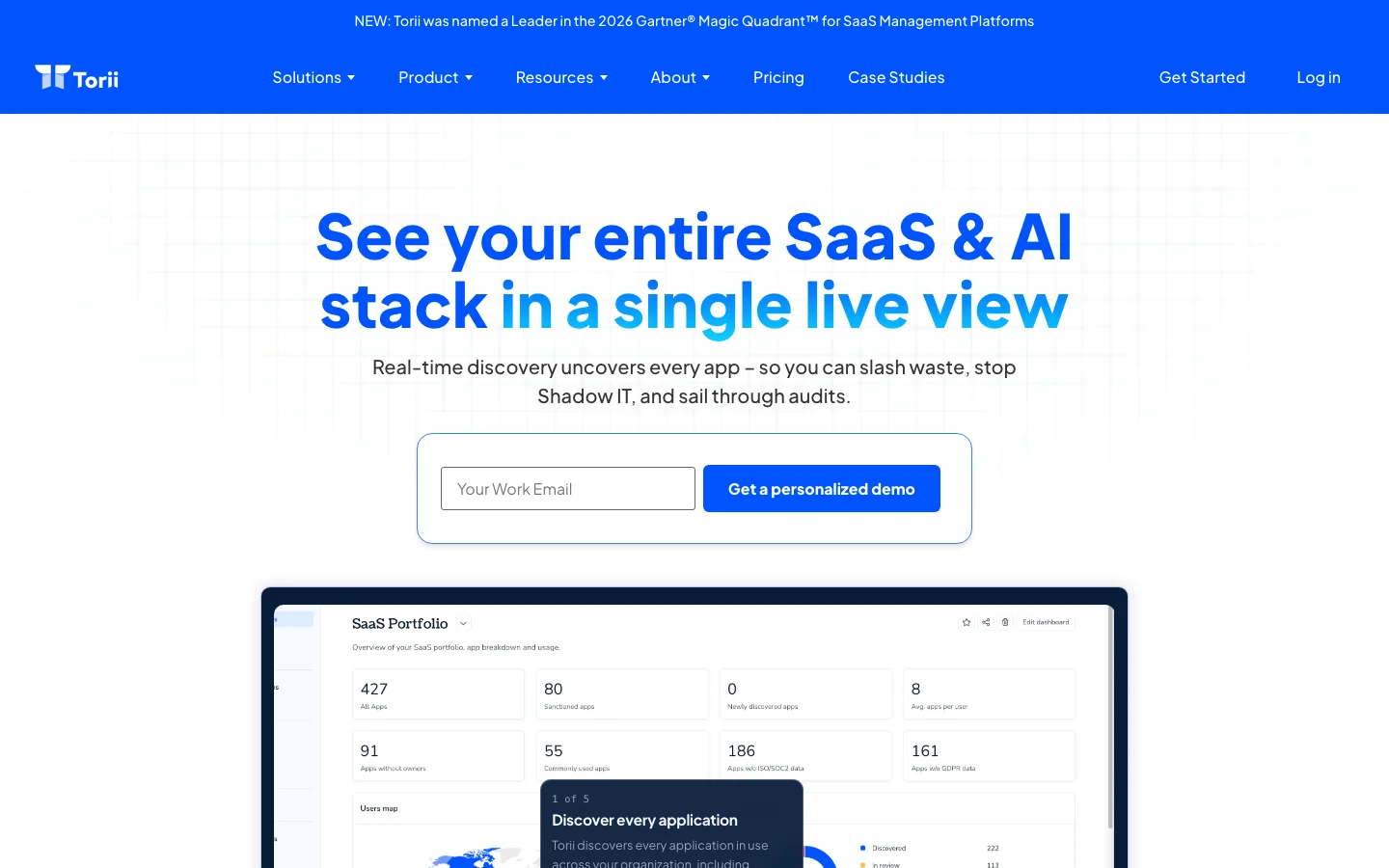
Torii runs one offboarding across every app a leaver used and settles each app on its own terms: remove the account, ask the app’s owner to remove it, or leave it to the IdP. The run starts when the source of truth you pick in Settings, an HRIS or an IdP, marks the person as a past user. Events from Google Workspace and Okta start it in real time, with BambooHR in beta, and other sources start the run within about an hour after the daily sync.
One “Start employee offboarding” action covers every app the person used, including accounts Torii found only through its browser extension or SSO, so nobody types out a list. A scheduled workflow can hold the run until 5 PM on the last working day, and for Google Workspace it can hand Drive and Docs files to the manager named in an HRIS field such as HiBob’s “Reports to”. Each user page then keeps an offboarding audit log with per-app progress, the record an auditor asks for (see Torii’s identity lifecycle automation).
Paid seats come back through the Licenses page, where Torii runs a removal action wherever the app’s connector supports it. For the accounts themselves, every app on the leaver’s list gets one of three methods, set once and reused for each person who leaves:
- Automatic, for integrated apps and for any app with a public REST or GraphQL API through a custom HTTP action
- Delegate, a remove-user request by email, Slack, or ticket, tracked on the owner’s reported status because Torii can’t confirm that removal itself
- Ignore, for apps an IdP such as Okta or JumpCloud already handles
Pros:
- Pulls accounts seen only through the browser extension or SSO into the same offboarding run
- One method per app (Automatic, Delegate, or Ignore), set once and reused for every leaver
- Reclaims paid seats from the Licenses page where the app’s connector supports it
- Per-user audit log, plus an Offboarded badge and Done tab once every app is settled
Cons:
- Priced for enterprise coverage, so it costs more than an entry-level point tool
- Real-time triggers only for Google Workspace and Okta (BambooHR in beta), so other sources wait for the daily sync
Pick one past employee and run them through Torii's offboarding page. The apps that would still need a person show up before you sign anything. Book a demo to try it on your own data.
BetterCloud
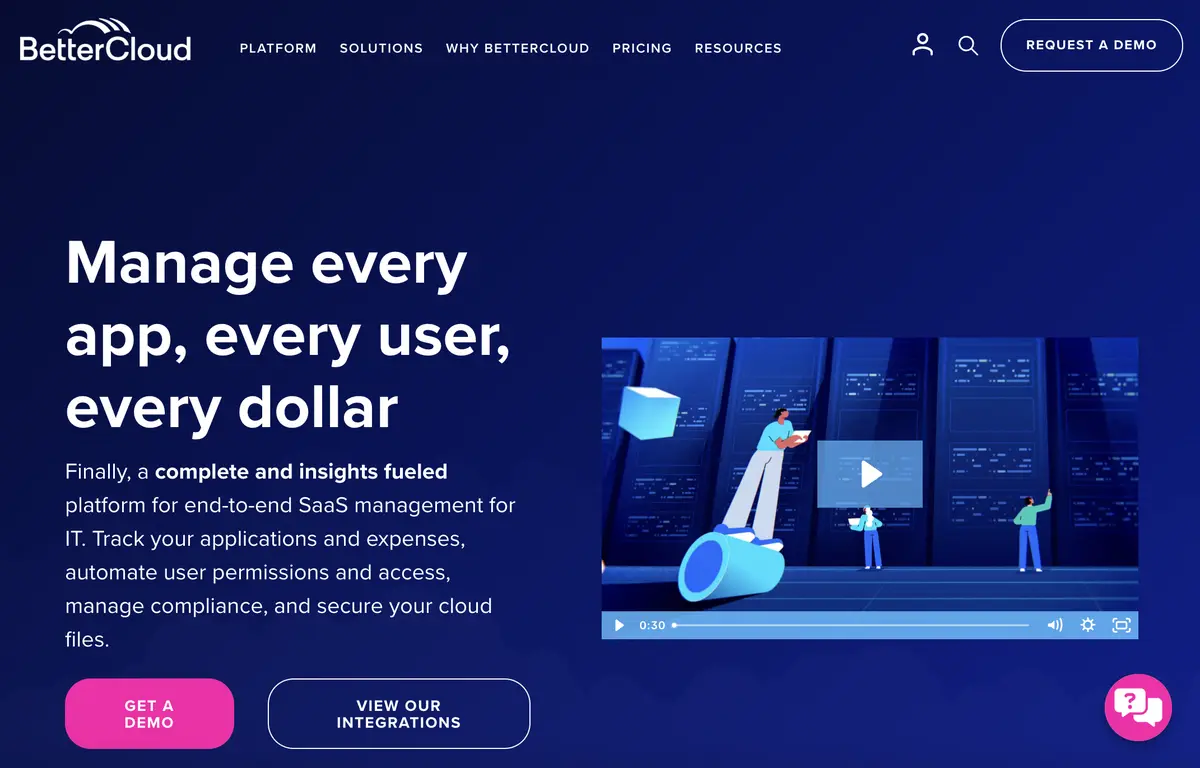
BetterCloud treats offboarding as a workflow you build, and its User Automation module is where IT teams assemble the leaver sequence. HRIS events start the run, if/else branches handle different kinds of leavers, dynamic fields fill in names and managers, and scheduled runs hold actions until a set date, as the User Automation page lays out. BetterCloud’s homepage counts 100+ integrations and 1,000+ actions out of the box.
That library suits teams that like to script every step, and Google Workspace shops get the most from it, since dedicated Workspace Management and File Governance modules sit beside the offboarding engine. Seeing apps beyond those integrations is newer for BetterCloud. A Chrome browser extension for discovery launched on 10 March 2026 under Spend Optimization, and BetterCloud doesn’t list a desktop agent.
The same Spend Optimization module flags unused and overlapping apps, which helps after the leaver is gone and their seats sit idle. The Spend Optimization Basic tier costs $0 a month on BetterCloud’s pricing page, and everything else is a custom quote based on license count, connected apps, modules, and add-ons.
Pros:
- Deep prebuilt action library for scripting each offboarding step
- Dedicated Google Workspace and file governance modules
- A free Spend Optimization tier for seeing idle seats after a leaver goes
Cons:
- Prebuilt coverage is 100+ integrations
- Browser-based discovery only arrived in March 2026, and BetterCloud lists no desktop agent
Okta Lifecycle Management
Okta Lifecycle Management (LCM) runs the joiner, mover, leaver process (the hire, role change, and exit events) from an HR source such as Workday, BambooHR, or SuccessFactors into downstream apps over SCIM. When the HR record marks someone as gone, Okta deactivates the user and removes their accounts in the apps it provisions. Okta Workflows adds no-code steps around that, and reports show who was recently deprovisioned. Okta’s integrations page lists more than 8,000 pre-built integrations.
Everything hangs on one condition in Okta’s help docs, “If provisioning is supported, external cloud and on-premises apps can be provisioned…” (Okta Help: Provisioning). Apps that never went through Okta, and apps whose SCIM provisioning sits on a vendor’s higher plan, stay manual. Lifecycle Management also doesn’t discover apps outside the IdP.
Okta’s pricing page includes Lifecycle Management in the Essentials suite at $17 per user per month billed annually, sells it as an add-on to the $6 Starter suite, and sets a $1,500 annual contract minimum for Workforce Identity.
Okta can only deprovision the apps that let it in, and many vendors keep SCIM on their upper plans. Slack lists SCIM provisioning as "Available on the Business+ and Enterprise plans", so on a lower Slack plan, someone still removes each leaver from Slack by hand.
Source: Slack Help, Manage members with SCIM provisioning, October 2026.
Pros:
- HR-to-IdP leaver flow for teams already on Okta SSO
- A very large catalog of pre-built connectors
Cons:
- Deprovisions only apps with SCIM or an Okta-built connector
- Lifecycle Management has no app discovery outside the IdP
- On the Starter suite, Lifecycle Management is a paid add-on
JumpCloud
For small and mid-market teams that never bought a separate IdP, JumpCloud is a cloud directory with identity, access, and device management in one console. User Lifecycle Management pulls users from an HRIS, with a prebuilt Workday path, holds them in a STAGED state until they’re ready, and pushes accounts to SaaS apps over SCIM. On the JumpCloud pricing page, User Lifecycle Management costs $3.00 per user per month billed annually ($4.00 monthly), and the Platform Essentials package stops at 300 users.
How far an offboarding goes depends on each app’s connector. Connectors don’t all support the same provisioning actions. Devices are the stronger side, with mobile device management (MDM) and patch management on the same product list as lifecycle, so one admin handles the laptop and the accounts. SaaS Discovery and SaaS License Management sit in an AI and SaaS Management group, and Discovery comes only in the top Platform Prime package.
After JumpCloud deprovisions a user over SCIM, "the account still exists in the application, but it is placed in an inactive state." The same doc warns that "Not all applications support all three provisioning actions". SCIM deprovisioning usually works this way whichever IdP sends it. An inactive account may still hold a paid seat, so check each app's billing rules before you count the license as reclaimed.
Source: JumpCloud Support, Identity Management connectors, October 2026.
Pros:
- Directory, devices, and lifecycle in one platform
- No existing IdP needed to get started
- A low per-user price for the lifecycle add-on
Cons:
- Provisioning actions vary by app connector
- SaaS Discovery is limited to the top package
Rippling IT
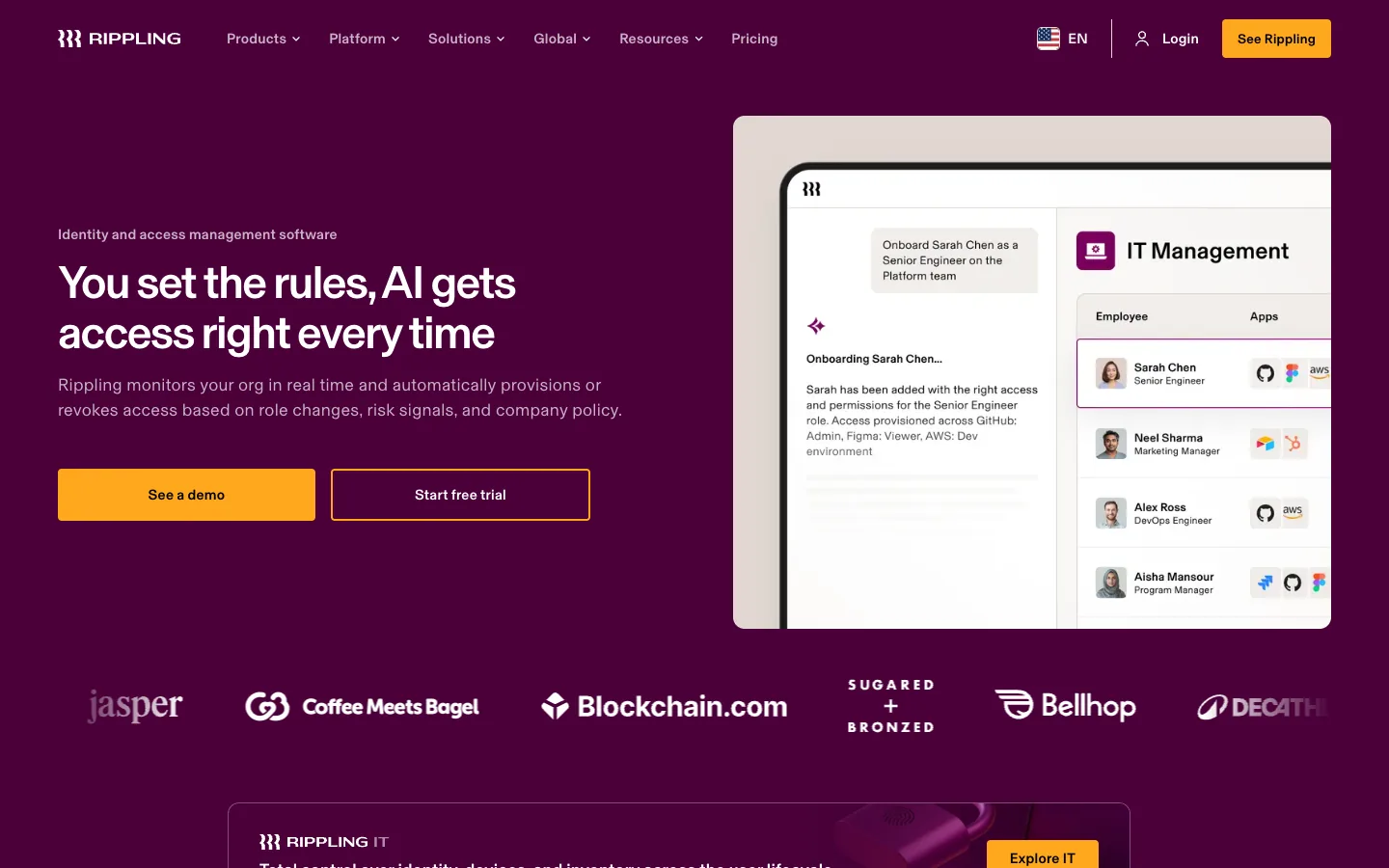
Rippling IT sits on Rippling’s HR and payroll platform, so the offboarding trigger is the termination itself, with no handoff from an HRIS to a separate IdP. In Rippling’s words, “Updates in your HR system instantly trigger device and app provisioning for onboarding, offboarding, and when roles change.” (Rippling IT). From there it suspends access, deprovisions users across the more than 600 integrations listed on its IAM page, and schedules actions ahead of time.
Devices follow the same employee record, which helps most when a remote leaver still has a company laptop at home. IT can schedule a lock and wipe in step with HR’s offboarding and have a device return box sent to the leaver automatically.
Rippling’s Google Workspace offboarding reassigns Drive files, transfers Calendar event ownership, and gives someone access to the leaver’s Gmail. Its license view shows total seats against active usage, so inactive licenses can be reclaimed. Apps outside the integration catalog become a task list for each stakeholder, the manual tail of the SaaS offboarding process. Rippling says it gives shadow IT visibility but doesn’t document how that discovery works.
Pros:
- The HR record is the trigger, with no system handoff
- Device lock, wipe, and return built into the same flow
- Google Drive, Calendar, and Gmail handoff for the leaver’s data
- License reclaim based on active usage
Cons:
- The value depends on Rippling being your HRIS
- Apps outside its integrations become manual tasks for each stakeholder
How to Choose Employee Offboarding Software
| Tool | Trigger | App coverage | Actions |
|---|---|---|---|
| Torii | HRIS or IdP, real time for Google Workspace and Okta | Discovered apps, including extension- and SSO-only accounts | Deprovision or delegate, license reclaim, Drive transfer, audit log |
| BetterCloud | HRIS events and schedules | 100+ prebuilt integrations | Workflow actions, Google Workspace admin |
| Okta LCM | HR system through Okta | Apps provisioned through Okta | SCIM deprovisioning, Okta Workflows |
| JumpCloud | HRIS import | SCIM-connected apps | SCIM deactivation, device management |
| Rippling IT | Termination in Rippling HR | 600+ integrations, others as tasks | Deprovision, license reclaim, Google data handoff, device lock and wipe |
Source: BetterCloud, Okta, JumpCloud, and Rippling product and pricing pages, and Torii Help, checked September and October 2026.
Start with the system you already run, because each of these tools works best when it owns the trigger. A company on Rippling HR and payroll gets device and account offboarding from one record, an Okta-standardized shop already has SCIM deprovisioning for its federated apps, a team without an IdP can start with JumpCloud, and a Google-heavy IT operations team will find BetterCloud’s workflow library familiar.
Then test coverage by listing the apps a recent leaver used and marking the ones your IdP never provisioned. If that list is long, add a layer of SaaS offboarding automation that works through it. Torii runs that way beside Okta or JumpCloud, setting IdP-handled apps to Ignore and removing or delegating the rest. If AI tools are the main worry, this comparison of AI tool offboarding platforms goes deeper on that slice.
Frequently Asked Questions
It depends on which system owns the trigger and how many apps sit outside your IdP. Rippling IT fits companies on Rippling HR, and Okta Lifecycle Management fits Okta shops. JumpCloud works for teams without an IdP, BetterCloud for Google Workspace-heavy IT teams, and Torii for apps an IdP misses, including accounts found only through its browser extension or SSO.
Offboarding software takes a termination or status change from the HRIS or IdP and acts on it across the person's apps. Depending on the tool, that means deactivating accounts over SCIM, reclaiming paid seats, transferring Google Drive files to a manager, locking devices, and logging each step for an audit trail.
No. Okta Lifecycle Management deprovisions apps provisioned through Okta, using SCIM or an Okta-built connector. Okta Help says "If provisioning is supported, external cloud and on-premises apps can be provisioned." Anything Okta never provisioned stays manual, as do apps that keep SCIM on a higher plan, and Lifecycle Management has no discovery for apps outside the IdP.
Only for apps the tool can reach through an integration, SCIM, or an API. Torii removes those automatically, including any app with a public REST or GraphQL API through a custom HTTP action, and sends the rest to the app owner as a remove-user request by email, Slack, or ticket, tracked on the owner's reported status.
Not always. JumpCloud's connector docs say that after SCIM deprovisioning "the account still exists in the application, but it is placed in an inactive state", so a paid seat may remain. Torii's Licenses page runs a removal action where the app's connector supports it, and Rippling IT shows seats against active usage for reclaim.
Speed follows the trigger. Torii starts offboarding in real time from Google Workspace and Okta events, with BambooHR in beta, and otherwise within about an hour after its daily sync. Rippling IT acts on the termination in its own HR system, and Torii workflows can also wait until the employee's last working day.