

8 Best User Access Review Software Tools (2026)
 John Baker
•
Sep 24, 2026
•
19 min read
•
Updated September 24, 2026
John Baker
•
Sep 24, 2026
•
19 min read
•
Updated September 24, 2026

Compare 8 user access review software tools by how each scopes a campaign, assigns reviewers, revokes access, and exports audit evidence for SOC 2 and SOX.
Ask about this article
Opens Claude in a new tab to answer, using this article as the source.
Access reviews are piling up faster than the teams that run them can absorb. Okta’s Businesses at Work 2026 report says access certifications grew more than 9x, and access requests more than 12x, over the past two years (Okta, Businesses at Work 2026). In many teams, that work still runs on quarterly spreadsheet exports that become SOC 2, SOX, or ISO 27001 evidence.
User access review software replaces those spreadsheets, and the vendors selling it fall into three camps. Enterprise IGA suites (identity governance and administration) such as SailPoint and Saviynt, the identity provider (IdP) add-ons from Microsoft and Okta, and review-first or SaaS-first tools such as C1, Lumos, and Zluri all sell access certification software, yet they reach very different sets of apps.
Each of these tools reviews the apps it can see and nothing beyond them. So the questions that separate them are which apps make it into a campaign, who gets asked to decide, and what actually happens after a reviewer clicks revoke.
★ = low · ★★ = medium · ★★★ = high
| Tool | Beyond IdP | Reviewers | Revoke | Evidence |
|---|---|---|---|---|
| Torii | ★★★ | ★★ | ★ | ★ |
| SailPoint | ★ | ★★★ | ★★ | ★★ |
| Saviynt | ★ | ★★ | Not rated | ★★★ |
| Microsoft Entra ID Governance | ★ | ★★ | ★★ | ★ |
| Okta Identity Governance | ★ | ★★★ | ★★ | ★★ |
| C1 (formerly ConductorOne) | ★ | ★★★ | ★★ | ★★ |
| Lumos | ★ | ★★ | ★★ | ★★ |
| Zluri | ★★★ | ★★ | ★★ | ★★ |
Beyond IdP covers how a campaign reaches apps that aren't connected to the tool or the identity provider, Reviewers covers how reviews are routed, Revoke covers what a deny decision does, and Evidence covers the audit export. Each column uses one rule for every vendor, Torii included: Beyond IdP earns ★★★ only where the tool's own discovery feeds campaigns, and Revoke earns ★★ where a deny removes access automatically on connected apps and ★ where it opens a task for someone to act on. Ratings are Torii's editorial read of each vendor's public docs and product pages, checked October 2026. Saviynt's revoke mechanics sit behind a login, so that cell is not rated.
Torii
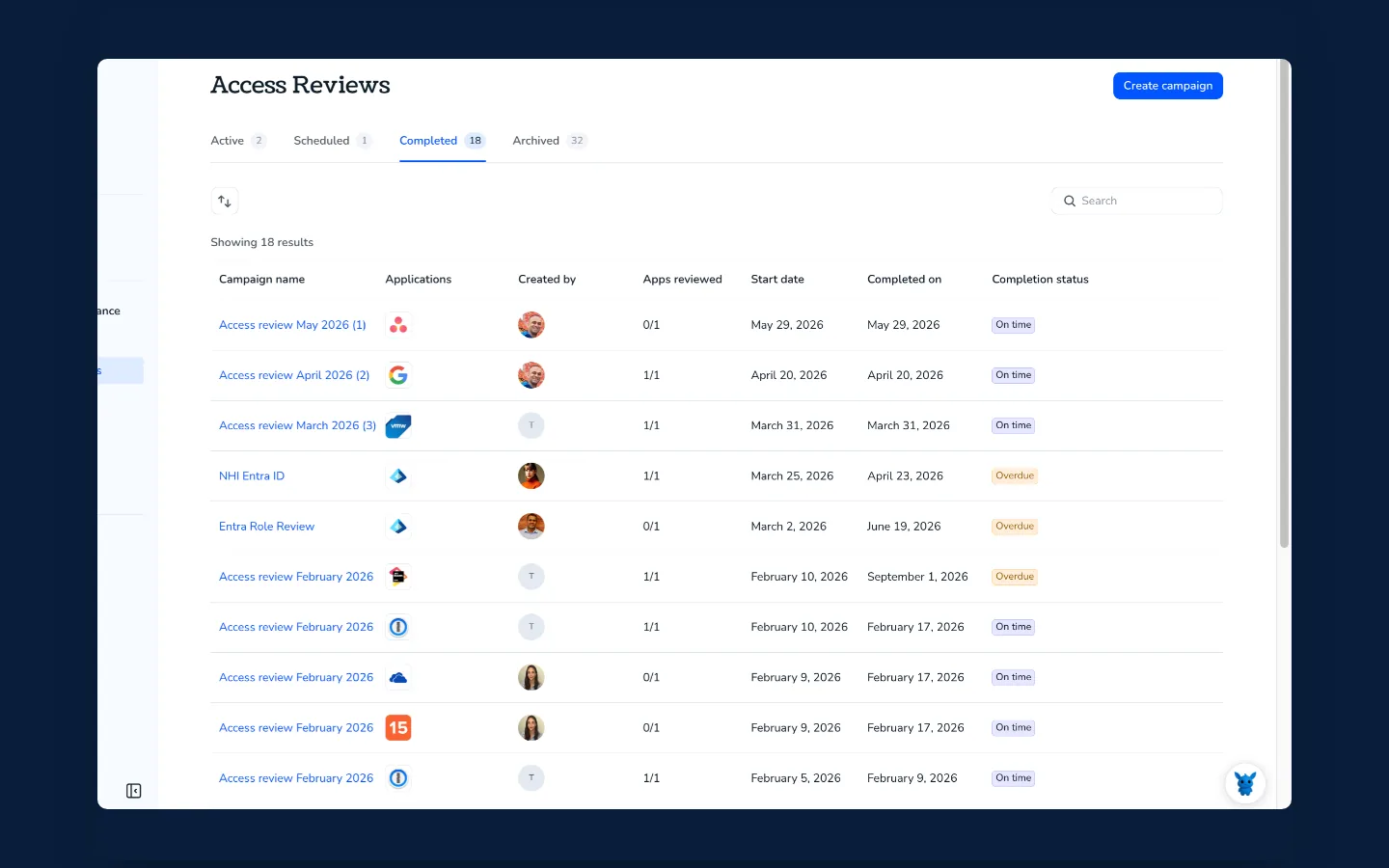
A review campaign in Torii starts from the app inventory Torii has discovered rather than from the list of apps wired into your identity provider. Discovery combines the IdP, SSO, the browser extension, desktop agents such as Jamf, Kandji, and Microsoft Intune, and expense and contract data, so apps bought outside SSO still land in the inventory. As Torii’s access reviews page puts it, “You can’t review access you don’t know exists.”
Each campaign starts from Access Reviews > Create campaign, which opens a three-step wizard for apps, users, and reviewers. Apps are picked by filter (Torii’s example is Sanctioned apps with more than 10 users), and users can be everyone, privileged accounts whose role contains “Admin”, or a custom group, with app fields such as Salesforce profiles appearing once you filter by app name. Reviews run across integrated and non-integrated apps, and for an app with no connector, an uploaded user file fills in the account list.
Reviewers are named people or the dynamic App Owner field, with several per app if needed, and separate remediation owners handle the fixes, so app owners decide and IT removes. Each reviewer sees usage insights, SSO and HRMS (HR system) data, and Torii’s recommendations beside every account and can comment on each decision. Our walkthrough of a SaaS access review workflow follows the full cycle.
Campaigns can run on a schedule for quarterly SOC 2, ISO 27001, or HIPAA cycles, and a completed review downloads as a shareable report. After sign-off, Torii opens a remediation task for each rejected user, and the remediation owner can remediate access directly from Torii by running actions, or remove access manually. Torii’s 2026 SaaS Benchmark report found about 2.5% of seats in paid apps still assigned to people who have left the company, and closing those grants is the remediation owner’s job.
Source: Torii, 2026 SaaS Benchmark report, data January to December 2025.
Pros:
- Apps outside SSO enter a campaign through discovery and uploaded user files
- App-specific scoping, down to privileged roles and Salesforce profiles
- Reviewers and remediation owners assigned separately
- Usage, SSO, and HR data beside each decision
Cons:
- Access reviews need the Enterprise plan, and pricing is quote-based
- A rejection opens a remediation task rather than revoking on its own, and the remediation owner either runs an action from Torii or removes access by hand
Torii builds each campaign from discovered apps and shows reviewers usage and HR data beside every account. Each rejection then goes to a named remediation owner. Book a Torii demo.
SailPoint
SailPoint sells two governance products, the SaaS-based SailPoint Human Fabric (formerly Identity Security Cloud) and the customer-deployed IdentityIQ, and plenty of comparison pages still use the old name. Human Fabric’s certifications can automatically certify low-risk access, next to separation-of-duties enforcement and audit evidence collection. Campaigns come as Manager or Source Owner reviews, or as search-based campaigns over identities, access items, roles, machine accounts, and uncorrelated accounts (accounts not linked to any person).
Reviewer options run wide: the manager, a named individual, a role, source, or account owner, or a governance group whose members share the work. Scope covers anything loaded as a source, including on-prem systems through a customer-run Virtual Appliance and disconnected apps through a Delimited File source that reads accounts from a file.
What a revoke does in SailPoint depends on the type of source the access came from. According to SailPoint’s campaign docs, direct connect sources have access removed automatically, while other sources get a manual removal task in the source owner’s Task Manager. Reports download as CSV or PDF, and a Campaign Remediation Status Report lists the revoked items that still need manual removal. SailPoint fits large enterprises with on-prem and legacy estates. Pricing isn’t public, and its three suites (Standard, Agentic Business, and Agentic Business Plus) are sold through a demo.
Pros:
- Six reviewer types, including governance groups and account owners
- On-prem reach through the Virtual Appliance
- CSV or PDF reports, plus a list of revokes still awaiting manual removal
Cons:
- Reviews cover only apps loaded as sources, with no discovery of the rest
- Sources without a direct connection leave a manual removal task
Saviynt
Saviynt runs certification campaigns across SaaS, hybrid, on-prem, IaaS, ERP, CRM, and HR apps, for human, non-human, and AI identities. Its Application Access Governance module certifies access inside ERP and CRM systems such as Salesforce, and campaigns split into four types by reviewer, namely User Manager, Application Owner, Entitlement Owner, and Service Account.
Saviynt leans on risk-based reviewing, and its blog says the Intelligence engine scores access on 14+ signals such as peer comparisons, SoD conflicts, and prior certification history. On its IGA page, Saviynt puts the share of access review decisions it can automate at up to 75%. The same blog post warns about the shortcut that tempts tired reviewers: “If your platform has a select-all-and-approve function, be thoughtful about it. It exists for admin convenience, but it’s the single biggest enabler of rubber-stamping.” (Saviynt blog, October 2026)
Revoke and evidence are harder to judge before a demo, because Saviynt’s product docs now sit behind a login. Saviynt describes remediation as “closed-loop revocation,” and its certifications support exception documentation against a built-in control repository. Pricing is quote-based across Essentials, Pro, and Premium tiers, with Saviynt-built connectors included, and the fit is regulated enterprises that need SOX-grade certification across ERP.
Pros:
- In-app certifications for ERP and CRM systems
- Risk scores that point reviewers at the grants worth a closer look
Cons:
- Product docs behind a login, so deny mechanics are hard to check in advance
Microsoft Entra ID Governance
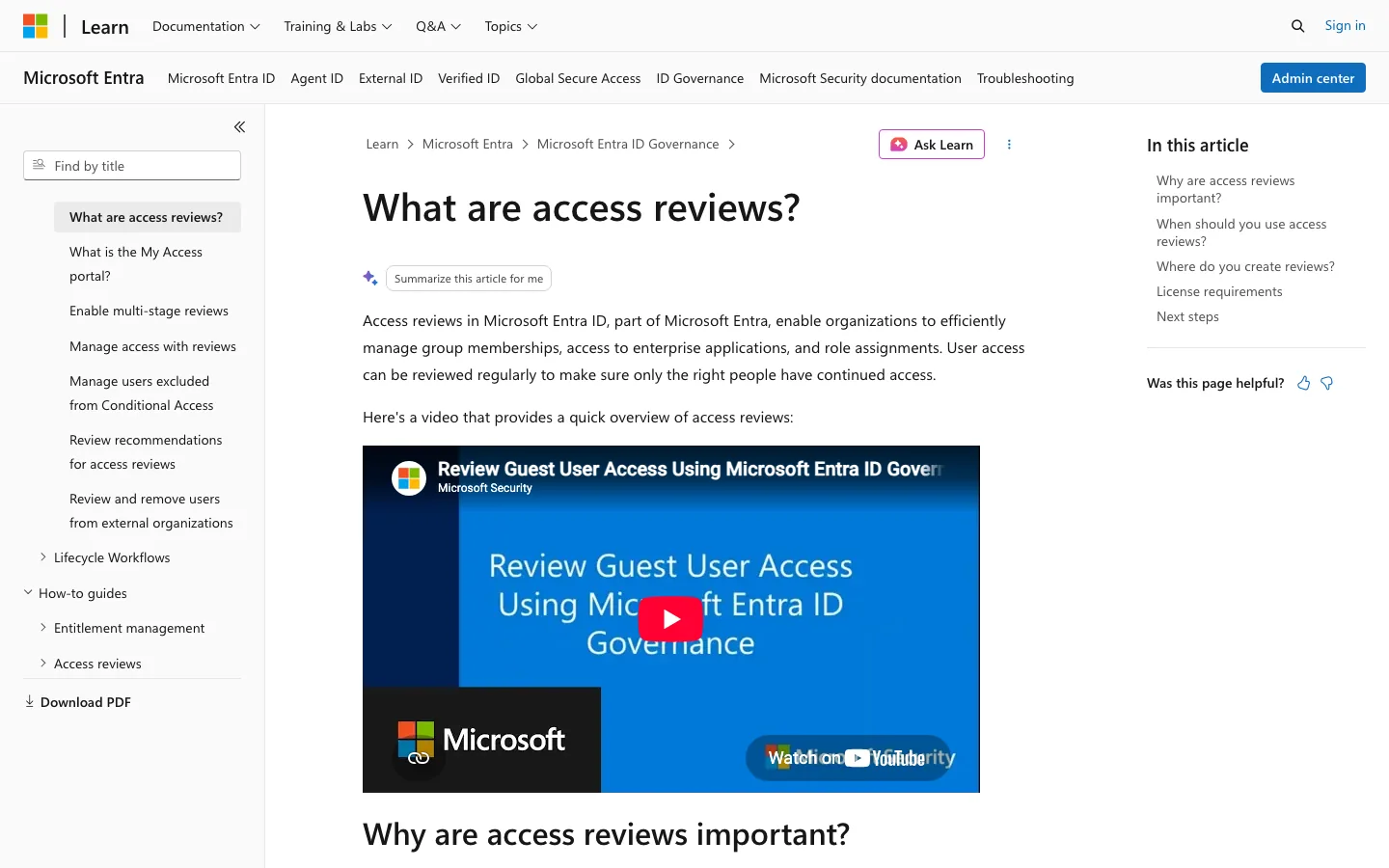
Entra suits Microsoft-first organizations, and the first thing to check is licensing, because it decides whether you already own the feature. Access reviews need Microsoft Entra ID Governance or Entra Suite licenses, with some capabilities on Entra ID P2 (Microsoft Learn). Each review covers one group or one app integrated with Entra, so picking five groups creates five separate reviews.
Reviewers can be group owners, named users or groups, the users themselves, or their managers, with a fallback reviewer for anyone missing a manager and multi-stage reviews for a second pass. When a reviewer denies access, applying the results, by hand or automatically at the end of the review, removes the group membership or app assignment in Entra. Applying has no effect on groups that originate on-premises. Results download as a UTF-8 CSV file.
Apps that Entra doesn’t manage are the weak spot in its review coverage. A catalog review can take up to 10 uploaded CSVs of access data for apps that aren’t integrated, but it’s in preview, runs as a single stage with managers as reviewers, and removal afterward needs a Logic App you build or a manual change. Provisioning needs a gallery connector or a SCIM endpoint (SCIM is the standard protocol for syncing user accounts), and Account Discovery only finds unmanaged accounts inside apps already connected, so shadow apps stay out of view.
Pros:
- Denied group memberships and app assignments removed in Entra on apply
- Fallback reviewers and multi-stage reviews
- Results export as CSV
Cons:
- Reviews need ID Governance or Entra Suite
- One review per group or app
- Apps outside Entra limited to a preview CSV review with managers only
Microsoft lists Entra ID Governance at $7.00 per user/month standalone for P1 and P2 customers, and Entra Suite at $12.00, both paid yearly.
Source: Microsoft Learn and the Microsoft Entra pricing page, checked October 2026.
Okta Identity Governance
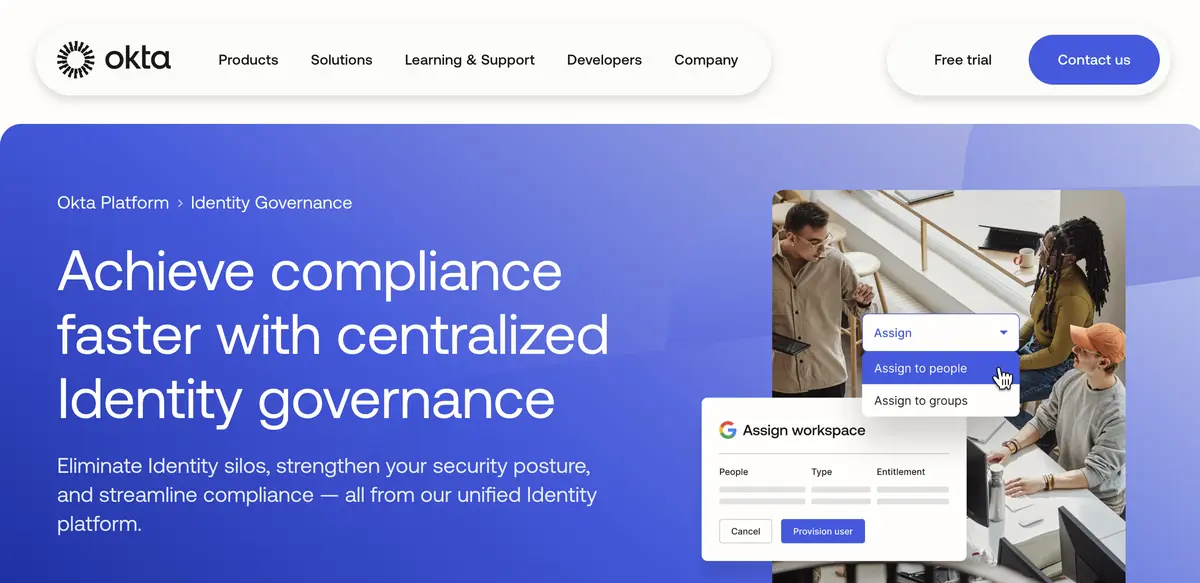
Okta Identity Governance bundles Access Governance, Lifecycle Management, and Workflows, and Okta’s pricing page puts Access Governance in the Essentials suite at $17 per user/month billed annually, with a $1,500 annual contract minimum. Okta’s own Businesses at Work 2026 report makes the case for automating the work: “As AI agents introduce continuous access changes, manual approvals have transformed from simple administrative tasks into major security risks.”
Resource campaigns in Okta can cover up to 250 apps, groups, or both and up to 100,000 review items, according to Okta Help, and identity campaigns review users instead. Reviewers can be a named user, the manager in the Okta profile, a group, the group or resource owner, or a custom Okta Expression Language rule, with fallback and multilevel reviews. Disconnected apps take a CSV entitlement import, but the app still has to exist in Okta first.
Okta revokes access automatically for direct assignments, and optionally for group-based ones as well. Okta’s remediation docs say access granted through group rules or app-sourced groups has to be remediated manually, and Okta Workflows can open a ServiceNow ticket for that removal. Per Okta Help, past campaign reports reach back three years and export with the columns you choose. Okta suits shops already standardized on it, and our list of Okta access review vendors covers reviewing Okta accounts themselves.
Pros:
- Five reviewer types, including expression-based rules
- Automatic revokes for direct assignments
Cons:
- Only apps that exist in Okta can be reviewed
- Group-rule and app-sourced access needs manual cleanup
C1 (formerly ConductorOne)
Among the review-first tools, C1 suits security-led, engineering-heavy teams, and the company formerly called ConductorOne now redirects conductorone.com to c1.ai, where it sells access reviews in its C1 Comply module. Its scoping options are the widest documented here. A campaign can target specific entitlements, whole apps, or custom selectors by risk level or a compliance framework such as SOX, or it can review SoD conflicts and access inherited across AWS, Azure, GCP, and Azure DevOps.
Review policies route each item to the manager from the IdP, an account, app, entitlement, or resource owner, a CEL expression (a rule in Common Expression Language), a webhook, or an AI agent step. Stale data gets caught early, since C1 docs say it flags a connector that hasn’t synced in more than two days, or a file source not updated in more than seven, before a campaign is staged.
Denied access can be revoked by hand from the campaign or automatically by a revocation follow-up step that uses the entitlement’s own deprovisioning method. That method can open a ticket in Jira, ServiceNow, Freshservice, Linear, or HaloITSM, which C1’s docs call “especially useful for apps that don’t have a connector capable of automatic deprovisioning” (C1 docs). Campaign reports download in Excel, with CSV exports of tasks and the submission log, and pricing isn’t public.
Pros:
- Scoping by entitlement, SoD conflict, or cloud inheritance
- Reviewer routing by IdP manager, owner, CEL, webhook, or AI agent
- Revocation tickets in five ITSM tools
- Stale-connector checks before a campaign starts
Cons:
- Revokes without a capable connector end as ITSM tickets
- Every app needs a connector or a file source before it can be reviewed
Lumos
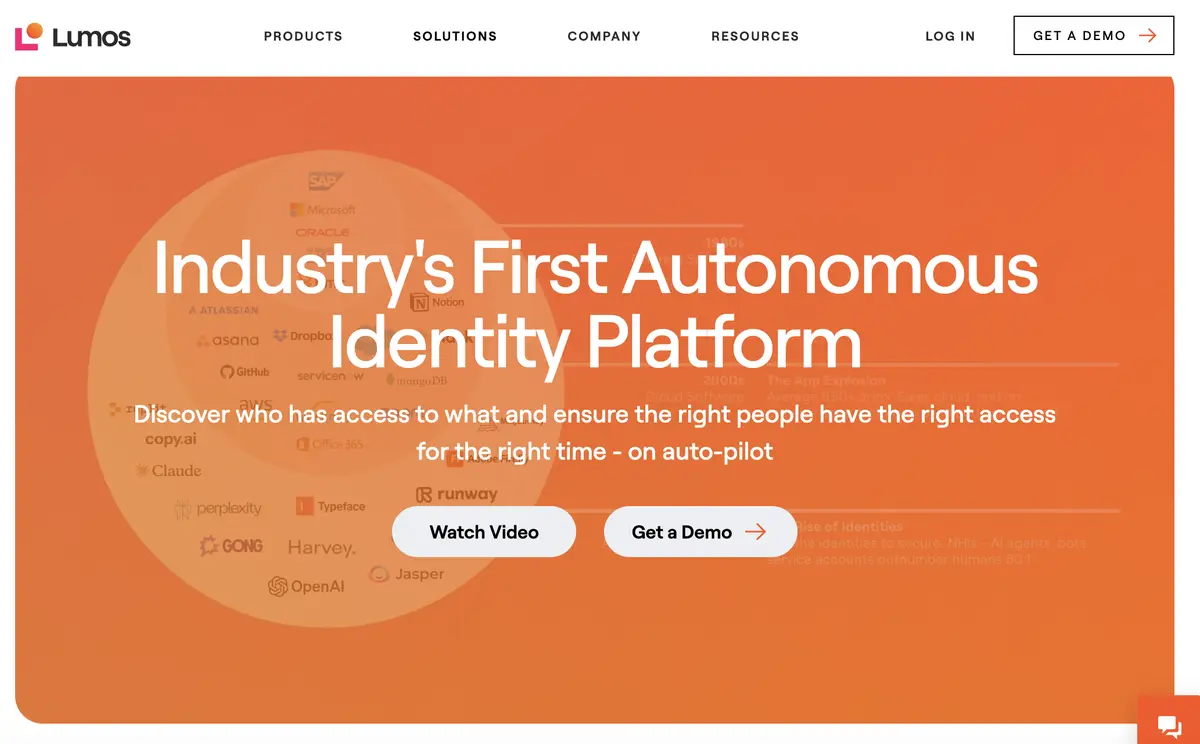
Lumos scopes each campaign to the apps, owners, and compliance frameworks it has to satisfy, reviewing at account or permission level across the IdP, HRIS, ITSM, SaaS, cloud, and on-prem systems. Its access reviews page lists 300+ integrations, and apps without a direct connection come in by CSV import with field mapping. Lumos makes no public claim to discover unsanctioned apps, so coverage is whatever you connect or import.
App owners or managers approve, deny, or delegate with one click, and delta reviews show only what changed since the last cycle. Albus, the Lumos AI agent, pre-decides routine decisions, and the Lumos access reviews page claims 7x faster review completion. Rejected access is auto-revoked where the integration supports it and otherwise goes out as an ITSM ticket or a manual task, and Lumos’s own blog tells buyers to confirm the route for each integration during setup.
Evidence comes as audit-ready reports for SOC 2, SOX, and ISO 27001, though Lumos doesn’t publicly state the file format. It fits teams that want reviews and access requests in one identity tool, though its navigation shows no spend, license, or renewal module and pricing isn’t published.
Pros:
- Delta reviews that show only what changed
- AI pre-decisions on routine reviews
- Account-level or permission-level campaigns
Cons:
- No public claim to discover apps it isn’t connected to
- Export format not stated publicly
Zluri
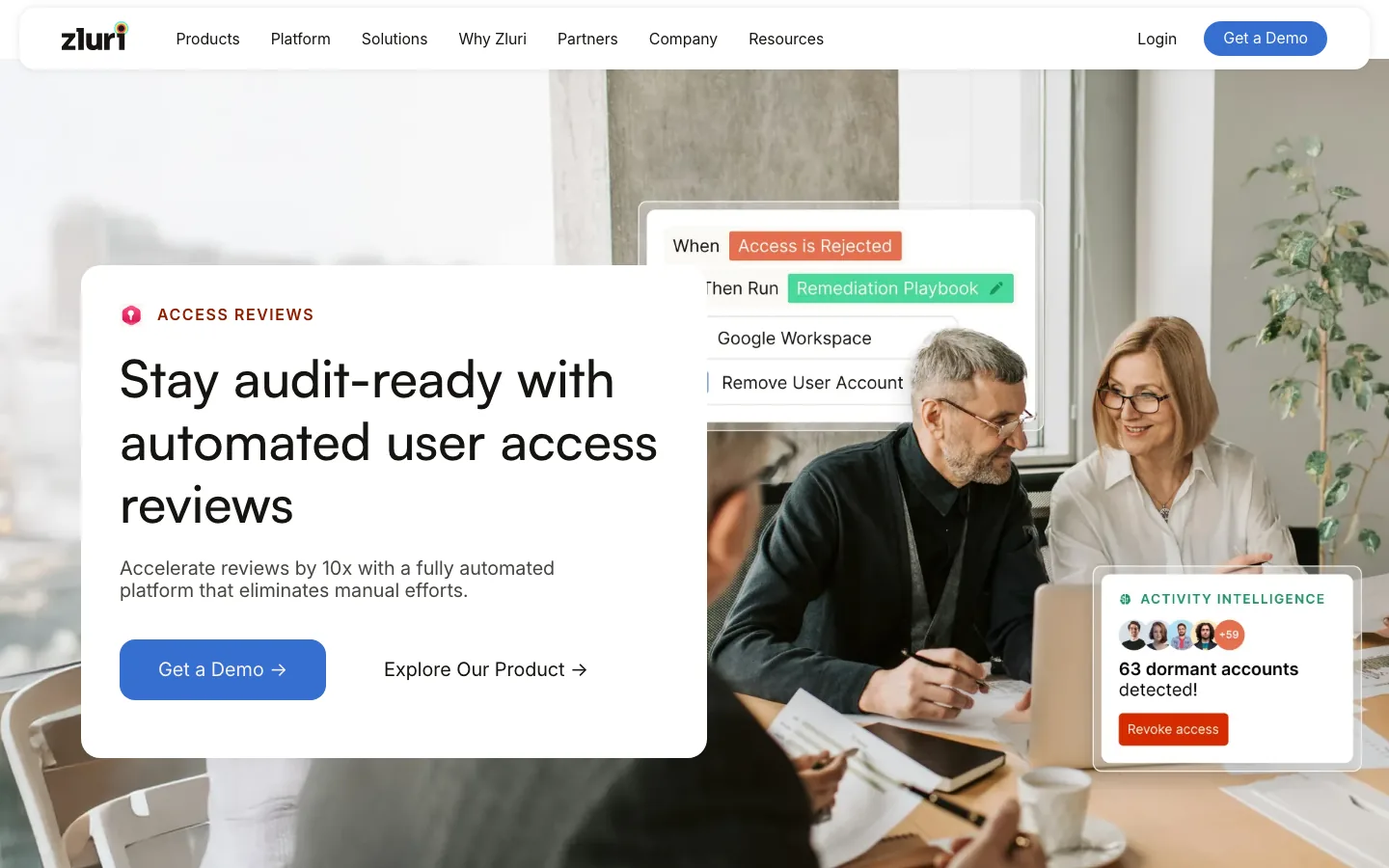
Zluri pairs its reviews with its own multi-signal SaaS discovery, which draws on the IdP and SSO, finance and expense systems, direct integrations, a browser extension, CASB, MDM, HRMS, and directories. Its SaaS management page claims 300+ direct API integrations. The homepage, though, now leads with identity security products, and access reviews are positioned for SOX, SOC 2, and ISO 27001.
A certification picks applications, groups, or users, and an app review can cover app users or Known Accounts, which include service, orphaned, and ownerless accounts. Data arrives through API integrations, SSO group mapping, SDKs, or CSV uploads, and reviewers are role-based (App Owner or Reporting Manager) or named people, with multi-level reviews.
Remediation depends on how each app is connected, according to Zluri’s help docs. Once a reviewer signs off, the certification owner triggers remediation, and Modify or Revoke decisions run playbooks that need a direct API integration to act automatically. Without one, the action becomes a manual task. Completed certifications produce non-editable PDF reports, and pricing goes through a demo. Zluri suits teams that want SaaS management and IGA from one vendor.
Pros:
- Its own SaaS discovery feeds the review scope
- Known Accounts reviews that cover service, orphaned, and ownerless accounts
Cons:
- Modify and Revoke act automatically only through a direct API integration, otherwise as a manual task
- Reports are non-editable PDFs
How to Choose User Access Review Software
Start the shortlist from the apps that have to be in scope, including third-party and vendor accounts. PCI DSS v4.0 Requirement 7.2.4 calls for reviewing all user accounts, vendor accounts included, at least once every six months (as reproduced on Microsoft Learn), and our guide to SOC 2 access reviews maps the SOC 2 side. Third parties are a growing share of the risk too, since SecurityWeek’s report on the Verizon 2026 DBIR puts third-party involvement at 48% of breaches after a 60% rise in a year.
With that list in hand, match the camp to where those apps live. IGA suites bring on-prem and ERP depth, the IdP add-ons work when every in-scope app already sits in Entra or Okta, and review-first or SaaS-first user access review tools fit when apps live outside SSO. In Torii, those non-SSO apps reach a campaign through discovery, and a demo can show an uploaded user file filling in the accounts for an app with no connector.
Then ask each vendor to deny a test grant during the demo and show you where that access ends up in your environment. Every vendor here that documents automatic revokes does them only through a working connector, and without one a deny becomes a ticket, a task, or automation you build yourself. Torii hands each rejection to a remediation owner.
| Tool | Scope | Reviewers | Revoke | Evidence |
|---|---|---|---|---|
| Torii | Discovered apps, integrated or not, with a user file for apps without a connector | Named people or the App Owner field, plus remediation owners | Remediation task, which the owner works by running an action in Torii or removing access manually | Shareable report |
| SailPoint | Connected and file sources, on-prem through the Virtual Appliance | Manager, individual, role, source, or account owner, governance group | Automatic on direct connect sources, otherwise a manual task | CSV or PDF reports |
| Saviynt | SaaS, on-prem, IaaS, ERP, CRM, and HR apps | User manager, app owner, entitlement owner, service account campaigns | "Closed-loop revocation," details behind a login | Exception documentation, control repository |
| Microsoft Entra ID Governance | One group or Entra-integrated app per review, CSV catalog in preview | Group owners, managers, self-review, named users, fallback | Removes Entra membership or assignment, Logic App or manual for CSV apps | UTF-8 CSV |
| Okta Identity Governance | Up to 250 apps or groups per campaign, CSV import if the app is in Okta | User, manager, group, owner, expression rule, fallback | Automatic for direct assignments, manual for group rules, ServiceNow via Workflows | Campaign reports from the last three years |
| C1 | Entitlements, SoD conflicts, cloud inheritance | IdP manager, owners, CEL, webhook, AI agent | Manual or a follow-up step, tickets in five ITSM tools | Excel report, CSV task and submission logs |
| Lumos | Apps, owners, and frameworks, CSV import for unconnected apps | App owners or managers, with delegation | Auto-revoke where supported, otherwise an ITSM ticket or task | Audit-ready reports, format not stated |
| Zluri | Apps, groups, or users, Known Accounts, CSV or SDK data | App Owner, Reporting Manager, named people, multi-level | Playbook through a direct API integration, otherwise a manual task | Non-editable PDF |
Source: each vendor's public docs and product pages, checked October 2026.
- Scope without a connector Which of our apps can enter a campaign with no integration
- Default reviewer Who gets the review when a manager or app owner is missing
- What a deny triggers Automatic removal, a ticket, or a task, app by app
- What the export contains Decisions, comments, and remediation status your auditor will ask for
- Which plan includes it Whether reviews sit in a base tier or a governance add-on
Frequently Asked Questions
No single tool wins for every estate. SailPoint and Saviynt suit estates with on-prem and ERP systems, Entra ID Governance and Okta Identity Governance fit when every app sits in the identity provider, C1 and Lumos are review-first tools for security teams, and Torii and Zluri suit apps outside SSO because both feed reviews from their own discovery.
Most vendors don't publish prices. SailPoint, Saviynt, C1, Lumos, and Zluri sell through a demo or quote, and Torii includes access reviews on its quote-based Enterprise plan. Okta lists Access Governance in its Essentials suite at $17 per user per month billed annually, with a $1,500 annual contract minimum.
Some can, with limits. Entra accepts up to 10 uploaded CSVs of access data in a preview catalog review, and Okta imports CSV entitlements only for apps that already exist in Okta. Torii brings apps in through discovery, including its browser extension, and an uploaded user file fills in accounts for apps with no connector.
Only where a connector can act. SailPoint and Lumos revoke automatically where the connector supports it, Okta only for direct assignments, and Zluri through a direct API integration once the certification owner triggers remediation. Other access ends as a manual task or ITSM ticket. Torii opens a remediation task per rejected user, worked by running actions in Torii or removing access manually.
Not on every plan. Microsoft Learn says access reviews need Microsoft Entra ID Governance or Entra Suite licenses, with some capabilities on Entra ID P2. Microsoft's pricing page lists Entra ID Governance at $7.00 per user per month standalone for P1 and P2 customers, and Entra Suite at $12.00, both paid yearly.
Auditors want each decision, who made it, and proof that rejected access was removed. Formats differ: SailPoint offers CSV or PDF campaign reports, Entra downloads a UTF-8 CSV, C1 exports Excel with CSV logs, and Zluri produces non-editable PDFs. Torii exports a shareable report of each completed review that admins and read-only users can download.