

How to Run GitHub Access Reviews: 6 Tools in 2026
 Chris Shuptrine
•
Sep 26, 2025
•
14 min read
Chris Shuptrine
•
Sep 26, 2025
•
14 min read

Compare six platforms for running GitHub access reviews in 2026, from SaaS governance tools to enterprise IGA solutions with automation.
Ask about this article
Opens Claude in a new tab to answer, using this article as the source.
GitHub repositories accumulate contributors faster than most teams realize. Between developers, contractors, open source collaborators, and service accounts, a single organization can end up with thousands of identities spread across hundreds of repositories. Running periodic access reviews confirms that only current team members retain appropriate permissions and that admin privileges stay limited to people who genuinely need them.
GitHub Enterprise seats cost $21 per user monthly. A single overlooked inactive account wastes $252 per year, and former employees with lingering repository access can still view proprietary code, API keys, and deployment credentials long after leaving the company.
GitHub access reviews get complicated because of how permissions get assigned in practice. Users added directly as repository contributors rather than through organization teams create a sprawling matrix of individual permissions that becomes painful to audit. Compliance frameworks like SOC 2 and ISO 27001 require demonstrating who has access, how that access was granted, and how it gets revoked when no longer needed. Native GitHub audit logs help, but they do not provide the workflow automation, manager attestations, and remediation actions that proper governance requires.
This guide covers six platforms worth evaluating for GitHub access reviews in 2026. Some integrate directly with GitHub Enterprise through SCIM provisioning or API connections to sync users and repository permissions. Others take a broader approach through identity providers and may require connector configuration for full visibility. Each section breaks down what the tool does well, where it falls short, and review ratings from G2 and Capterra.
★ = low · ★★ = medium · ★★★ = high
| Tool | Ease | Cost | AI Capabilities | Reviews |
|---|---|---|---|---|
| Torii | ★★★ | ★★ | ★★★ | ★★★ |
| Nudge Security | ★★★ | ★★ | ★★ | ★ |
| Zluri | ★★★ | ★★ | ★★ | ★ |
| Omada Identity | ★★ | ★ | ★★ | ★★ |
| MiniOrange | ★★ | ★★★ | ★ | ★★ |
| Ping Identity | ★★ | ★ | ★★★ | ★★ |
Table of Contents
Torii

Torii connects to GitHub Enterprise and GitHub Teams through native integrations that sync user accounts, license assignments, and organizational data. The platform pulls employee names, emails, titles, departments, and user status information to create a complete picture of who has GitHub access across your organization. For teams managing multiple development tools alongside GitHub, Torii can correlate access patterns across your entire SaaS stack to identify developers with excessive permissions or contractors who retained access after projects ended.
The access review workflow lets administrators initiate GitHub certifications directly from the Security dashboard. Reviewers see contextual data from HRMS systems and identity providers to help them decide whether each user should keep their access. Completed reviews lock for compliance documentation, and CSV exports give auditors the evidence they need for SOC 2 or ISO 27001 requirements. Torii also tracks license utilization to flag GitHub seats assigned to users who rarely commit code or access repositories.
One limitation to consider is that Torii focuses on user-level access rather than granular repository permissions. You can see who has a GitHub license and their general activity patterns, but mapping specific repository memberships requires additional steps. For organizations primarily concerned with license governance and compliance attestation, this works well. Teams needing deep visibility into individual repository contributor lists may want to supplement with GitHub’s native tools.
Pros:
- Direct GitHub Enterprise integration syncs users, licenses, and organizational data automatically
- AI-powered discovery identifies shadow access and orphaned accounts across your development toolchain
- Combined SaaS management and identity governance in one platform eliminates tool sprawl for DevOps teams
- Workflow automation handles GitHub provisioning and deprovisioning based on review outcomes
Cons:
- Enterprise pricing positions it above budget tools, though the combined SMP+IGA value often justifies the cost
- Cloud-only deployment means organizations requiring on-premise GitHub governance need alternative approaches
G2 Rating: 4.5/5 (302 reviews)
Capterra Rating: 4.9/5 (26 reviews)
Nudge Security
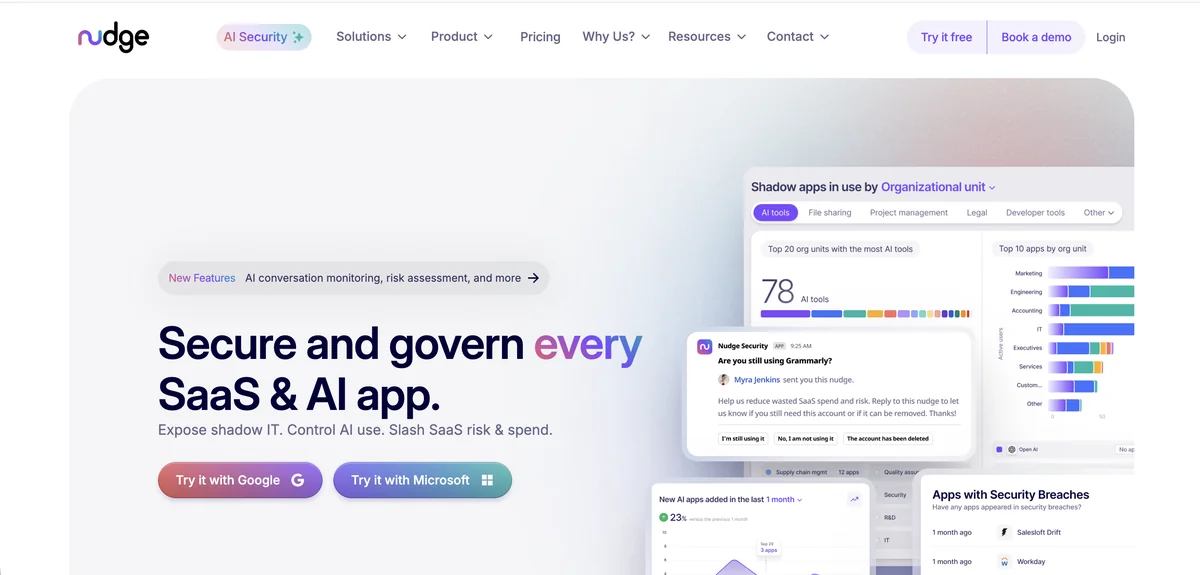
Nudge Security takes a different approach to GitHub access governance by focusing on complete visibility through email-based discovery. The platform monitors authentication emails, login notifications, and account creation messages to build a comprehensive inventory of every GitHub account in your organization. This includes sanctioned enterprise accounts, personal GitHub accounts employees use for work, and shadow repositories that never made it into official IT catalogs. For security teams worried about code living in unauthorized locations, Nudge Security surfaces risks that connector-based tools often miss.
The GitHub security posture management features go beyond basic access tracking. Nudge Security checks for misconfigurations, identifies overly permissive permissions including admin access, and flags dormant repositories with inactive contributor accounts. When running access reviews, the platform sends behavioral nudges via Slack or email prompting users to confirm whether they still need their GitHub access. This approach achieves higher compliance rates than traditional mandatory reviews because it meets developers where they work rather than forcing them into separate governance portals.
Third-party app integrations add another layer of complexity to GitHub governance workflows. Developers connect OAuth applications, CI/CD tools, and AI coding assistants to their repositories without always understanding the permission scope they grant. Nudge Security monitors these integrations and assesses their risk levels, making it easy to revoke problematic connections before they become security incidents.
Pros:
- Discovers shadow GitHub accounts and personal repositories used for work that other tools miss entirely
- Security posture checks identify misconfigurations and risky third-party integrations with GitHub
- Behavioral nudge approach achieves 83% compliance rates compared to 32% with mandatory reviews
Cons:
- Requires Google Workspace or Microsoft 365 for email-based discovery, limiting deployment options
- Cannot enforce mandatory access revocation since the platform relies on users responding to nudges
- Newer platform with limited public reviews makes vendor evaluation harder for procurement teams
G2 Rating: 5.0/5 (limited reviews)
Gartner Rating: 4.7/5 (22 reviews)
Zluri
Zluri provides dedicated GitHub access review automation that claims to make the process ten times faster than manual approaches. The platform integrates directly with GitHub through their connector ecosystem, pulling user data, permission levels, and activity information into a centralized dashboard. For organizations managing multiple GitHub instances across different business units or geographic locations, Zluri handles the complexity of reviewing access across all connected instances in unified campaigns.
The workflow for GitHub access reviews follows a structured, step-by-step approach. Administrators create certification campaigns selecting GitHub as the target application, designate primary and fallback reviewers, filter which users need review based on department or last activity date, and configure automated remediation actions. Reviewers can approve access, modify permission levels, or revoke access entirely. Unlike tools that simply flag issues and create tickets for manual follow-up, Zluri executes revocation actions in real-time through its API integration with GitHub.
AI-powered risk identification adds another layer of intelligence to the review process. The platform automatically flags orphaned accounts belonging to former employees, over-privileged users with admin access they do not need, and external collaborators who retained access beyond project completion. Real-time activity data helps reviewers distinguish between active contributors and dormant accounts that represent unnecessary risk.
Pros:
- Automated remediation actually revokes GitHub access in real-time rather than just creating tickets
- Multi-instance support handles organizations with GitHub deployments across multiple business units
- AI flags orphaned accounts, external collaborators, and over-privileged users automatically
Cons:
- Custom pricing model makes cost comparison difficult without engaging their sales process
- Workflow editor interface can be confusing for complex approval chains and escalation rules
- Discovery engine occasionally misidentifies applications, requiring manual correction of alerts
G2 Rating: 4.6/5 (175 reviews)
Capterra Rating: 4.9/5 (27 reviews)
Leaked API keys, deployment credentials, and access tokens in GitHub repositories continue to be one of the most costly yet preventable security threats facing enterprise development teams. Access reviews that identify and remove inactive accounts reduce the attack surface for credential theft.
Omada Identity

Omada Identity offers GitHub connectivity through their configurable connector framework rather than a pre-built native integration. The platform supports SCIM, REST, and other standard protocols that can be configured to sync with GitHub Enterprise environments. For organizations already using Omada for broader identity governance across their enterprise applications, adding GitHub as another managed system follows familiar patterns and leverages existing infrastructure investments.
The access certification capabilities apply to GitHub the same way they apply to other connected applications. Administrators schedule recurring review campaigns, assign certifiers based on organizational hierarchy or application ownership, and configure automated reminders for pending reviews. Omada supports up to nine layers of approval for organizations with complex governance requirements, along with auto-approval options for low-risk scenarios that do not require human review.
Compliance reporting stands out as a particular strength for GitHub governance in Omada. The platform provides more than 50 audit report templates covering frameworks like SOC 2, ISO 27001, and GDPR. Every access certification decision gets logged with timestamps and justifications, creating the audit trail that compliance teams need during assessments. The 12-week deployment guarantee also helps organizations that need to establish GitHub governance quickly for upcoming audits.
Pros:
- Comprehensive audit trail and 50+ compliance report templates satisfy rigorous regulatory requirements
- Supports complex approval workflows with up to nine certification layers for enterprise governance
- Guaranteed 12-week deployment helps organizations facing near-term compliance deadlines
Cons:
- GitHub connector requires configuration rather than working out-of-the-box like native integrations
- Cloud version pricing runs significantly higher than on-premise deployment for budget-conscious teams
- Re-certification performance can slow down with large-scale access reviews across many applications
- Report aesthetics look dated compared to modern SaaS governance platforms
G2 Rating: 4.5/5 (limited reviews)
Gartner Rating: 4.6/5 (211 reviews)
MiniOrange
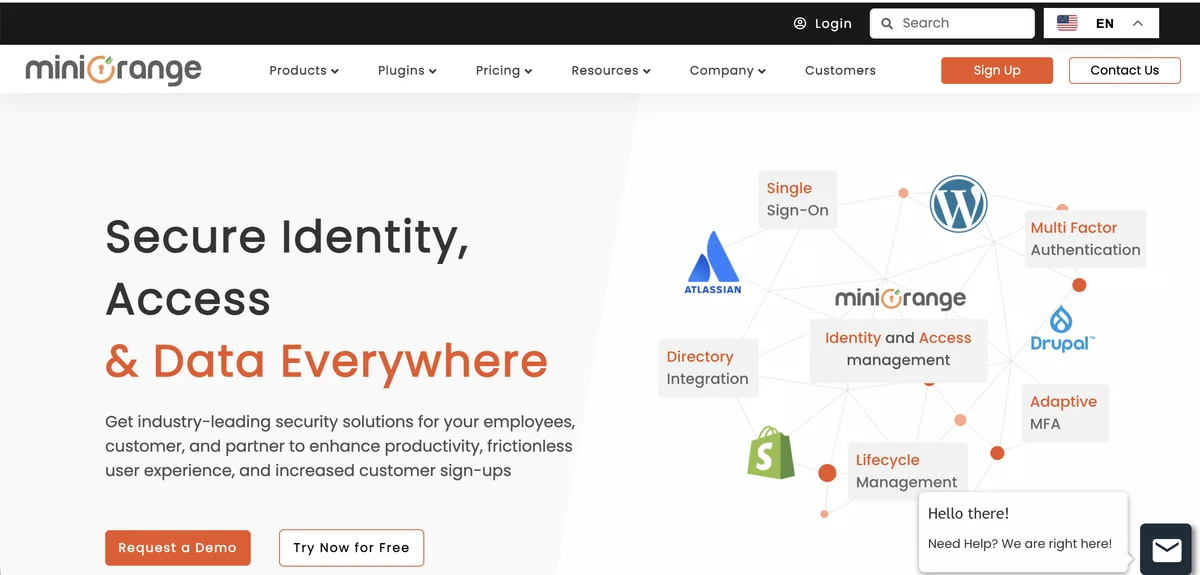
MiniOrange focuses primarily on authentication and SSO rather than comprehensive access reviews, but their GitHub Enterprise integration deserves consideration for organizations with simpler governance needs. The platform provides SAML 2.0 single sign-on for GitHub Enterprise Cloud, enabling centralized authentication through your existing identity provider. MiniOrange supports both IdP-initiated and SP-initiated SSO flows, along with just-in-time provisioning that automatically creates GitHub accounts when employees first authenticate.
The identity governance features center on user lifecycle management rather than periodic access certification. SCIM-based provisioning automates account creation when new developers join, updates permissions as roles change, and disables accounts immediately when employees leave. This lifecycle automation reduces the manual burden of managing GitHub access, though it does not replace the formal review workflows that compliance frameworks require.
For organizations primarily concerned with controlling how users authenticate to GitHub rather than running structured certification campaigns, MiniOrange offers good value at an accessible price point. The platform integrates with 6,000+ applications, so teams can standardize GitHub authentication alongside their other SaaS tools. Just understand that you will need to supplement with other solutions or manual processes if your compliance program requires documented access attestations.
Pros:
- Affordable pricing at $2-3 per user monthly makes GitHub SSO governance accessible for smaller teams
- Rapid deployment takes hours instead of months typical of enterprise identity platforms
- SCIM provisioning automates the full user lifecycle for GitHub accounts
Cons:
- Lacks native access certification workflows required for formal compliance attestation
- Primary governance automation requires Jira Service Management, adding tool dependencies
- Support quality varies significantly based on user reports, creating risk for critical deployments
- Limited AI and risk analytics compared to modern identity governance platforms
G2 Rating: 4.5/5 (264 reviews)
Capterra Rating: 4.5/5 (36 reviews)
Ping Identity
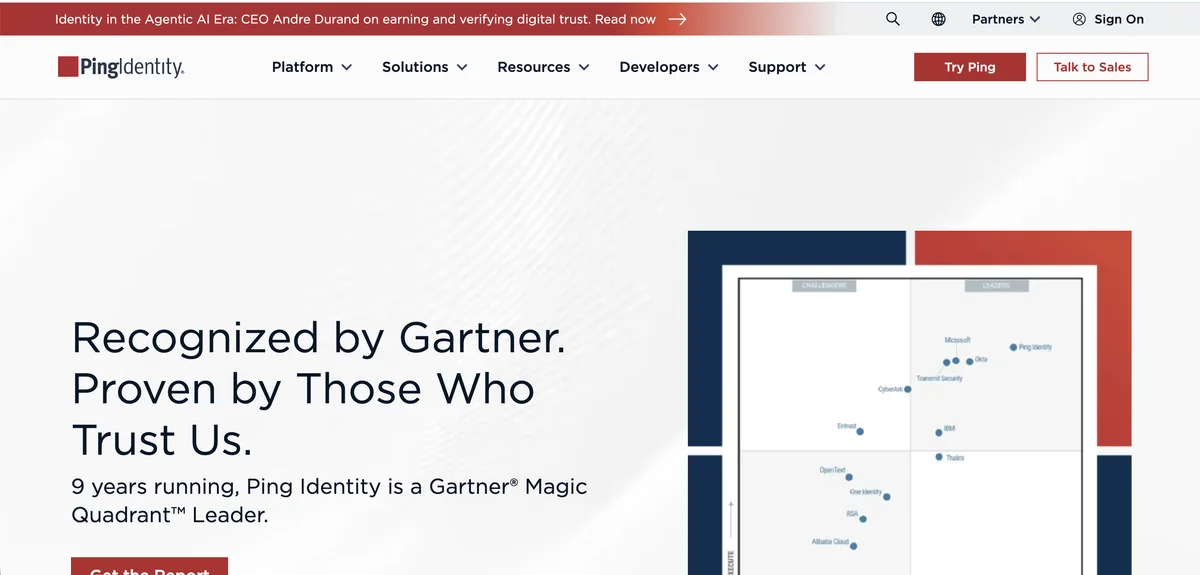
Ping Identity brings enterprise-grade identity governance to GitHub through their PingOne platform and dedicated provisioning connectors. The GitHub EMU provisioner supports GitHub Enterprise Managed Users with SCIM-based user and group synchronization, while PingFederate handles SAML SSO for organizations using traditional GitHub Enterprise. For large enterprises already invested in the Ping ecosystem, adding GitHub access governance extends existing workflows rather than introducing new tools.
The access certification capabilities in PingOne Identity Governance provide structured review workflows for GitHub and other connected applications. Administrators create certification campaigns from templates, assign reviewers, and track completion through dashboards that show pending reviews, overdue items, and compliance status. Ping Identity differentiates through AI-assisted decision making that provides recommendations to reviewers based on peer group comparisons and historical access patterns. This helps reviewers process large GitHub populations faster by surfacing accounts that deviate from normal patterns.
Autonomous Identity evaluates millions of permissions per minute to identify access blind spots across the enterprise. For GitHub governance specifically, this AI-driven analytics engine surfaces developers with unusual permission combinations, contractors retaining access beyond typical project timelines, and service accounts with broader scope than necessary. The risk categorization helps security teams prioritize which GitHub access requires immediate review.
Pros:
- AI-powered analytics evaluate millions of permissions to identify GitHub access anomalies at scale
- Dedicated GitHub EMU provisioner handles enterprise managed user environments natively
- Hybrid deployment flexibility supports organizations with strict data residency requirements
Cons:
- Complex initial setup requires significant IAM expertise and often external consulting
- Identity governance features require separate purchase from core PingOne platform
- Higher cost structure starting at $16,000+ annually positions it beyond smaller team budgets
- Documentation can be confusing when configuring GitHub-specific governance workflows
G2 Rating: 4.5/5 (264 reviews)
Capterra Rating: 4.7/5 (39 reviews)
How to Choose the Right Tool
Selecting a GitHub access review platform depends on your organization’s size, compliance requirements, and existing tool investments. Teams primarily concerned with shadow IT discovery and developer engagement should evaluate Nudge Security for its email-based detection and behavioral nudge approach. Organizations wanting automated remediation that actually revokes GitHub access will find Zluri’s real-time enforcement capabilities compelling.
If orphaned accounts and license waste are your main concerns, prioritize platforms with strong discovery and deprovisioning automation. If compliance attestation drives your requirements, focus on audit trail quality and report generation capabilities.
For enterprises with complex governance requirements spanning multiple applications beyond GitHub, Torii offers the advantage of combined SaaS management and identity governance in a single platform. The AI-powered discovery finds shadow access that developer teams created outside official channels, while the financial governance features help justify the investment through license optimization. Organizations seeking deep compliance reporting for regulated industries should consider Omada Identity for its 50+ audit report templates and comprehensive certification workflows.
Budget-conscious teams with simpler requirements might start with MiniOrange for SSO and lifecycle automation, supplementing with manual review processes until scale demands more sophisticated tooling. Large enterprises already committed to Ping Identity’s ecosystem can extend their existing investment to cover GitHub through the dedicated provisioning connectors and access certification features. The key is matching the platform’s strengths to your organization’s specific GitHub governance challenges rather than over-engineering a solution for problems you do not actually have.
Frequently Asked Questions
A: "GitHub access reviews prevent wasted Enterprise seats and lingering permissions that expose code, API keys, and deployment credentials. Regular reviews confirm only current team members retain appropriate roles and ensure admin privileges are limited to those who genuinely need them."
A: "Permissions get messy when users are added directly to repos, creating a sprawling matrix of individual rights. Compliance requires proving who had access, how it was granted, and how it was revoked. Native logs help but lack workflow automation and remediation."
A: "Choose based on your primary problem: shadow account discovery, automated remediation, or compliance attestations. Prioritize native GitHub integrations and SCIM if you need real-time enforcement, audit reporting for SOC 2/ISO, and budget alignment with pricing models."
A: "Torii syncs GitHub users, licenses, and org data to surface license waste and shadow access, and runs certification campaigns with HR context. It excels at license governance and deprovisioning automation but offers limited visibility into granular repository memberships."
A: "Nudge Security uses email-based discovery to find sanctioned and personal GitHub accounts, shadow repositories, and risky third-party integrations. It increases reviewer response with Slack and email nudges but requires Google Workspace or Microsoft 365 and cannot forcibly revoke access."
A: "Run discovery to inventory accounts and repo permissions, enable SCIM/SSO provisioning, schedule periodic certification campaigns, automate deprovisioning, enforce least-privilege roles, and use tools that support API-based remediation and audit exports for SOC 2 or ISO 27001 evidence."