

How to Run Google Workspace Access Reviews: 8 Tools in 2026
 Chris Shuptrine
•
Nov 27, 2025
•
16 min read
Chris Shuptrine
•
Nov 27, 2025
•
16 min read

Compare eight platforms for running Google Workspace access reviews in 2026, from SaaS governance tools to enterprise IGA solutions with automation.
Ask about this article
Opens Claude in a new tab to answer, using this article as the source.
Google Workspace accounts spread through organizations faster than IT teams can track them. Between Gmail, Drive, Calendar, and the dozens of other apps in the suite, each employee accumulates permissions that need periodic review. Running access reviews on Google Workspace confirms that only current employees have active accounts, that shared drives contain the right collaborators, and that admin privileges stay with people who actually need them.
Google Workspace Business Plus costs $18 per user monthly. A single overlooked inactive account wastes over $200 per year, and orphaned accounts with Drive access create data exposure risks that compound with each quarter you skip reviews.
The core challenge with Google Workspace access reviews comes down to context and visibility. The Admin Console shows who has accounts and their last login dates, but it does not tell you whether someone actually needs access to a particular shared drive or if their admin role still matches their job function. Third-party tools fill this gap by pulling data from Google Workspace APIs and layering on usage analytics, manager workflows, and compliance automation.
This guide covers eight platforms worth evaluating for Google Workspace access reviews in 2026. Some connect directly to Google Workspace through deep integrations that sync users, permissions, and activity data. Others work through identity providers like Okta or Azure AD and may miss granular Google-specific details. Each section breaks down what the tool does well, where it falls short, and review ratings from G2 and Capterra.
★ = low · ★★ = medium · ★★★ = high
| Tool | Ease | Cost | AI Capabilities | Reviews |
|---|---|---|---|---|
| Torii | ★★★ | ★★ | ★★★ | ★★★ |
| ConductorOne | ★★★ | ★★ | ★★★ | ★ |
| Veza | ★★ | ★ | ★★★ | ★★ |
| Lumos | ★★ | ★★ | ★★★ | ★★ |
| Okta | ★★★ | ★ | ★★ | ★★★ |
| SailPoint | ★ | ★ | ★★★ | ★★ |
| Oracle | ★ | ★ | ★★ | ★★ |
| Avatier | ★★ | ★★★ | ★★ | ★★ |
Table of Contents
- Torii
- ConductorOne
- Veza
- Lumos
- Okta Lifecycle Management
- SailPoint IdentityIQ
- Oracle Identity Governance
- Avatier
Torii
Torii connects to Google Workspace through a native integration that pulls comprehensive user data for access reviews. The platform syncs employee names, email addresses, job titles, departments, user status, last activity dates, license information, and license types directly from your Google Workspace instance. For organizations with Google Workspace Enterprise subscriptions, Torii also captures historical usage patterns to show how actively each person uses their account.
The access review workflow in Torii lets administrators launch certification campaigns specifically for Google Workspace from the Security dashboard. Reviewers see contextual data pulled from HRIS systems and the Google Workspace integration itself, so they can make informed decisions about whether someone should keep their access. The platform flags inactive accounts, highlights users whose job roles have changed, and surfaces orphaned accounts that belong to former employees. Each review decision gets logged with comments for compliance documentation.
Torii’s AI-powered discovery extends beyond what you see in Google Admin Console. The platform identifies shadow IT applications that employees have connected to Google Workspace through OAuth, showing which third-party tools have access to corporate Google accounts. This visibility matters for access reviews because revoking Google Workspace access without addressing connected applications leaves security gaps.
Pros:
- Native Google Workspace integration syncs users, licenses, activity data, and permission levels automatically
- AI-powered shadow IT discovery finds OAuth-connected apps that access Google Workspace data
- Combined SaaS management and identity governance eliminates the need for separate tools
- Workflow automation handles Google Workspace provisioning and deprovisioning based on review outcomes
Cons:
- Enterprise pricing may exceed budgets for smaller organizations with basic access review needs
- Cloud-only platform requires organizations to be comfortable with SaaS-based governance
G2 Rating: 4.5 out of 5 stars (302 reviews)
Capterra Rating: 4.9 out of 5 stars (26 reviews)
ConductorOne
ConductorOne takes an identity-first approach to Google Workspace access reviews through its Unified Identity Graph. The platform connects to Google Workspace alongside your other cloud applications to create a single source of truth for who has access to what. This cross-application visibility helps reviewers understand not just Google Workspace permissions, but how those permissions relate to access across your entire SaaS stack.
The platform’s AI agents handle routine certification decisions automatically, allowing human reviewers to focus on exceptions and high-risk access. For Google Workspace reviews, this means the AI can approve continued access for users whose access patterns match their peers while flagging accounts with unusual permission levels or inactive usage for human review. ConductorOne customers report completing access review campaigns in 24 hours compared to the weeks they previously spent on manual processes.
Where ConductorOne stands out is just-in-time access provisioning. Instead of granting permanent Google Workspace admin privileges, the platform can convert standing access into time-bound permissions that expire automatically. This approach reduces the scope of access reviews by eliminating the accumulation of unnecessary privileges over time.
Pros:
- AI agents automate routine access certification decisions to reduce reviewer fatigue
- Just-in-time access eliminates standing privileges that accumulate over time
- Fast implementation with average go-live in four weeks
Cons:
- Smaller connector library than some competitors may require custom development for niche applications
- Cannot modify permission levels during reviews, only approve or revoke entirely
- No public pricing requires sales engagement to evaluate costs
G2 Rating: 4.8 out of 5 stars (13 reviews)
Veza
Veza brings authorization graph technology to Google Workspace access reviews for deeper visibility. Rather than just showing that someone has a Google Workspace account, Veza maps the effective permissions each user holds across Gmail, Drive, Calendar, and other Google services. The platform translates complex Google Workspace permission structures into plain language operations like create, read, update, and delete, so reviewers understand exactly what access they are certifying.
The platform’s strength lies in discovering access relationships that other tools miss. Veza can show which users have access to sensitive shared drives, identify service accounts with elevated privileges, and surface OAuth applications that have been granted broad access to Google Workspace data. This depth of visibility helps security teams understand the real blast radius of any individual account.
For access reviews, Veza offers multiple campaign types including user-centric reviews that examine all of one person’s Google Workspace access and resource-centric reviews that examine everyone with access to a particular shared drive or Google group. The platform’s risk-based sorting helps reviewers prioritize by showing high-risk access first.
Pros:
- Authorization graph technology reveals effective permissions beyond assigned roles
- Discovers service accounts and OAuth applications with Google Workspace access
- Risk-based prioritization helps reviewers focus on highest-risk access first
Cons:
- Enterprise-focused pricing without transparent costs or free trial options
- ServiceNow acquisition in late 2024 creates uncertainty about future product direction
- Limited public reviews make it difficult to evaluate user satisfaction at scale
Capterra Rating: 5.0 out of 5 stars (1 review)
Gartner Rating: 4.9 out of 5 stars (29 reviews)
Lumos
Lumos positions itself as the autonomous identity platform, and its Albus AI agent demonstrates what that means for Google Workspace access reviews. The AI automatically approves or rejects access based on peer group analysis, comparing each user’s Google Workspace permissions against others with similar job functions. When the AI encounters access patterns that deviate from the norm, it flags those accounts for human review rather than making autonomous decisions.
The platform connects to Google Workspace to pull entitlement-level data showing not just who has accounts but what specific permissions they hold. Lumos integrates with Slack and Microsoft Teams so reviewers can approve or deny access directly from their workflow tools without switching to a separate interface. This embedded approach helps organizations achieve higher completion rates on access review campaigns.
Delta reviews represent another Lumos innovation for Google Workspace access reviews. Instead of reviewing every user’s access from scratch each quarter, delta reviews focus only on changes since the last certification cycle. This approach dramatically reduces reviewer burden while maintaining compliance requirements.
Pros:
- Albus AI agent completes reviews faster by automating routine certification decisions
- Delta reviews focus on changes since last cycle to reduce reviewer fatigue
- Native Slack and Teams integration enables one-click approve and deny actions
Cons:
- Learning curve takes longer than marketing materials suggest for complex deployments
- No live chat support makes resolving issues slower than expected
- SaaS and cloud focus creates gaps for organizations with significant on-premises systems
G2 Rating: 4.7 out of 5 stars (54 reviews)
Gartner Rating: 4.7 out of 5 stars (47 reviews)
Okta Lifecycle Management
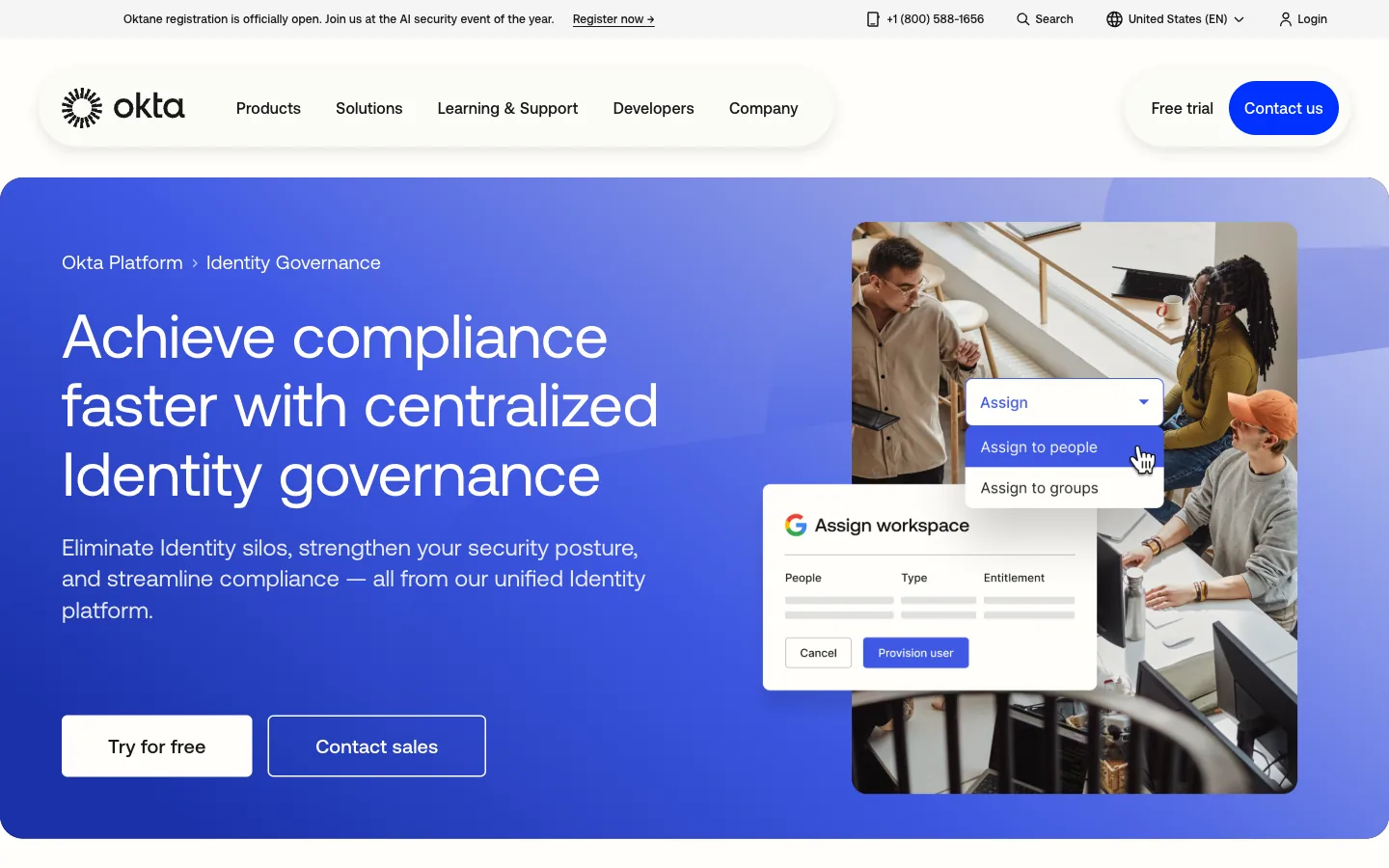
Okta’s Identity Governance module handles Google Workspace access reviews as part of its broader identity platform. Organizations already using Okta for SSO benefit from a unified view that shows Google Workspace alongside every other application employees access. The 7,000+ pre-built integrations in the Okta Integration Network include deep Google Workspace connectivity for user provisioning, deprovisioning, and access certification.
The platform offers preconfigured access certification campaigns that accelerate deployment for Google Workspace reviews. Administrators can launch campaigns covering all Google Workspace users or narrow the scope to specific groups, departments, or permission levels. Okta’s 2025 enhancements include AI-generated access summaries that help reviewers quickly understand the context of each user’s access during certification.
Okta’s strength is the unified platform experience. SSO, MFA, lifecycle management, and governance all work together, so access reviews can trigger automated deprovisioning when reviewers reject access. The no-code Workflows feature enables custom automation without developer involvement, letting IT teams create tailored review processes that match their organizational requirements.
Organizations typically have 80-100 SaaS applications. Platforms with broader connector libraries reduce the manual effort needed to set up access reviews across your full application portfolio, not just Google Workspace.
Pros:
- Unified platform combines SSO, MFA, lifecycle, and governance with 7,000+ integrations
- AI-generated access summaries help reviewers understand context quickly
- No-code Workflows enable custom automation without developer resources
Cons:
- Group-based provisioning limits granular permission management for complex access needs
- Identity Governance requires purchasing the full bundle rather than standalone access reviews
- Higher cost at scale compared to alternatives like Saviynt
G2 Rating: 4.5 out of 5 stars (1,257 reviews)
Capterra Rating: 4.7 out of 5 stars (914 reviews)
SailPoint IdentityIQ
SailPoint brings enterprise-grade IGA capabilities to Google Workspace access reviews for organizations with complex compliance requirements. The platform’s AI-based recommendations use peer group analysis to suggest which Google Workspace access rights to certify or revoke, appearing as thumbs-up or thumbs-down icons during reviews. This guidance helps prevent rubber-stamping by highlighting access that deviates from what similar users have.
The platform connects to Google Workspace through its connector ecosystem, pulling user data into certification campaigns alongside access from your other enterprise applications. SailPoint’s identity outliers feature flags Google Workspace users with unusual entitlements or anomalous access patterns, prioritizing them for review. The outlier risk score provides a consistent framework for understanding which accounts present the highest risk.
Segregation of duties controls set SailPoint apart for Google Workspace reviews in regulated industries. Organizations can create up to 500 SoD policies that prevent toxic permission combinations across Google Workspace and other systems. When a user’s Google Workspace access would violate these policies, SailPoint alerts reviewers and can automatically block the conflicting access.
Pros:
- AI-driven peer group analysis reduces certification fatigue and prevents rubber-stamping
- Comprehensive SoD controls with up to 500 policies for regulated industries
- Proven at Fortune 500 scale with 53% of Fortune 500 companies as customers
Cons:
- Premium pricing with average annual costs around $240,000 and $75,000+ entry point
- Implementation cycles of 6-12 months compared to weeks for cloud-native alternatives
- Steep learning curve requiring weeks of administrator training before system access
- Interface considered dated compared to modern SaaS alternatives
G2 Rating: 4.5 out of 5 stars (161 reviews)
Capterra Rating: 4.2 out of 5 stars (21 reviews)
Oracle Identity Governance
Oracle Identity Governance serves organizations with existing Oracle ecosystem investments who need Google Workspace access reviews integrated into their broader identity governance program. The platform offers multiple certification campaign types for Google Workspace, including user access reviews, event-based reviews triggered by job changes, and micro-certifications for targeted access verification.
Oracle’s Identity Role Intelligence uses machine learning to analyze Google Workspace access patterns and suggest optimized role definitions. The platform can identify common permission groupings across users and recommend consolidated roles that simplify future access reviews. Event-based micro-certifications represent a standout capability, automatically triggering Google Workspace reviews when employees change departments, locations, or job codes.
The platform integrates with Google Workspace through its third-party connector framework. While not as seamless as native Oracle application integration, the Google Workspace connector enables provisioning, deprovisioning, and access certification workflows. Oracle’s prescriptive analytics provide AI-equipped insights during reviews, suggesting which Google Workspace access to revoke based on usage patterns and peer comparisons.
Pros:
- Event-based micro-certifications trigger reviews automatically on job changes
- AI-powered role intelligence optimizes permission structures over time
- Enterprise-grade scalability handles large Google Workspace deployments
Cons:
- Complex implementation taking months compared to weeks for cloud-native tools
- Interface has not significantly evolved in five years and feels dated
- Poor technical support with users reporting difficulty getting solutions from Oracle
- High total cost of ownership starting at $3,600 per user or $180,000 per processor
G2 Rating: 3.8 out of 5 stars (71 reviews)
Capterra Rating: 4.4 out of 5 stars (7 reviews)
Avatier
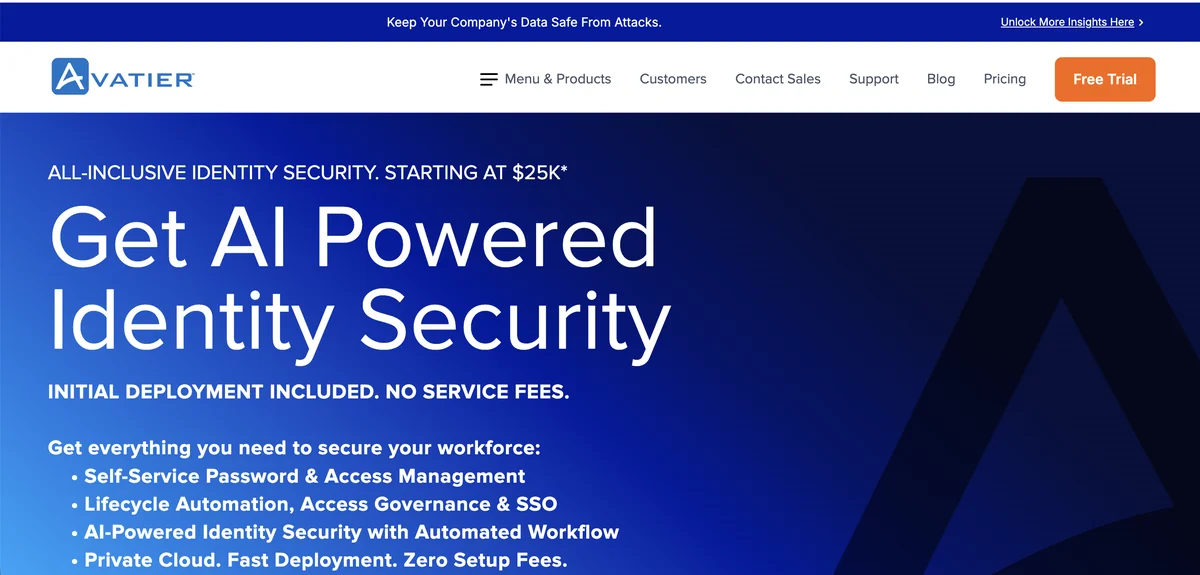
Avatier’s Identity Anywhere platform includes Google Workspace in its 90+ enterprise application connectors for access reviews. The platform’s containerized architecture enables deployment on any cloud, on-premises, or in hybrid environments, making it suitable for organizations with specific data residency or infrastructure requirements. Avatier connects to Google Workspace through its Google Apps connector to pull user data, group memberships, and permission information.
Delta access certification reduces reviewer burden for ongoing Google Workspace reviews. After the initial certification, subsequent reviews focus only on changes since the last audit rather than re-examining every user’s access. This approach cuts review time significantly while maintaining compliance requirements. The platform also offers multi-channel access for reviewers, enabling certification decisions from iOS, Android, Microsoft Teams, Slack, or SMS.
Avatier positions itself on deployment speed and total cost of ownership. Where SailPoint implementations typically take 12-18 months, Avatier deploys in 2-12 weeks with some implementations completing in as little as 14 days. The all-inclusive pricing model includes SSO, access governance, password management, and lifecycle automation without separate module fees.
Pros:
- Delta certification reviews only changes since last audit to reduce reviewer burden
- Rapid deployment in 2-12 weeks compared to months for enterprise IGA tools
- Multi-channel reviewer access through Teams, Slack, mobile apps, and SMS
Cons:
- Interface complexity overwhelms new users and requires phased rollout with training
- Limited out-of-box reporting customization compared to competitors
- Small market presence with 0.04% IAM market share means fewer community resources
- No analyst recognition in Gartner or Forrester reports complicates procurement approval
G2 Rating: 4.6 out of 5 stars (31 reviews)
TrustRadius Rating: 9.1 out of 10
How to Choose the Right Tool
Selecting a platform for Google Workspace access reviews depends on what you already have in place and what problems you need to solve. Organizations using Okta for SSO often find value in adding Okta Identity Governance for unified management. Enterprises with Oracle databases and applications may prefer Oracle Identity Governance for ecosystem consistency, despite its implementation complexity.
Before selecting a platform, assess your Google Workspace tier, existing identity provider, compliance requirements, SaaS application count, and whether you need combined SaaS spend management alongside access governance.
For organizations prioritizing time-to-value and modern interfaces, platforms like Torii, ConductorOne, and Lumos deploy in weeks rather than months. These tools suit mid-market companies and cloud-first enterprises that want access reviews running quickly without extensive professional services engagements.
Torii stands out for organizations that want Google Workspace access reviews combined with broader SaaS governance. The platform’s shadow IT discovery finds OAuth-connected applications that other tools miss, and its financial governance capabilities help optimize Google Workspace licensing alongside access management. For teams managing dozens of SaaS applications alongside Google Workspace, consolidating into one platform eliminates tool sprawl.
SailPoint and Oracle remain relevant for heavily regulated enterprises in financial services, healthcare, and government where complex segregation of duties controls and deep audit trails justify the implementation investment. These platforms handle compliance requirements that lighter tools cannot match, but they require dedicated IAM teams and significant budgets.
Frequently Asked Questions
A: Access reviews stop lingering accounts and reduce licensing and data exposure risk. With Google Workspace Business Plus at $18/user monthly, a single inactive account can waste over $200/year; orphaned Drive access multiplies exposure risk if reviews are skipped each quarter.
A: The Admin Console shows accounts and last login dates but lacks context about whether users need specific shared drive access or still require admin roles. It doesn't map effective permissions or connected OAuth apps, so reviewers can't see real blast radius or necessity.
A: Third-party tools pull Google Workspace API data and layer usage analytics, manager workflows, and compliance automation. They translate permissions into effective access, discover OAuth apps and service accounts, and provide review workflows with logging and automated provisioning or deprovisioning.
A: Prioritize native Google Workspace integration, authorization-level visibility, AI or risk prioritization, delta reviews, just-in-time admin access, broad connectors, and automation that ties certification outcomes to provisioning. Also weigh deployment speed, pricing transparency, and compliance features like SoD policies.
A: For quick time-to-value choose cloud-native tools like Torii, ConductorOne, or Lumos that deploy in weeks and include discovery, AI, and Slack/Teams approvals. For heavily regulated enterprises, pick SailPoint or Oracle for extensive SoD controls and audit trails despite longer implementations and higher costs.
A: Run full Google Workspace access reviews at least quarterly to limit license waste and compounding exposure; use delta or event-based micro-certifications between cycles for job changes. Automate deprovisioning when reviews revoke access to reduce manual cleanup.