

How to Run Adobe Enterprise Access Reviews: 8 Tools in 2026
 Chris Shuptrine
•
Feb 4, 2026
•
15 min read
Chris Shuptrine
•
Feb 4, 2026
•
15 min read

Compare eight identity governance platforms for Adobe Enterprise access reviews in 2026. Find tools for Creative Cloud compliance and license management.
Ask about this article
Opens Claude in a new tab to answer, using this article as the source.
Adobe Enterprise deployments grow more complex than most IT teams anticipate in 2026. What begins as a single Creative Cloud license pool for the design team expands into department-wide access across marketing, product, engineering documentation, and external contractors who all need varying permission levels for expensive seat licenses.
Adobe Enterprise environments contain some of the most expensive per-seat licenses in any SaaS portfolio, priced per user. Unlike commodity productivity tools, over-provisioned Adobe access directly impacts budget while creating compliance exposure when former employees or contractors retain access to brand assets, unreleased campaign materials, and proprietary design files.
Manual quarterly reviews through spreadsheets and email chains cannot keep pace with the constant churn of creative projects, agency partnerships, and contractor engagements that characterize modern enterprise design operations. A freelance designer receives temporary access for a product launch campaign and still has that access eight months later. Someone transfers from the brand team to a different department but keeps their full Creative Cloud entitlements because nobody updated their license assignment. IT teams struggle to provide auditors with clear evidence of who had access to specific Adobe applications during particular time periods.
Identity governance platforms connect to Adobe’s Admin Console APIs to provide continuous visibility into user permissions, automate certification campaigns, and generate the audit trails that SOC 2 and ISO 27001 auditors require. The eight platforms covered here take different approaches to Adobe Enterprise access governance. Some focus on comprehensive SaaS management with identity governance built in, while others specialize in enterprise-grade access certification with deep compliance controls. Your choice depends on whether Adobe governance fits within a broader SaaS visibility initiative or represents a focused compliance requirement for your creative operations.
★ = low · ★★ = medium · ★★★ = high
| Tool | Ease | Cost | AI Capabilities | Reviews |
|---|---|---|---|---|
| Torii | ★★★ | ★★ | ★★★ | ★★★ |
| ConductorOne | ★★★ | ★★ | ★★ | ★ |
| Lumos | ★★ | ★ | ★★★ | ★★ |
| Zluri | ★★ | ★★ | ★★ | ★★ |
| Okta | ★★ | ★ | ★★ | ★★★ |
| Oracle | ★ | ★ | ★★ | ★★ |
| Omada | ★★ | ★ | ★★ | ★★ |
| CloudEagle | ★★ | ★★ | ★★ | ★★ |
Table of Contents
- Torii
- ConductorOne
- Lumos
- Zluri
- Okta Lifecycle Management
- Oracle Identity Governance
- Omada Identity
- CloudEagle
Torii
Torii’s Adobe Enterprise integration connects to Adobe’s Admin Console and pulls each user’s role, status, and license assignments. No manual exports or spreadsheet reconciliation are needed to see who holds which Creative Cloud seat.
License data syncs on a schedule, so the seat list stays current without anyone pulling a report. When the HR system marks someone as departed, Torii can match that record against the Adobe user list and surface the account that should have been closed. Finance teams use the same seat counts during budget planning. Usage data for Adobe comes from Torii’s discovery sources, such as SSO and the browser extension, rather than from this connector.
Torii access reviews run as campaigns that can be scheduled for quarterly audit cycles. Reviewers get a notification, work through a guided review in Torii, and can add comments to explain a decision. Rejected access goes to an assigned remediation owner, and the finished campaign exports as a report for SOC 2 or ISO 27001 evidence.
Pros:
- Adobe Admin Console integration syncs user roles, status, and license assignments
- License tracking and access reviews live in one platform
- Workflow actions include Delete Adobe user and Remove Adobe user from product profiles, so a rejected review can trigger cleanup
- Review campaigns export as audit reports
Cons:
- Access reviews are available on the Enterprise plan only
- The Adobe connector doesn’t report last-used dates, so usage context depends on other discovery sources
- Cloud-focused platform may not address organizations with significant on-premise Adobe deployments
G2 Rating: 4.5 out of 5 stars (302 reviews) Capterra Rating: 4.9 out of 5 stars (26 reviews)
ConductorOne
ConductorOne approaches Adobe Enterprise governance through its unified identity graph, which centralizes all access data from cloud applications including Creative Cloud deployments. The platform’s AI-native architecture enables rapid deployment, with most organizations completing initial setup within four weeks rather than the months required by legacy IGA tools.
For Adobe environments specifically, ConductorOne excels at identifying high-risk access patterns that manual reviews typically miss. The platform flags users with administrative privileges they no longer need, contractors with lingering access after project completion, and employees who transferred departments but retained their original license assignments. Platform-native AI agents handle routine certifications automatically, allowing reviewers to focus on exceptions and genuinely questionable access grants rather than rubber-stamping obvious approvals.
The just-in-time access model proves particularly useful for Adobe deployments where contractors and agencies need temporary Creative Cloud access for specific projects. Rather than granting standing privileges that persist indefinitely, ConductorOne converts these into time-bound permissions that automatically expire when the project timeline ends.
Pros:
- Four-week average implementation delivers value faster than traditional IGA platforms
- AI agents automate routine access certifications, reducing reviewer burden significantly
- Just-in-time access model prevents contractors from retaining Adobe licenses beyond project timelines
Cons:
- Can only revoke access during reviews, not modify permission levels to downgrade licenses
- Requires technical expertise for advanced configurations using CLI and Terraform
- Limited presence on Capterra makes independent validation harder for some buyers
G2 Rating: 4.8 out of 5 stars (13 reviews)
Lumos
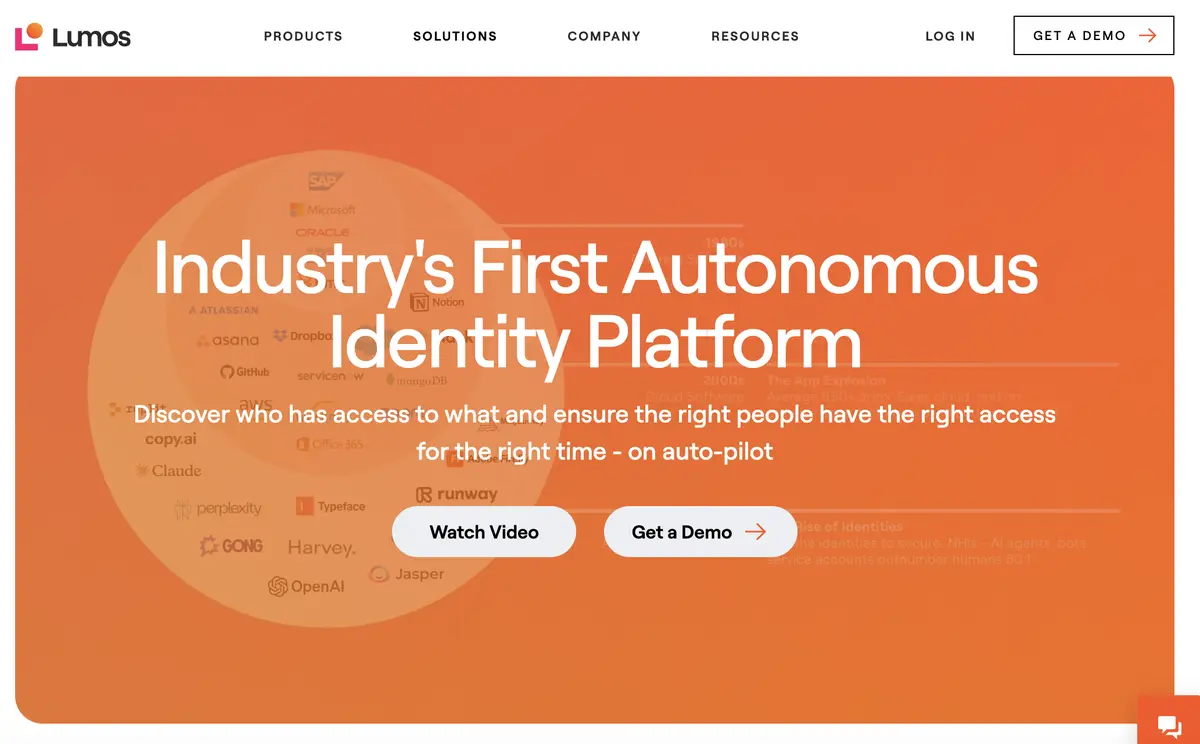
Lumos positions itself as an autonomous identity platform built around AI agents. Its Access Review Agent, the company says, “Runs your access reviews end to end. It certifies the safe access on its own and brings you only the items that need a human call.” (Lumos). The Albus AI agent analyzes peer group access patterns and usage anomalies to automatically approve or reject access requests, allowing human reviewers to oversee decisions rather than making every certification manually.
For Adobe Enterprise environments, this approach addresses a common pain point where managers responsible for creative teams face dozens or hundreds of access review requests during certification campaigns. Albus compares each user’s Adobe entitlements against similar roles in the organization, flagging cases where someone holds significantly more access than their peers while auto-approving obviously appropriate assignments.
The platform’s self-service app portal also streamlines Adobe license requests. Rather than submitting helpdesk tickets and waiting for IT approval, employees can request Creative Cloud access directly through Slack, with the request automatically routed to the appropriate approver based on department and license type.
Pros:
- Albus AI completes access reviews seven times faster than manual processes
- Self-service app portal reduces IT bottlenecks for Adobe license requests
- Delta reviews focus only on access changes since the last cycle, reducing certification fatigue
Cons:
- Steeper learning curve than marketing suggests, with teams spending weeks on initial configuration
- No live chat support makes complex issue resolution slower than competitors
- Premium pricing without transparent cost information requires sales engagement to evaluate
G2 Rating: 4.7 out of 5 stars (54 reviews)
Zluri
Zluri combines SaaS management with identity governance through a patented discovery engine that provides visibility beyond what identity providers alone can see. For Adobe deployments, this means discovering not just SSO-managed accounts but also local accounts, external collaborators, and service accounts that bypass standard authentication flows.
The platform’s approach to Adobe access reviews emphasizes real-time activity intelligence alongside permission data. Reviewers see not just who has Creative Cloud access but who actually uses it, with customizable inactivity thresholds that flag dormant accounts. This context helps managers make informed decisions about whether to revoke, downgrade, or retain specific license assignments rather than blindly approving everything.
Closed-loop remediation means decisions translate into automatic deprovisioning without requiring separate manual steps across multiple systems. When a reviewer revokes Adobe access, Zluri executes that change through API integration rather than generating a ticket for IT to process later.
Pros:
- Patented nine-method discovery engine finds Adobe accounts that bypass SSO
- Activity intelligence shows actual usage alongside permission data for informed decisions
- One-click remediation eliminates manual deprovisioning steps after reviews complete
Cons:
- Workflow editor navigation can be confusing for complex multi-step processes
- Discovery engine occasionally misidentifies applications, causing unnecessary alerts
- Platform is relatively newer, with some features still maturing
G2 Rating: 4.6 out of 5 stars (175 reviews) Capterra Rating: 4.9 out of 5 stars (27 reviews)
Okta Lifecycle Management
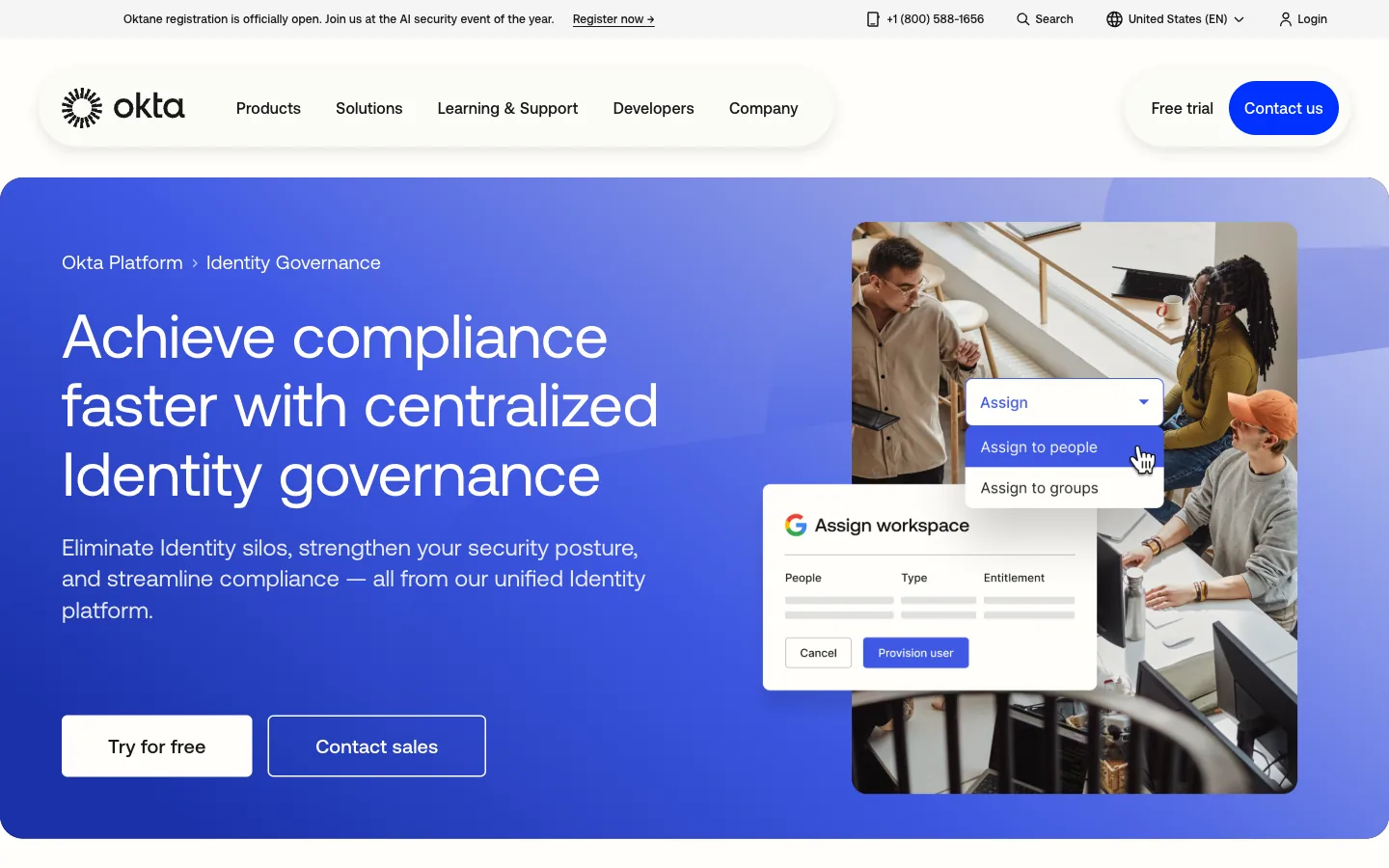
Okta Identity Governance extends Okta’s identity platform with access certification. Per Okta’s product page, “Managers receive automated notifications to review and confirm the permissions of their team members.” (Okta Identity Governance). Organizations already using Okta for single sign-on and multi-factor authentication can add governance features without introducing another vendor into their identity stack.
For Adobe Enterprise specifically, Okta uses its integration library to bring Creative Cloud permissions into broader access governance. The Okta Integration Network lists more than 8,000 pre-built integrations, and the governance product page cites more than 600 native integrations. That reach means Adobe deployments integrate alongside hundreds of other applications in unified certification campaigns rather than requiring separate review processes.
New AI-generated access summaries help reviewers understand context quickly during investigations. Instead of wading through raw permission data, managers see plain-language explanations of what each user can access and why their access might warrant attention.
Pros:
- Unified platform combines SSO, MFA, lifecycle management, and governance in one vendor
- Integration library of more than 8,000 pre-built connections simplifies multi-application reviews
- AI-generated access summaries provide context for faster reviewer decisions
- Fast deployment compared to legacy IGA tools, with organizations going live in days rather than months
Cons:
- Group-based provisioning limits granular permission control for complex Adobe role structures
- Identity governance requires purchasing the complete OIG bundle rather than standalone certification
- Cannot discover local accounts that bypass SSO authentication
G2 Rating: 4.5 out of 5 stars (1,257 reviews) Capterra Rating: 4.7 out of 5 stars (914 reviews)
Oracle Identity Governance
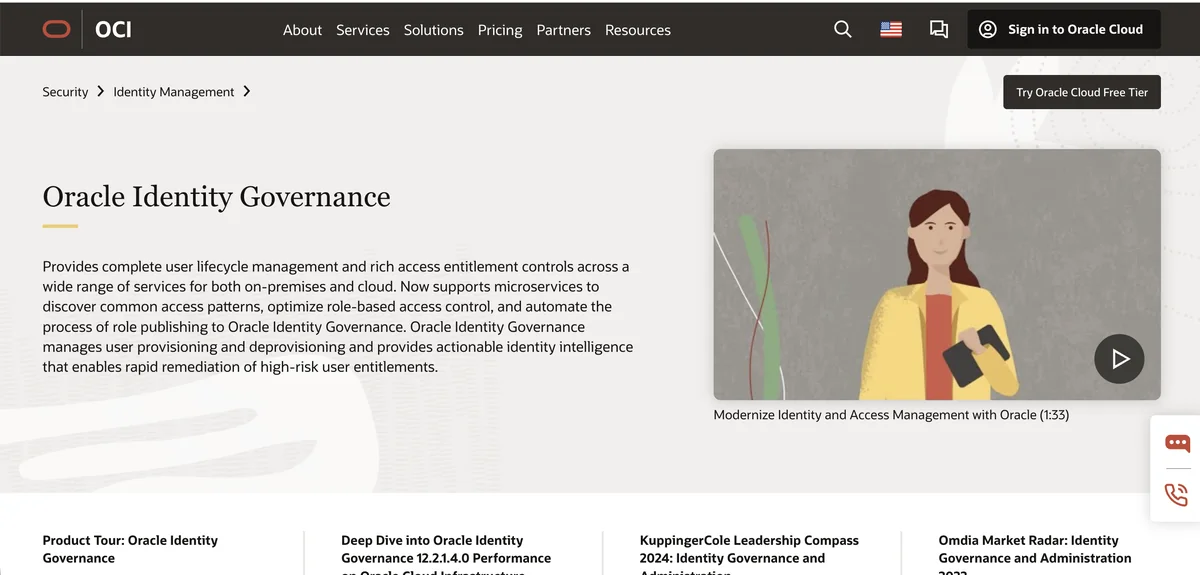
Oracle Identity Governance serves organizations with complex, heavily regulated environments where customization matters more than rapid deployment. Oracle’s own pitch is to “Accelerate compliance processes with customizable certification campaigns based on user, role, application, or entitlement.” (Oracle). The platform integrates deeply across the Oracle ecosystem.
For Adobe Enterprise access reviews, Oracle offers event-based micro-certifications that trigger automatically when employees change roles, transfer departments, or hit other defined milestones. Rather than waiting for quarterly certification campaigns, these continuous reviews catch inappropriate access closer to when it occurs. AI-powered prescriptive analytics provide recommendations during certifications, comparing users against peer groups and flagging outliers.
The platform’s Oracle Identity Role Intelligence feature uses machine learning to identify common access patterns and suggest optimal role structures. This capability helps organizations managing large Adobe deployments define standardized creative team roles rather than managing permissions user by user.
Pros:
- Event-based micro-certifications trigger real-time reviews on job changes rather than waiting for quarterly campaigns
- AI-powered role intelligence automates role discovery and optimization for large deployments
- Extensive customization adapts to unique governance requirements and institutional complexity
Cons:
- Complex implementation takes months versus weeks for cloud-native alternatives
- Dated user interface has not significantly evolved in recent years
- High total cost of ownership with processor-based licensing starting at $180,000
- Technical support quality receives consistently lower ratings than competitors
G2 Rating: 3.8 out of 5 stars (71 reviews) Capterra Rating: 4.4 out of 5 stars (7 reviews)
Omada Identity
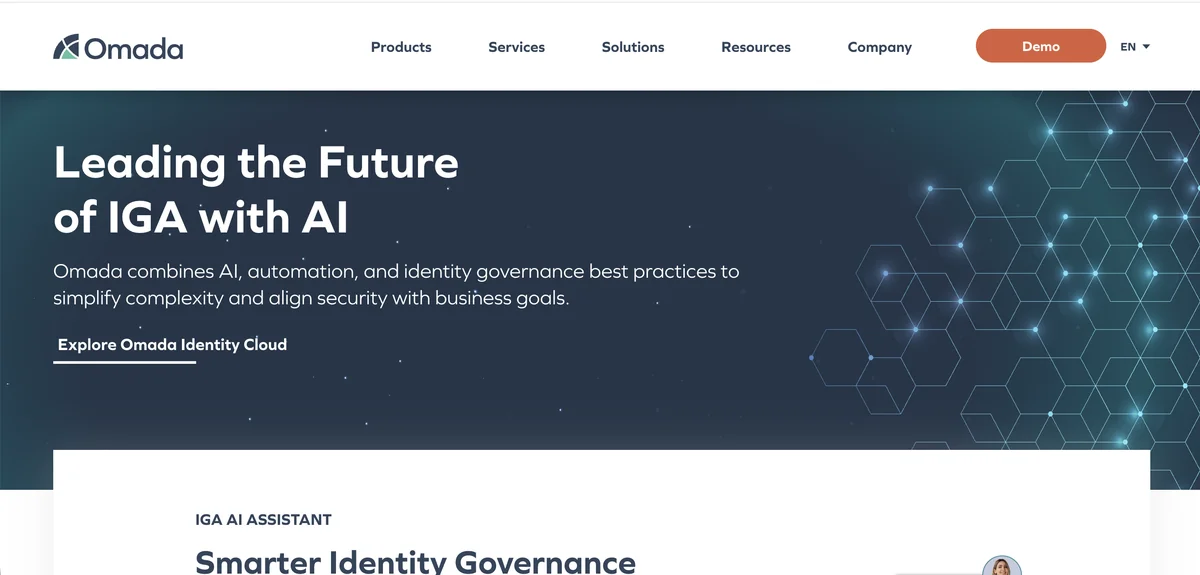
Omada positions itself as a governance-focused IGA platform built for fast deployment. Its site advertises a modern IGA solution that can be deployed in 12 weeks, aimed at the common problem where traditional IGA projects drag on for six months to a year before delivering value.
For Adobe environments, Omada’s strength lies in automated certification campaigns that run across multiple systems simultaneously. Creative teams using Adobe alongside Microsoft 365, design collaboration tools, and project management platforms can consolidate all access reviews into unified campaigns rather than managing separate processes for each application.
The platform’s AI assistant, Javi, enables entitlement owners to launch access reviews directly from Microsoft Teams. When a design manager notices questionable Adobe access, they can initiate a targeted review through conversational commands without navigating complex governance portals.
Pros:
- Advertised 12-week deployment is faster than many legacy IGA rollouts
- Javi AI assistant enables conversational access reviews directly within Microsoft Teams
- Comprehensive compliance templates cover 50 regulatory frameworks including SOC 2, ISO 27001, and SOX
Cons:
- Large-scale re-certification campaigns can experience performance issues
- Cloud version pricing significantly higher than on-premise deployment option
- Report aesthetics appear dated despite functional completeness
G2 Rating: 4.5 out of 5 stars Gartner Peer Insights: 4.6 out of 5 stars (211 reviews)
Omada has pre-built connectors for Adobe alongside extensive Microsoft ecosystem support. Organizations running Adobe Creative Cloud alongside Azure AD and Office 365 may find particularly smooth integration given Omada's strength in Microsoft environments.
CloudEagle
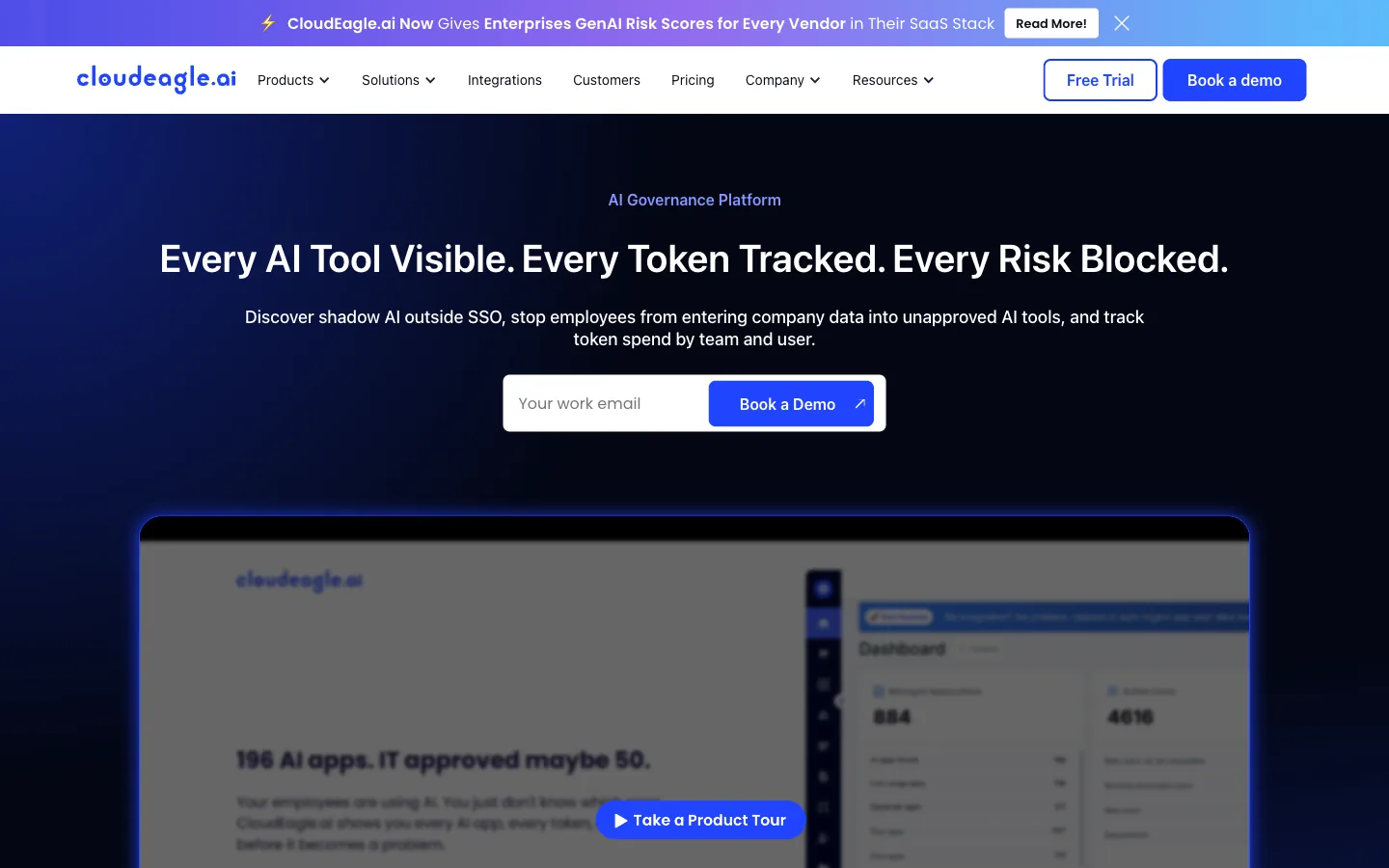
CloudEagle approaches Adobe governance from a unified SaaS management perspective, combining access reviews with spend optimization and procurement capabilities. The platform’s modular pricing allows organizations to purchase governance capabilities separately or bundle them with license management and vendor negotiation services.
For Adobe Enterprise specifically, CloudEagle builds its inventory through 500+ direct integrations across SSO, finance, HRIS, and contract data. The platform auto-collects user and access data from Adobe Admin Console alongside SSO providers, HRIS systems, and finance applications to build a complete picture of who has Creative Cloud access and whether they actually use it.
The Slack-native workflow proves particularly valuable for creative teams where managers may not regularly access governance portals. Access review requests appear directly in Slack, where reviewers can approve, revoke, or delegate with single clicks rather than context-switching to separate applications.
Pros:
- 500 direct integrations provide comprehensive visibility across SaaS portfolios including Adobe
- Slack-native workflows enable access reviews without leaving the collaboration platform
- Savings guarantee refunds fees if the platform cannot deliver cost reductions on software spend
Cons:
- Steep learning curve for organizations implementing multiple modules simultaneously
- No API access limits custom development and external data extraction
- English-only interface may create challenges for global organizations
G2 Rating: 4.7 out of 5 stars (150 reviews) Gartner Peer Insights: 4.6 out of 5 stars (53 reviews)
How to Choose the Right Platform
Selecting an Adobe Enterprise access review platform depends on your organization’s broader governance needs and existing technology investments. Each option presented here takes a different approach, and the right choice varies based on your specific situation.
Consider how Adobe fits within your broader SaaS portfolio, whether you need combined spend management alongside governance, your compliance framework requirements, existing identity provider investments, and timeline expectations for initial deployment.
Organizations that want SaaS management and identity governance in one place can look at Torii or CloudEagle, which both pair license visibility with access reviews. Torii also discovers apps outside SSO through its browser extension, which helps when Adobe accounts were created outside official provisioning.
For companies with heavy compliance requirements and complex governance needs, platforms like Omada, Oracle, and Okta offer deep certification capabilities with extensive audit trail documentation. These enterprise-grade options support sophisticated role structures and multi-level approval workflows that simpler tools cannot match.
Teams prioritizing rapid deployment and AI-driven automation may prefer ConductorOne or Lumos, both of which emphasize speed to value through modern architectures and intelligent automation of routine certification tasks.
Ultimately, the best platform is the one your organization will actually use consistently. The most sophisticated governance capabilities provide no value if reviewers avoid the system due to complexity or friction. Consider scheduling demonstrations with two or three vendors that match your requirements, and involve actual reviewers and administrators in the evaluation process rather than making the decision solely based on feature comparisons.
Related reading:
Frequently Asked Questions
A: "They use Adobe Admin Console APIs to import users, license assignments, entitlements and assignment histories, providing continuous visibility. Integrations enable automated provisioning, deprovisioning, certification campaigns, anomaly detection, and audit-ready logs to satisfy compliance and license reclamation workflows."
A: "Adopt time-bound, just-in-time permissions, and automated certification campaigns. Require approvals tied to project dates, enforce automatic expiration, and integrate deprovisioning with HR and Adobe APIs so contractor accounts are revoked when contracts or project timelines end."
A: "Assess integration depth with Adobe Admin Console, deployment speed, audit and reporting features, AI-driven anomaly detection, spend management, role and permission granularity, and user adoption friction. Match platform scope—SaaS management versus focused IGA—to your governance and finance priorities."
A: "They produce timestamped, audit-ready evidence packages showing who had specific Adobe entitlements during selected date ranges. Continuous monitoring, certification records, and API-driven logs simplify SOC 2 and ISO 27001 audits by proving access reviews and remediation actions."
A: "Yes. Unified SaaS management platforms correlate license assignments with activity to identify unused seats, reclaim licenses, and optimize procurement. Some vendors bundle spend-management, vendor negotiation, or savings guarantees to reduce Adobe costs alongside access governance."
A: "Deployment varies: cloud-native tools often go live in days to a few weeks; modern IGA platforms typically take four to twelve weeks; legacy or heavily customized enterprise solutions can require several months. Timeline depends on integrations, data cleanup, and custom workflows."